“this” dolphin core is made for muOS. This forum is the muOS forum. The TSPS is not currently supported by muOS as I explained above. For support with this device you’ll need to contact a firmware that currently supports it, such as trimui. Thanks
Hello ! I have a question about the unofficial build of Dolphin for muos : was there special options used to build it so that inputs are recognized ?
I can build a version that launches well, but I can’t get any input to work
If I try with the original emulator this homebrew (https://www.gc-forever.com/forums/viewtopic.php?t=2305) I can see the inputs, but when I replace the original binary with a local build, I can’t get anything recognized.
Hi, is there any available source for this? I would like to take it and see if I can make any tweaks and optimise it any further! I’m determined to take this somewhere!
What’s the hotkey for exiting the game? The hotkey mentioned on this topic does not work and I have to resort to force shutdown or restart using L2+R2+Start or L2+R2+Select hotkeys.
For anyone who wants to give it a try, I’ve been working on optimizing the core. I tested a few games like Scaler and IT SEEMS to run a bit better. Let me know what you guys think. LINK v10
SIDE NOTE: I highly recommend using PAL ROMs if possible. They target 50 FPS natively instead of 60, which makes a huge difference for overall performance.
EDIT: v10.5.124 this one should be slightly better…maybe. i’m trying to write specific sets per games. Mario Strikers is absolutely playable
I’ve made a github repo including all the previous versions of the little dolphin and also with a new interactive website to update the compatibility list .
There’s also a new version of the core, just some minor fixes. There you go: v10.5.300
EDIT: added interactive compatibility list for game cube and wii games, anyone who wants to share their test results can open a new issue using the specific template (gc or wii).
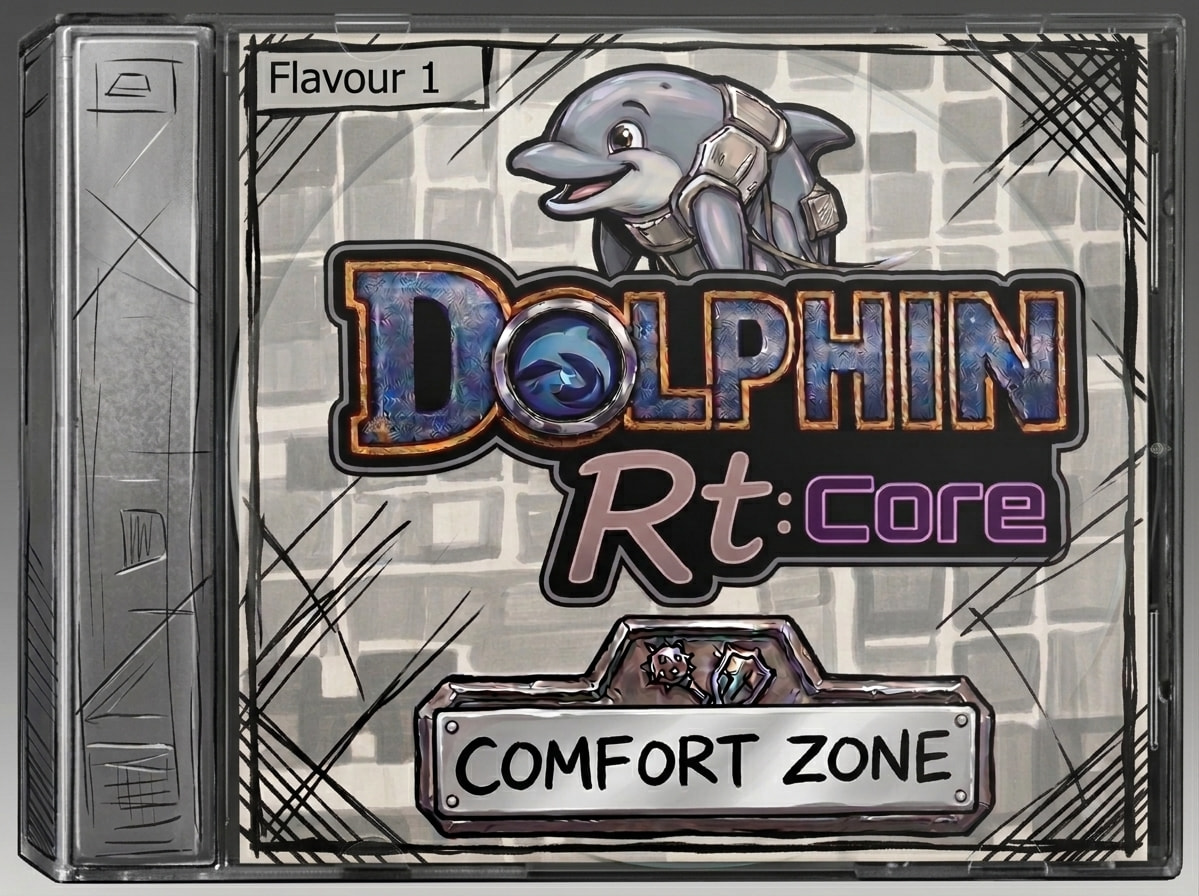
Hi everyone !!! In case you missed it / are interested, I’ve decided to open a new dedicated post for Dolphin Rt:Core, the “personal” form I gave to the embryonic process carried forward here. It’s dedicated to all those who want to exit games with Start+Select and see how far their console can go
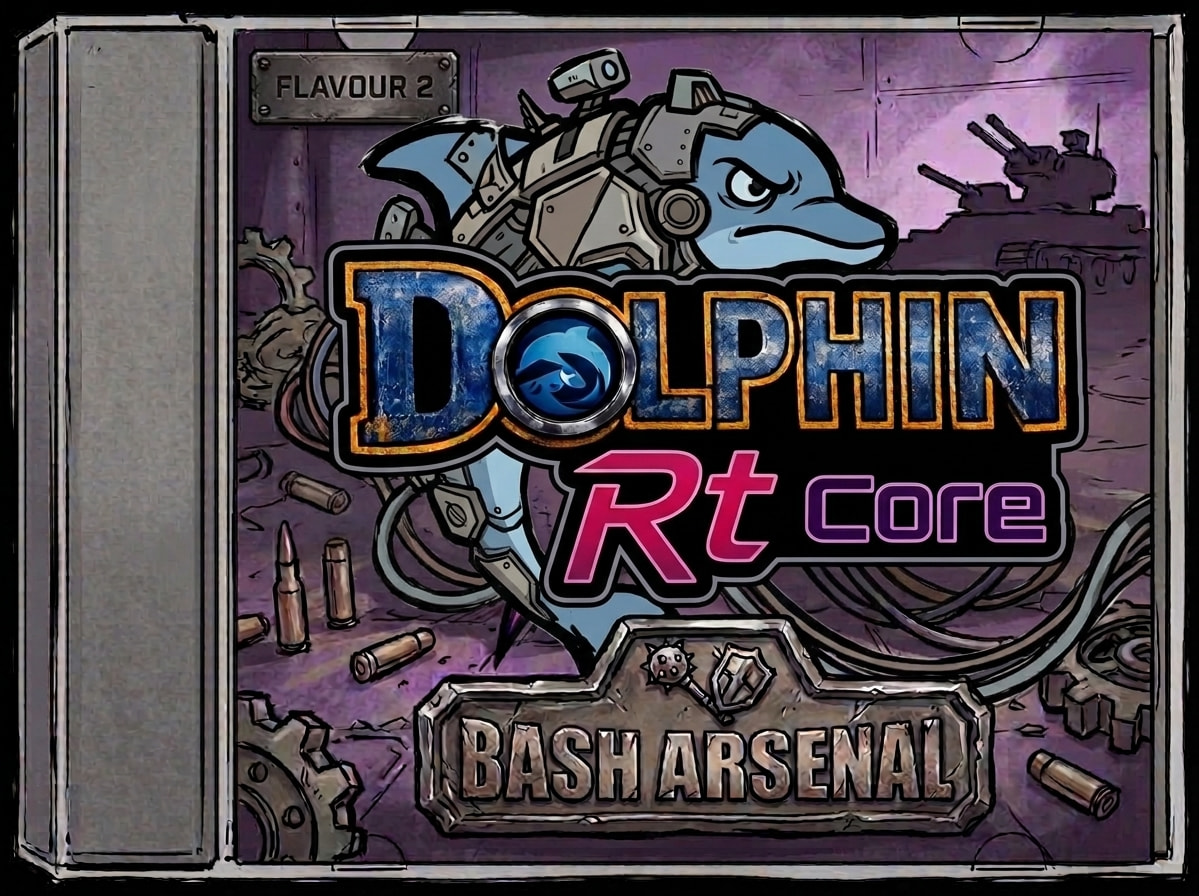
Flavour II – Bash Arsenal: The previous one + settings regulators in Task Toolkit + new adjustable Rt:Core profiles (with Lite / Standard / MAX tiers!!). Forum Post GitHub Release
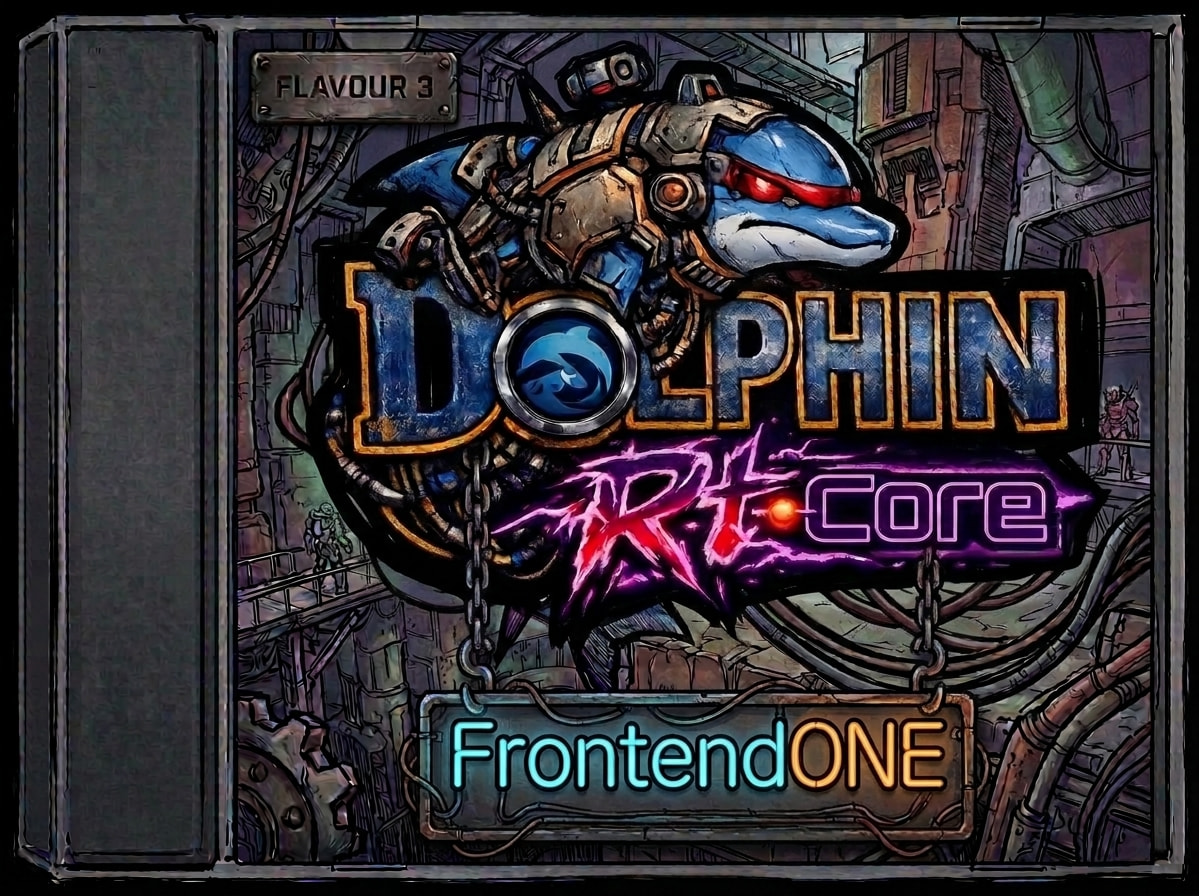
Flavour III – FrontendONE (Coming soon…): A muOS application to launch games and homebrew, a store with settings and mods, a local workshop to customize any profile however you like + compatibility list updated on-device + centralized GameSettings. (Still in development — shouldn’t be long now!)…shouldn’t be long now!)*