I’m still think i might doing something wrong. But…
Network and bluetooth icons not scaling right. I’ve made HEADER = 34 in [glyph] section, and only capacity glyph is that size, network and bluetooth are 25x25 pixels, like original icons native size.
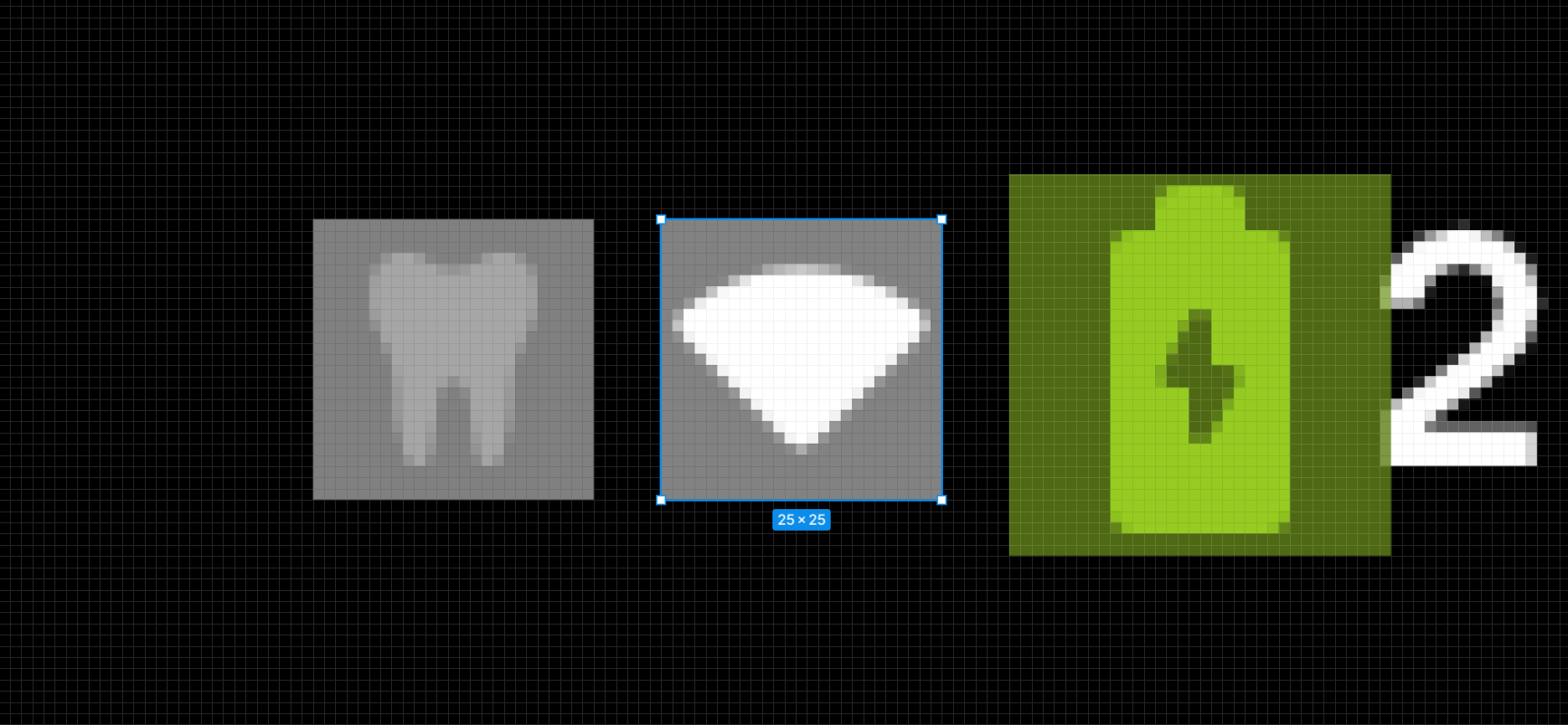
I’ve also noticed that turnig off list icons also turnig off section left and right arrows. Maybe there is the way to keep them?
if i change header glyph size in settings, glyphs scaling is strange, bluetooth and network icons are still smaller then capacity icons. Is there a reason they are not scaling the same?
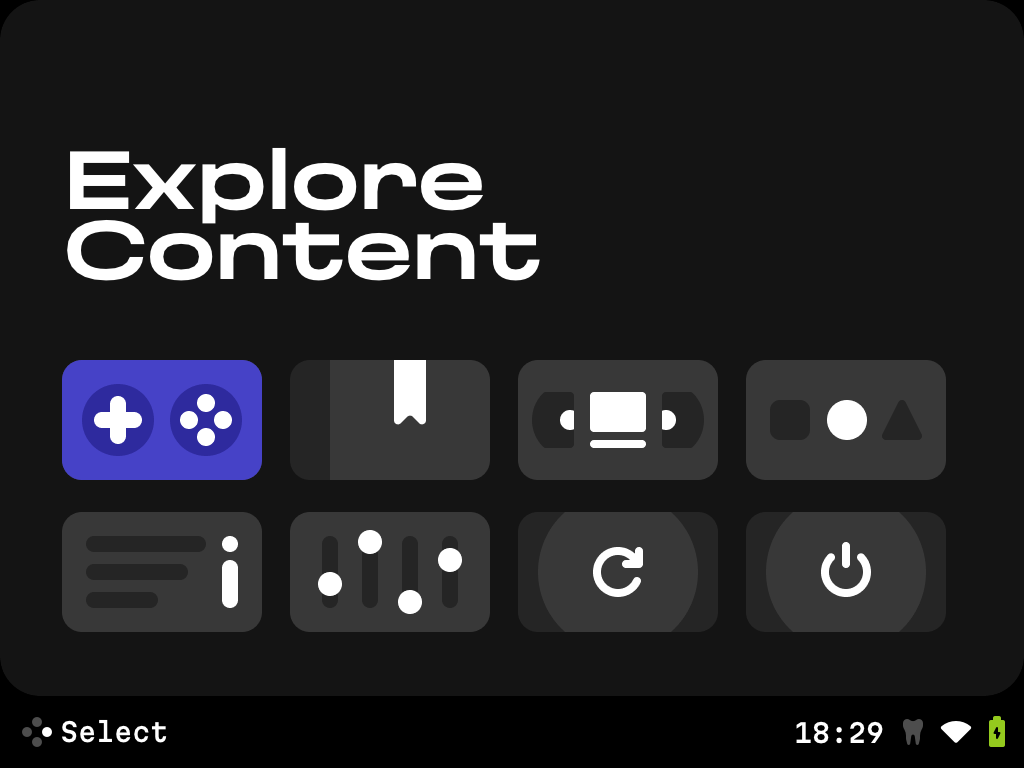
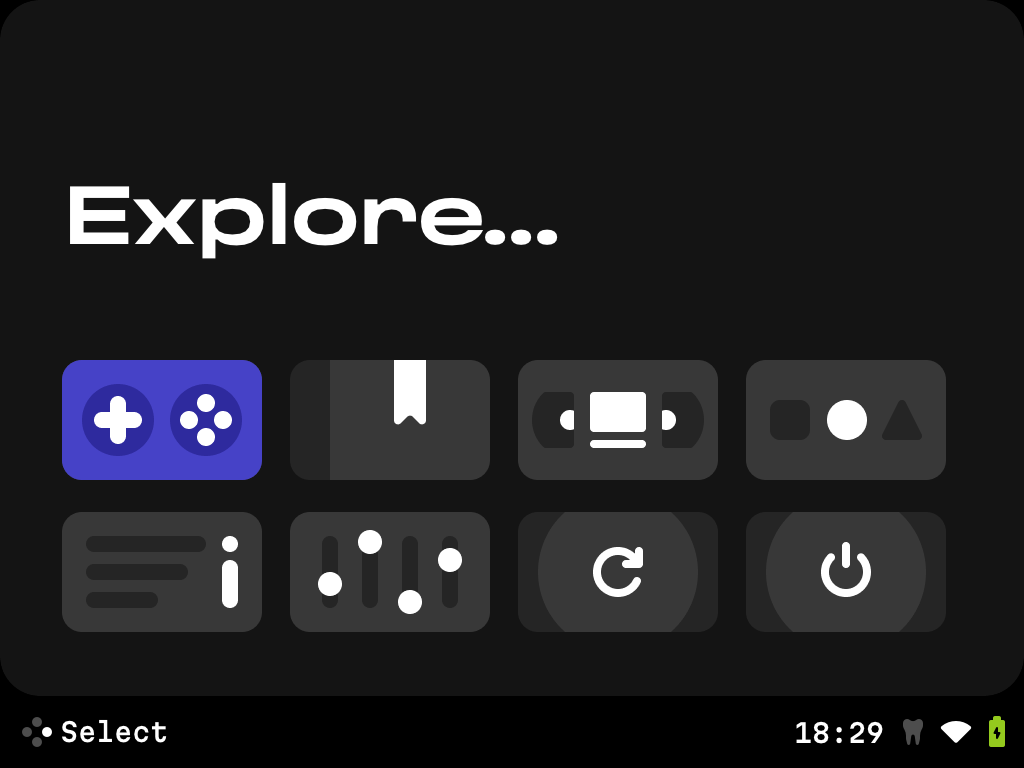
I also can’t make current item label to show multiple lines. In the previous version it was possible. But now it shows only one line and then 3 dots. If there can’t be multiple lines anymore why there is CURRENT_ITEM_LABEL_TEXT_LINE_SPACING parametr? Also CURRENT_ITEM_LABEL_HEIGHT=0 and CURRENT_ITEM_LABEL_WIDTH=0 are not sizing to content, it becomes 10x10 square.
I making some tweaks for the header resizing but I need to run them by Xongle. Currently it is scaling that battery at 100% the desired size compared to 75% for the others but the plan is that when set to auto it scales to 75% header height or actual size that was selected.
were you changing settings on the fly in a scheme file? If so try going into Info and selecting reload frontend
I was, but reloading frontend and even reloading device did not help
What about default sizes, set in the theme? Will it also be 75% of HEADER in [glyph] or 100%? And will battery and other glyphs scale the same?
setting muOS to default just makes it look at the theme settings which is defaulted to auto and follows the same logic.
would probably need to provide the theme so we can replicate it
I mean when it is set default in settings, but there are certain sizes in theme scheme files. Will all glyphs scale the same?
TYPO.muxthm (2.0 MB)
It’s not finished yet, but i hope it will be enough
CURRENT_ITEM_LABEL_LABEL_LONG_MODE should be zero to wrap text in your muxlaunch.ini

it doesn’t change anything
it’s working fine for me. I am on the latest test release though. Looks like Xongle just fixed it which is why it is working for me
but it does need to be zero though so you should go ahead and update it now.
ok, i will try, thank you!
I’ve read you message again and saw that you are on test release, so i can’t check it. Can you also check CURRENT_ITEM_LABEL_HEIGHT=0 and CURRENT_ITEM_LABEL_WIDTH=0? It should auto adjust to label text sizes, but now it gives 10 pixels in each direction.
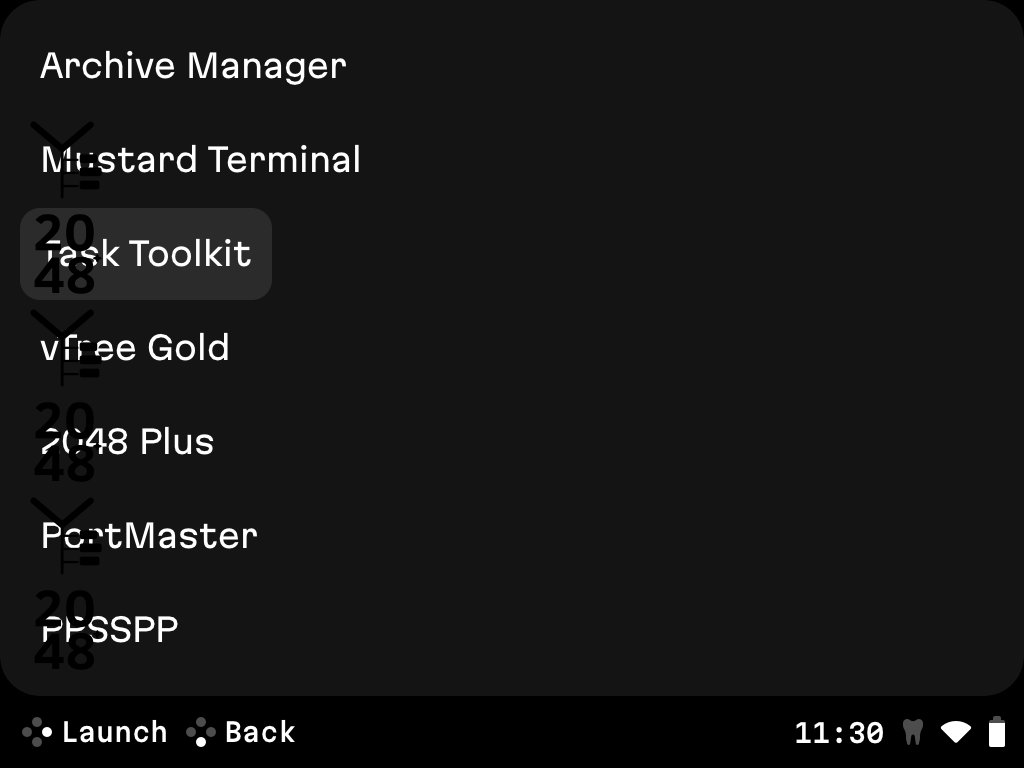
would really prefer you make separate posts for separate issues. makes it easier to track and future users to find.