Immich Sync
For any self-hosters out there: this is an app built to use Immich, an open source image library management software, as a pseudo cloud sync for your in-game screenshots. I built it for myself because I’m a lil neurotic about backing things up and syncing content across all my devices handheld or otherwise.
It has been tested on the RG CubeXX running 2606.0 Andromeda. Initially built for NextUI support so the layout is very minUI style but it attempts to match color theme to your MuOS theme. Also released for NextUI and the pak store.
Features
- Automatically sync your device’s screenshots with your Immich server
- Immich image browser with a download function and basic on-device file management
- Server-side album matching for viewing content cross-device and cross-platform
- Automatic tagging for all synced images to help organize your collection
Setup
Installation
muOS
- Download
Immich.Sync.muxappfrom the same release. - Copy it to the
ARCHIVEfolder on either SD card (SD1 or SD2). - On the device, open the Archive Manager app, select
Immich Sync.muxapp, and press A to install. It then shows up under Applications as Immich Sync.
The muOS build has everything except the background daemon (for now): screenshots upload when the app opens or with Force Sync.
App Images
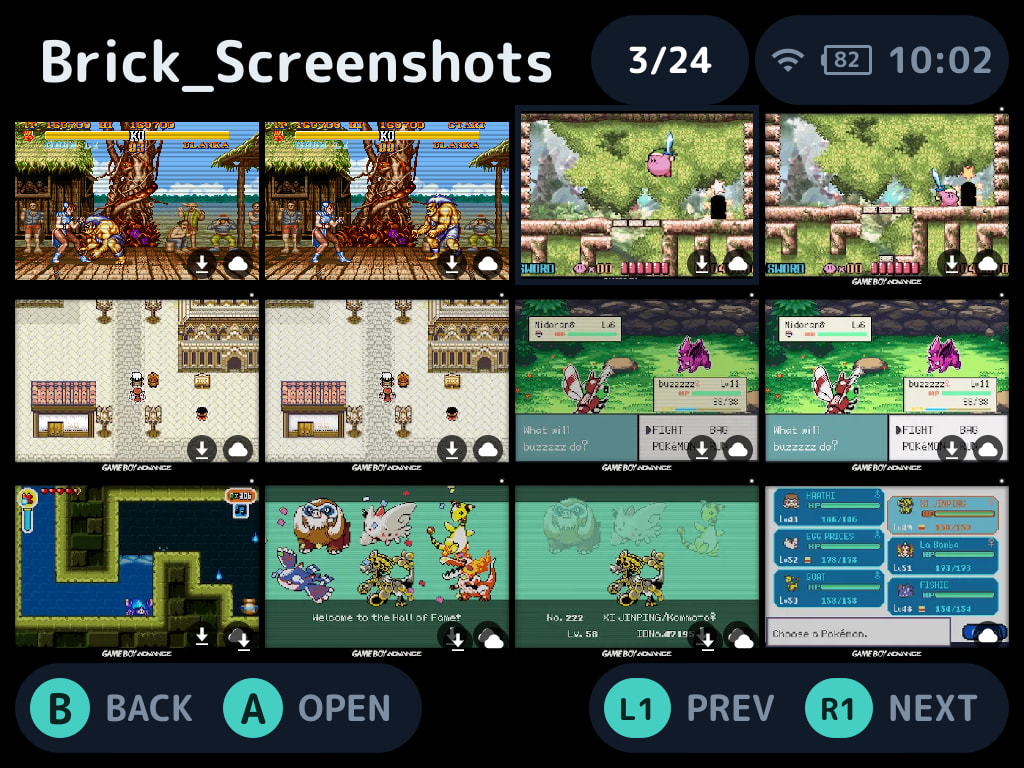
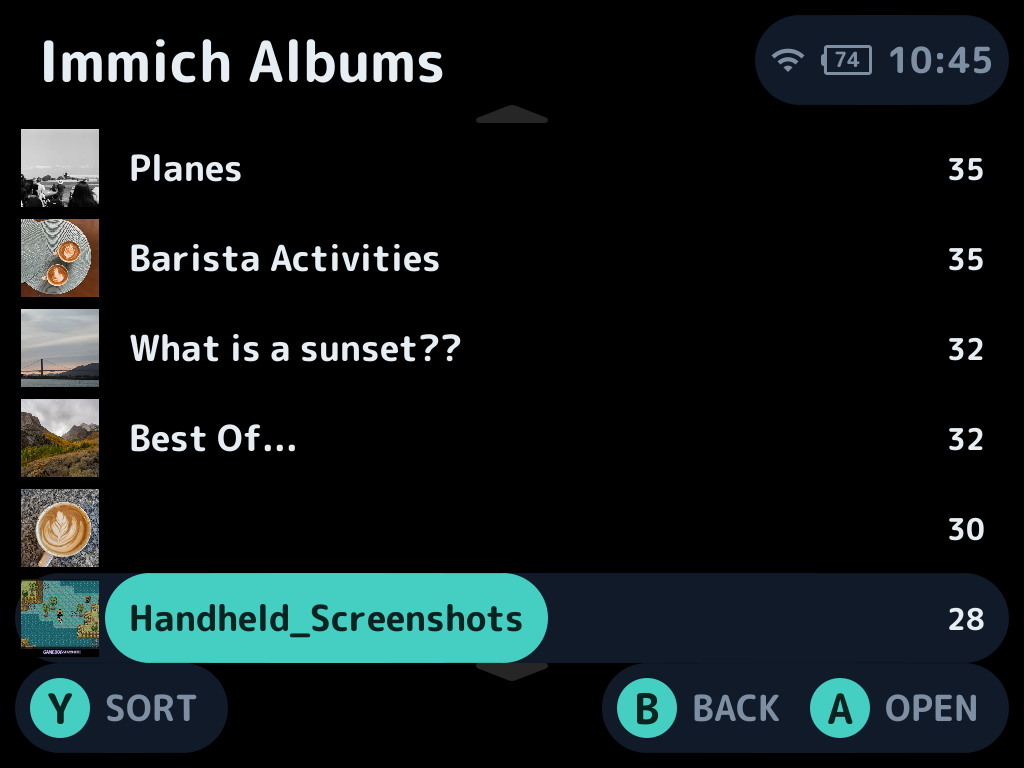
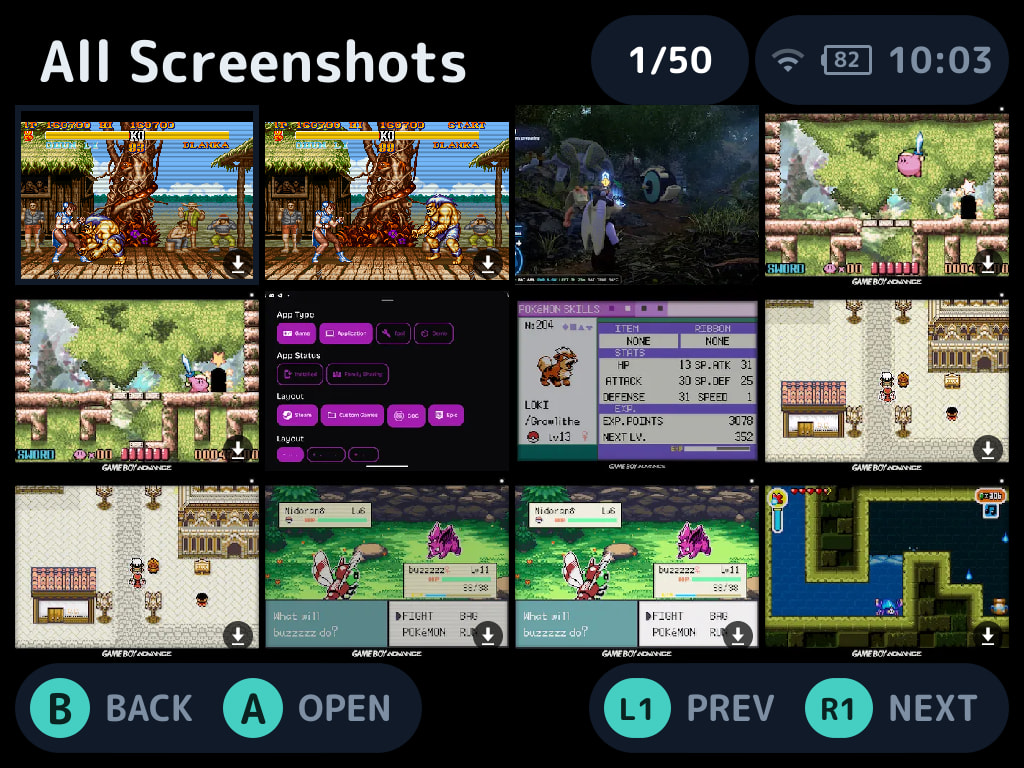
Status
This app has been tested on my devices for most uses I can think of and seems to be stable. I may be adding features or tweaks here and there but it seems to be ready. It just hasn’t been tested on very many devices.
AI Disclosure
This is AI-assisted af. I do have previous experience hand-writing little apps like this to talk to self-hosted services and my day job is a lot of Python (pre-AI and post-AI), but I haven’t written anything in C since CS 101 so Claude did all the legwork to integrate with NextUI and muOS’s tooling and libraries and get everything up and running fast. I’ve reviewed the general structure of the code and all of the docs and functionality descriptions are proofed by me.