# Storage Info
**URL:** https://community.muos.dev/t/storage-info/183
**Category:** Release
**Tags:** pixie, banana
**Created:** [April 17, 2025, 4:26am UTC](https://community.muos.dev/t/storage-info/183 "2025-04-17T04:26:26Z")
**Posts on this page:** 2
**Page:** 1
### Author:  [@vasinsky](https://community.muos.dev/u/vasinsky)
#### Post date: [April 17, 2025, 4:26am UTC](https://community.muos.dev/t/storage-info/183/1 "2025-04-17T04:26:26Z")
The application is designed to obtain quick information about the status of flash cards.
By default, the application is configured for 2 memory cards, but you can switch the application to work with one memory card - see Config.PATHS in Config.lua
– For SD2
Config.PATHS = {“/mnt/sdcard/ROMS”, “/mnt/mmc”, “/mnt/sdcard”}
– For SD1
–Config.PATHS = {“/mnt/mmc/ROMS”, “/mnt/mmc”}
For detailed viewing (list of directories on the specified path and their size) mount points are disabled
Config.EXCLUDED\_PATHS = {
[“/mnt/mmc”] = true,
[“/mnt/sdcard”] = true
}
I think there is no need to view this in detail, besides - to determine the size of the directory in detailed viewing can spend large resources and take up time
For detailed viewing, the directory with games /mnt/sdcard/ROMS or /mnt/mmc/ROMS is available, which is very convenient - if you decide to sacrifice some games to free up space on the memory card
I tested the application on Anbernic RG35xx H
Installing the application via the ARCHIVE manager
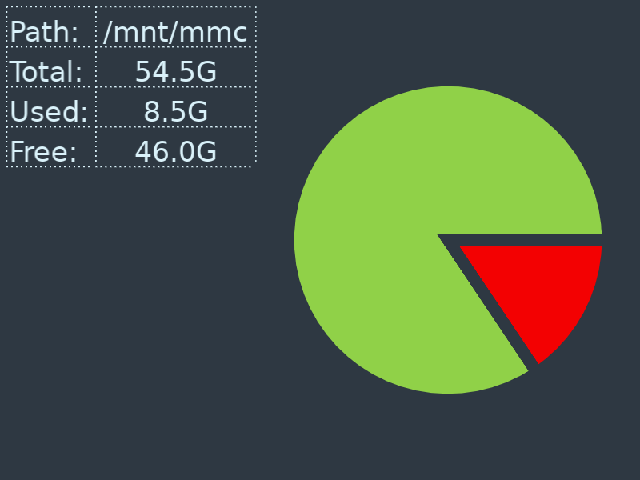
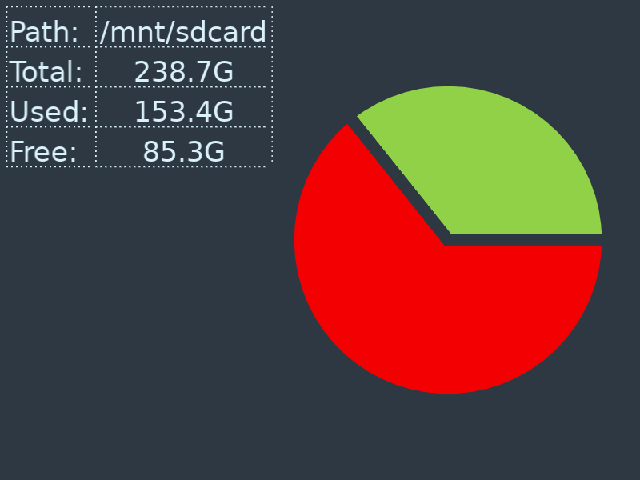
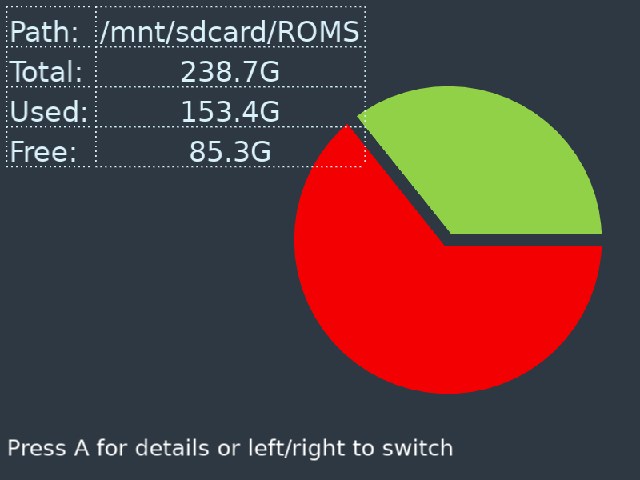
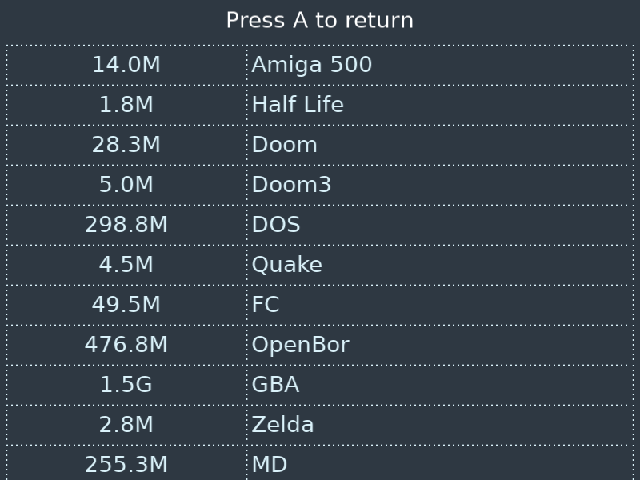
Banana [Storage-Info/StorageInfo.zip at main · vasinsky/Storage-Info · GitHub](https://github.com/vasinsky/Storage-Info/blob/main/StorageInfo.zip)
Pixie [Storage-Info/StorageInfo\_Pixie.muxzip at main · vasinsky/Storage-Info · GitHub](https://github.com/vasinsky/Storage-Info/blob/main/StorageInfo_Pixie.muxzip)
---
### Author:  [@imantor](https://community.muos.dev/u/imantor)
#### Post date: [April 18, 2025, 1:44am UTC](https://community.muos.dev/t/storage-info/183/2 "2025-04-18T01:44:04Z")
As a nerd who likes information this pleases me.