# TimeUtils (Clock + Countdown timer + Stopwatch)
**URL:** https://community.muos.dev/t/timeutils-clock-countdown-timer-stopwatch/198
**Category:** Release
**Tags:** pixie, banana
**Created:** [April 18, 2025, 4:05am UTC](https://community.muos.dev/t/timeutils-clock-countdown-timer-stopwatch/198 "2025-04-18T04:05:06Z")
**Posts on this page:** 4
**Page:** 1
### Author:  [@vasinsky](https://community.muos.dev/u/vasinsky)
#### Post date: [April 18, 2025, 4:05am UTC](https://community.muos.dev/t/timeutils-clock-countdown-timer-stopwatch/198/1 "2025-04-18T04:05:06Z")
The program is written for MUOS and is installed via the ARCHIVE manager
For exit: press select + start
```auto
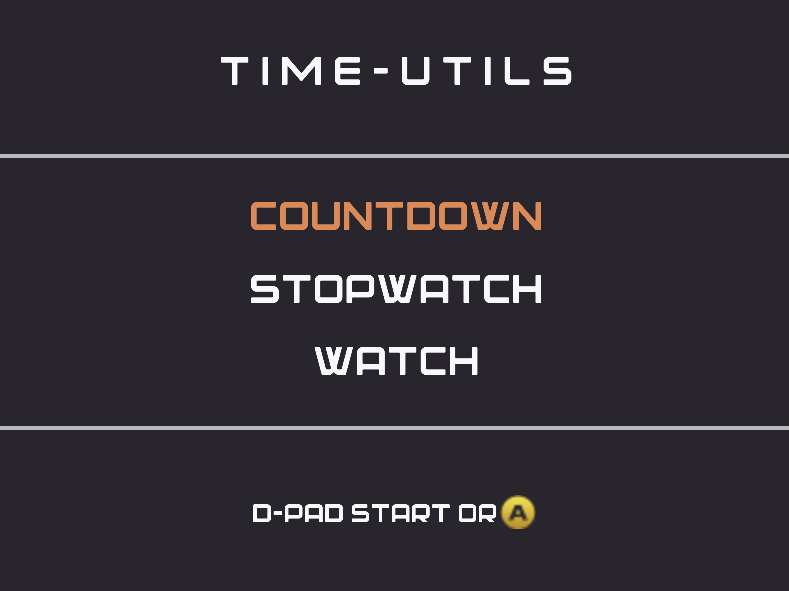
Menu
----------------------------------------------------------------------------
start/a - launch the utility you are interested in
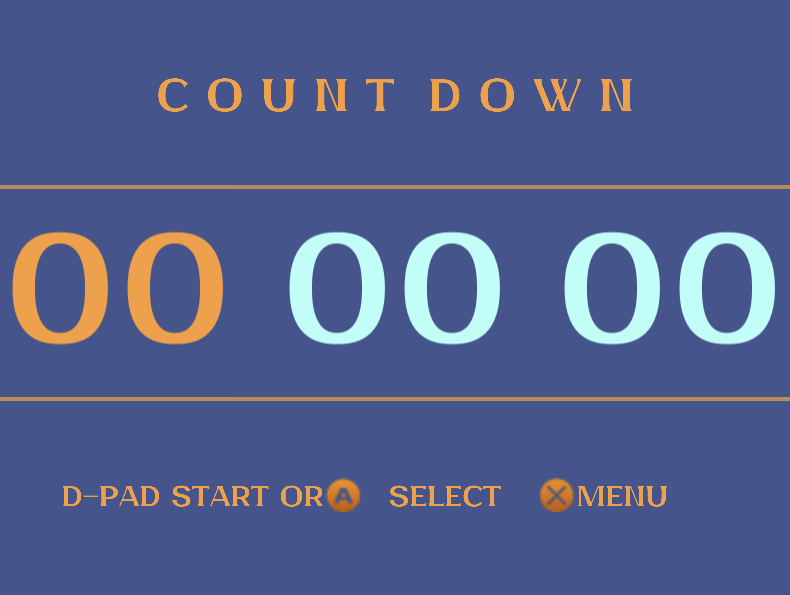
Countdown timer
-----------------------------------------------------------------------------
d-pad - switch between hours, minutes, seconds and set the desired timer time
start/a - start/pause
x - exit to the menu
Stopwatch
-----------------------------------------------------------------------------
start/a - start/pause
x - exit to the menu
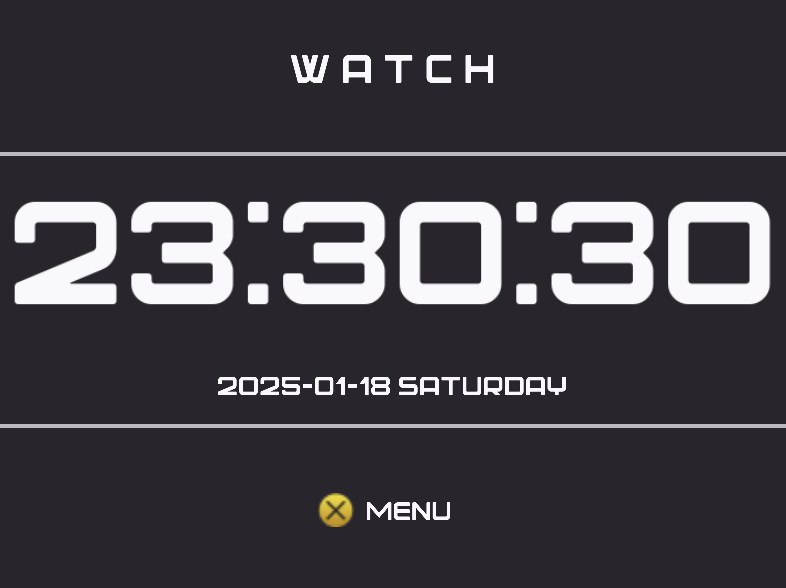
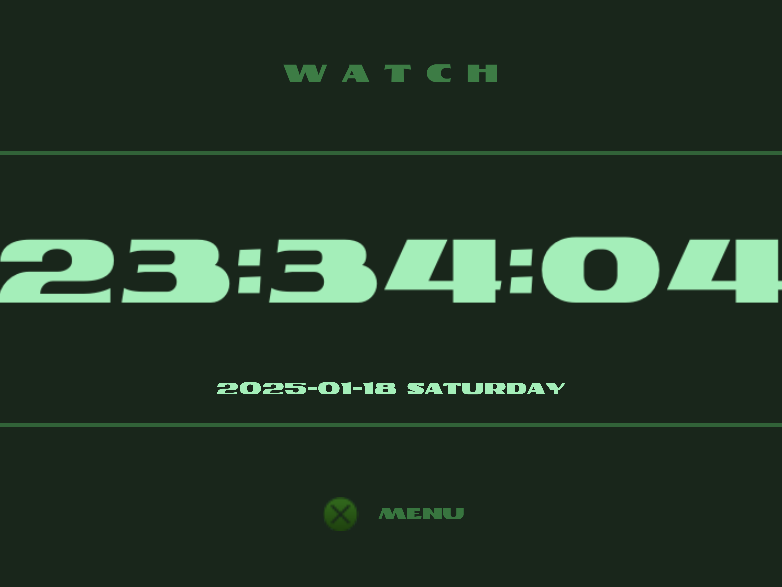
Themes and fonts
----------------------------------------------------------------------------
L1 R1 - change color scheme
L2 R2 - change font
```
Banana [Release Banana · vasinsky/TimeUtils · GitHub](https://github.com/vasinsky/TimeUtils/releases/tag/banana)
Pixie [Release Pixie · vasinsky/TimeUtils · GitHub](https://github.com/vasinsky/TimeUtils/releases/tag/Pixie)
---
### Author:  [@PotatoJesus](https://community.muos.dev/u/PotatoJesus)
#### Post date: [April 18, 2025, 5:03pm UTC](https://community.muos.dev/t/timeutils-clock-countdown-timer-stopwatch/198/2 "2025-04-18T17:03:25Z")
Thanks for making it; it seems handy to be able to pull this out for a device or even mount it onto a stand and use it as a timer for something if your phone’s dead, etc. Could be used as a pomodoro tool then people can play stuff between breaks :dogheh:
---
### Author:  [@eggdogggo](https://community.muos.dev/u/eggdogggo)
#### Post date: [April 19, 2025, 10:27am UTC](https://community.muos.dev/t/timeutils-clock-countdown-timer-stopwatch/198/3 "2025-04-19T10:27:15Z")
This is quite handy!, keep up the good work
---
### Author:  [@apu01](https://community.muos.dev/u/apu01)
#### Post date: [April 25, 2025, 12:13pm UTC](https://community.muos.dev/t/timeutils-clock-countdown-timer-stopwatch/198/4 "2025-04-25T12:13:50Z")
exactly the thing i was searching for . mini pomodoro app for rg35xxsp