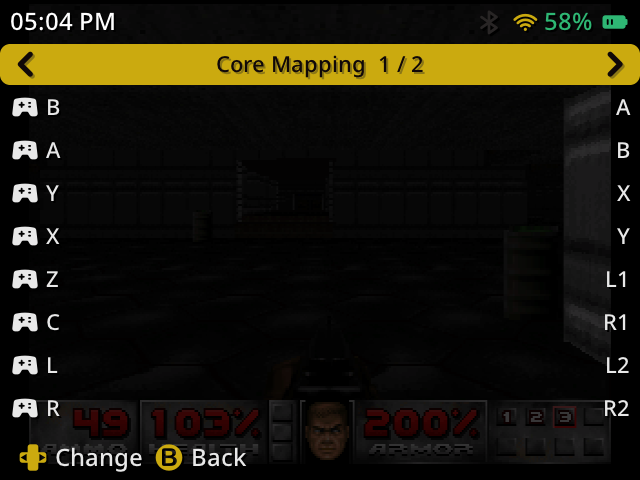
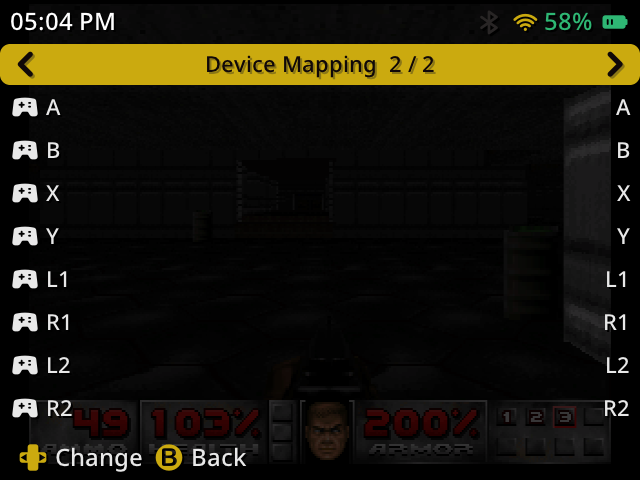
Currently, the controller remapping screen in Pickles displays buttons according to their mapped inputs (e.g., A is shown as A, B as B).
This can make remapping controls for certain consoles, like the Nintendo 64, unintuitive and difficult.
For example, remapping the N64’s C buttons is confusing because they are mapped to the right analog stick and A and X. However, the remapping screen only displays the mapped button names (A, X, etc.), rather than their original functions on the N64 controller. Like C up is right analog up etc.
It would be more intuitive if the remapping screen displayed each button’s original console function, making it easier to understand and configure the controls.