QUICK UPDATE!
At FIRST it was working just well when I used it on SD1, so I made that reply.
THEN I turned off the console, put in the SD2, then booted it and tried to open the Bluetooth again, and guess what? IT CRASHED!
BUT, I then rebooted the console, installed the archive AGAIN, this time with the SD2 in, and then, finally, it boots with both SD cards slotted in!
Why does it work like that? I DON’T KNOW! But it works now, gosh dang it!
Hello, I’m having trouble getting my SN30 Pro controller to work with my RG35xx H. I can connect it to the console using the Bluetooth app, but none of the controller’s functions are active. In the RetroArch configuration, I’ve disabled Automap, but nothing happens when I try to set it up as device 2. Could you please help me? Thank you in advance.
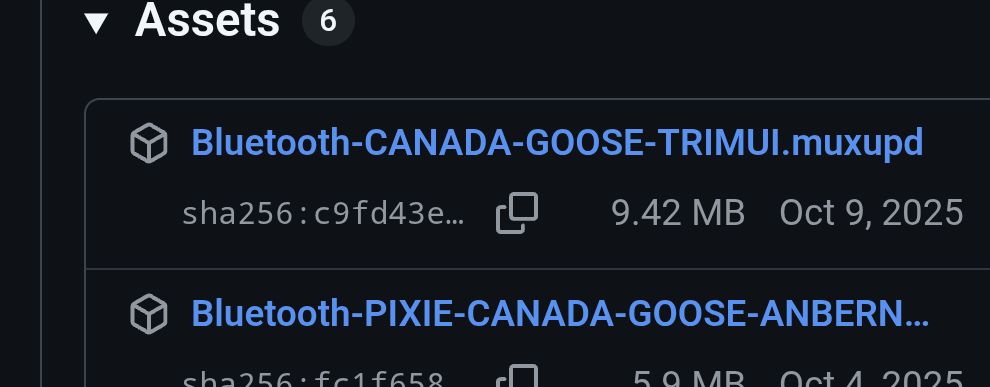
Hello, do you have plans to implement this on Jacaranda? Or is it already compatible and I am missing something? Also, on the GitHub, on the latest release, where it says “Download” and lists “Big Banana + AW Banana” and “Pixie + Goose” it shows the names of two zip files (“Bluetooth_Full_Install_Big_AW_Banana.zip" and "Bluetooth-Install-Full-PIXIE-GOOSE.muxzip"),but they are not downloadable. I know nothing about MuOS, or GitHub for that matter, but should they not be downloadable?
hey @nvcuong1312 thank you for this app. i’ve been trying to connect my bt audio devices but i cannot find any of them on the search devices. tried with some TWS Buds, and a Headset. BT Controllers work OK. any ideas what might be happening? is it related to the BT version? BTv5 not compatible with BT module on this unit?
Hello, I have a problem with the App on Jacaranda on my Anbernic RG40xxH:
After initial boot, everything works fine, I can scan, pair etc.
However once the device goes to sleep and is woken up, bluetooth stops working. I cannot connect anymore, and scans turn up empty (even though there are tons of discoverable devices nearby).
Ugh, I know there are some issues with Xbox controllers, but maybe somebody found solution for this issue.
I tried to setup two Xbox controllers on my RG35XXSP, but it seems only one of them can be connected at one time. When I turn on both of them, only one connects correctly and the other is stuck trying to connect. When I turn off the connected one, the second one then automatically connects.
I’m not sure why your SD1 doesn’t have an ARCHIVE folder. Basically, when you flash the OS onto the SD1, Then it will need to have that folder. That’s why I think something went wrong, preventing Archive Manager from loading BTApp.
The Bluetooth setup was successful.
However, the ARCHIVE folder was created on SD2.
After placing the file on SD2, I was able to successfully install the BT app.
Bluetooth connection results: Success: 1, Failure: 1
I tested with two controllers:
First, I tried an Xbox Wireless Controller → Failed
It shows that pairing was successful,
but the controller’s LED keeps blinking.
Next, I tried an 8BitDo Ultimate 2C Wireless Controller → Successful
It seems there may be some compatibility differences between controllers.
Anyway, thank you for developing the Bluetooth app!
Now I can enjoy playing games.
I’m having an issue where my bluetooth controller (8bitdo sf30 pro) is showing as connected under the bluetooth app, but does not show up in my device list or become available in retroarch. any ideas?