InitScript is just a script that helps activate Bluetooth when the system starts up.
I also don’t know how it will affect the sleep function. If you’re worried, you might not need to install the BT App.
InitScript is just a script that helps activate Bluetooth when the system starts up.
I also don’t know how it will affect the sleep function. If you’re worried, you might not need to install the BT App.
Hey I’m trying to install the app but when I try to start it the text box saying app is starting just stays there and the app won’t open
Same issue same os same system, what’s the fix
Make sure you have downloaded the correct version. If you’re sure, please tell me the muOS version and the file you installed.
Running latest release of both muos and the release from the github for the app. It installs but after trying to start the app it freezes the os
Hey! I am on the latest loose goose version. When i copy the zip to my archive folder and boot up my rg34xx nothing shows up in archive manager
Please download the installation file for Anbernic, which has the extension .muxupd. Place it in the Archive folder on sd1 or sd2.
Then you will see it appear in Applications/Archiver Manager.
Hey so i have a anbernic rg40xx h and loose goose and I installed the Bluetooth app and it works great, however when I connect my devices it does not seem like they are getting trusted so when I want to reconnect them I have to put my headphones, controllers, etc into pairing mode. Is there a solution?
Hi, I have the RG35XXH with Muos 2410.2 Big Banana
I have some issues with the bluetooth app.
Sometimes, the connection doesnt work (with “expected” method and with “non expected” method).
Sometimes it works with the “non expected” method.
And actually when I start the bluetooth app, it takes 30 seconds to open, and when I push “start” button to enable bluetooth, it takes 30 seconds and i have the error “started failed”
How to resolve please ? I have to uninstall and re-install bluetooth app ?
For information, when the bluetooth app worked few days ago, i used the “non-expected” method to connect my earphones.
Thanks
Yeah.
Make sure you have enabled Wi-Fi with the system startup.
Because BT and Wi-Fi are on the same module, BT will be turned off if Wi-Fi is not enabled.
Thank you,
Yes the Wi-Fi is enabled, and it is connected to internet
I tried uninstall and re-install bluetooth app and actually it’s working fine.
Il will try to install the last MuOS update, maybe the bluetooth app work better with recents versions.
EDIT : Or maybe not ? I will wait your answer before update. Is there a MuOs more stable with BT app ? Thanks !
Both Pixie and Goose are good updates.
Just installed this on my trimui brick with loose goose. I was able to pair to my airpods and i get audio but when playing a game its cutting in and out really bad
Edit: after a reboot and reconnect its working well now.
the app auto turns on from boot, is this intended? i know itll turn on when wi-fi is enabled at boot but i have that off. if possible id like to turn it on manually to conserve battery when i can
It is always on, it is not a module that can be powered off. The Wi-Fi and Bluetooth share the same chip, so please see the following:
same here, it freezes and I have to use the Safe Restart/Shutdown hotkey combo to be able to use it again, what’s up with that?
I’m using Loose Goose on a 35XXSP, and it used to work back on Pixie.
Have you downloaded the correct, latest update?
Additionally, if you’re sure you downloaded it correctly, try installing it from sd1
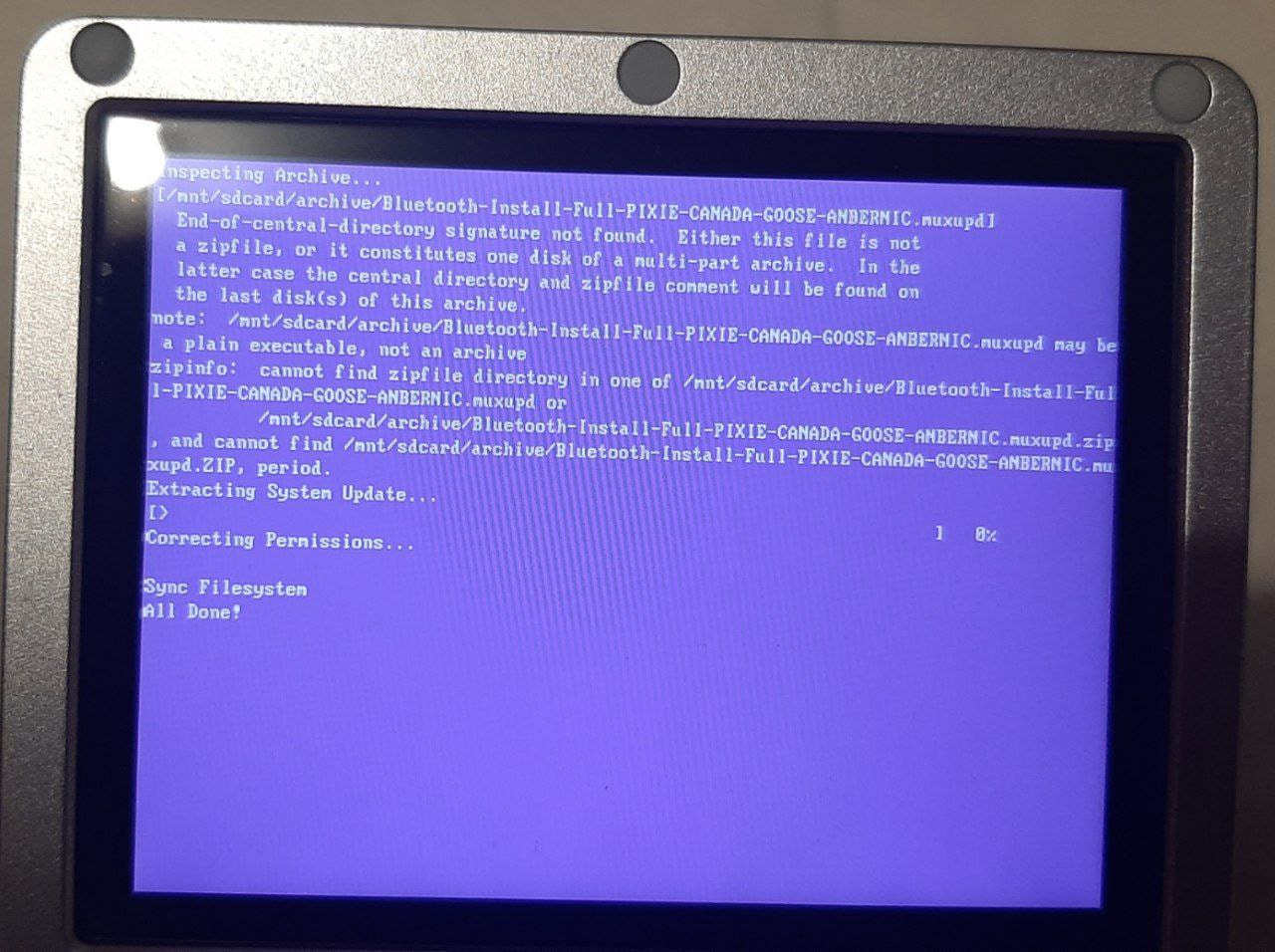
This one right here, I first tried to install it from SD2 and it gave me this message.
After that, I moved it to SD1, and it DID let me install…
Only for the program to crash whenever I dare to open it from the Applications folder!
Hmm.
If it doesn’t restart automatically after the installation is complete, then it wasn’t installed correctly.
Try removing the sd2 and installing it.
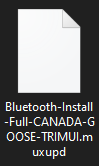
Oh my god, I just noticed after looking at both this screenshot and my downloads folder that I grabbed the version for TRIMUI instead of Anbernic!
Downloaded the Anbernic version, put the Archive in SD1 and removed SD2 before boot like you said, and BOOM! It works!
Well, that was embarassing! Thank you still for your help, nvcuong.