Yes. Wifi and BT are in one chip. So if you turn off wifi, BT is also turned off. So make sure wifi is always on (not required to connect to any network)
how can I turn wi-fi chip off? I thought it always on?
I’m saying not about turing the chip on/off.
I mean I can use BT only when I connected to some wi-fi network (receiving IP from it, don’t not how to explain more clear)
And as I say on previous version of goose there was not such an issue - I could use BT without connection to wi-fi network.
upd.: made some tests:
looks like BT work depends not from actual connection to the network but on “start network on boot” toggle in wi-fi settings.
It seems like this toggle works as “turning on/off wi-fi chip on boot”
But it should work (and did work in goose) as “trying connect to saved network on boot”
so I suppose that is not BT app issue, but the issue from mentioned topic Canada Goose Wi-Fi
With a WiFi network configured but not “start at boot”, the bluetooth app is unable to start Bluetooth.
The only way I was able to get this app working was to blank out the SSID and password, and enable start at boot.
If the previous behavior was that bluetooth and wifi could both be on at the same time, then something is definitely amiss in the Canada Goose release.
I’m running Canada Goose on RG35XX H. I tried to install the app and the install process reported success but when I look in the Apps section, there’s nothing new there. Am I missing the app somewhere else? Or did the installation actually fail?
I own a 8bitdo SN30Pro with the last firmware installed.
The bluetooth app sees it, and can connect/pair to it (in D-input mode, set with start+B at controller boot). And then… Nothing. the MuOS menu does not respond to keys pushed on the controller and Retroarch does not see it. Trying to set the controls manually does not yield any result neither.
This happens on any device I installed muOS on (Canada Goose).
I did not have better results with an 8bitdo Micro either…
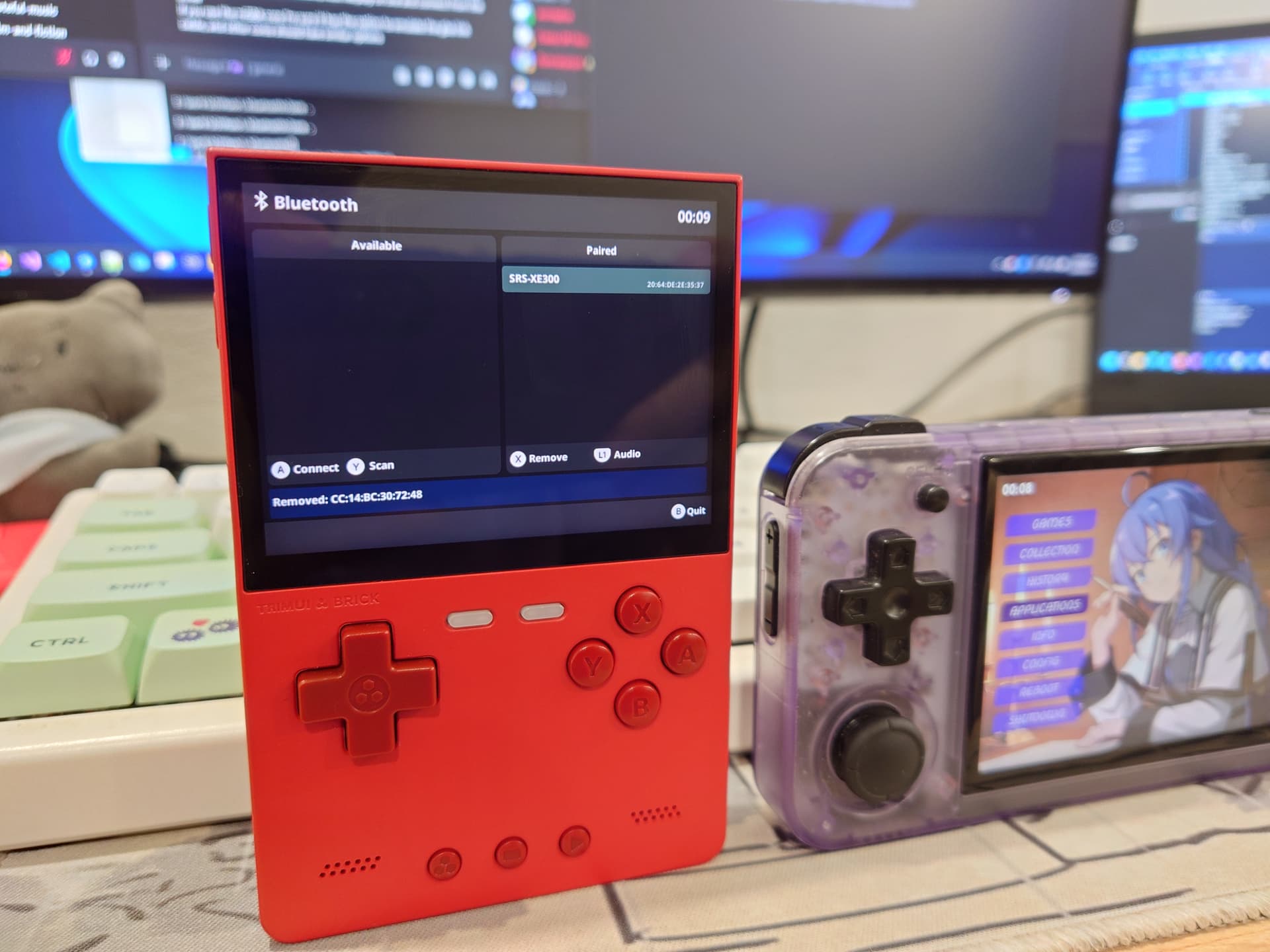
I’ve been using this App since I bought my first Anbernic handheld. It works like a breeze. Pairs my BT headphones and connects them in no time.
When I saw that it is also available on TrimUI devices I quickly checked it.
It worked on my Brick but unfortunately, the devices that I already connected disappeared after reboot.
I also checked the App on my Smart Pro and it didn’t work. No button presses were detected.
This frustrated me and I started to debug the issue. A little bit later I noticed that adding gptokeyb2 to the launcher script fixes the issue on TSP. The buttons started to work.
I also found that the firmware is the issue with the disappearing devices. The BT firmware assigns a new hw address to the Bluetooth interface every time the device starts up. This is not fortunate, as bluetoothd stores the information of the paired devices in the /var/lib/bluetooth/<bdaddr>/ folder. I also tried to fix this issue. Unfortunately, I could not make the firmware use a static address, so I needed to find a workaround.
At the end, I created two pull requests in GitHub. Please check them. I tested them both on my Brick and my Smart Pro. The code with those modifications is working for me, but there might be issues I didn’t notice or something I forgot to update.