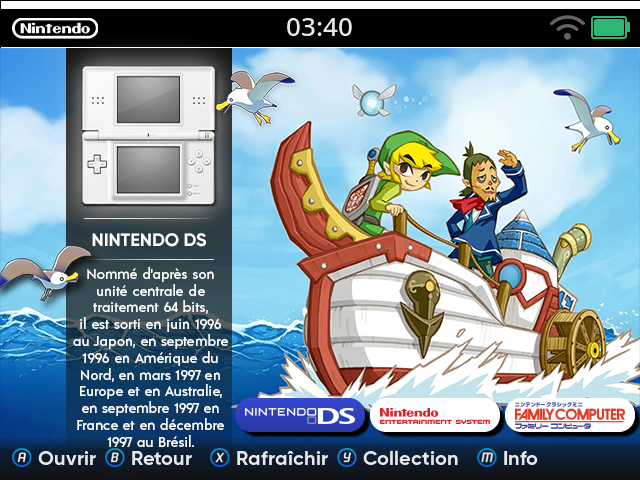
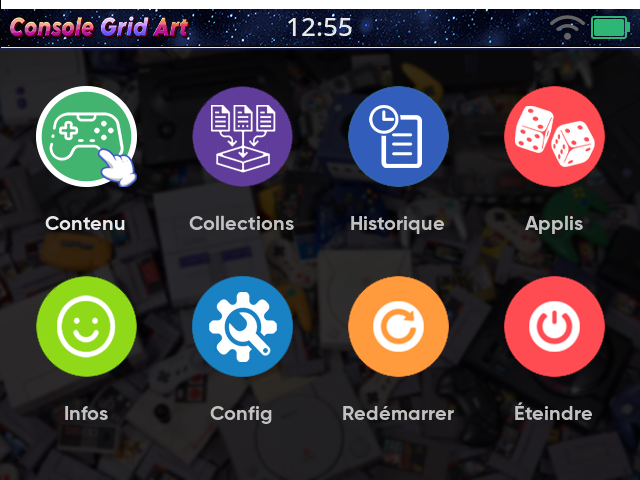
Download : Console Grid Art
This guy doesn’t sleep! Always sharing new themes with us! Thanks for your amazing work!
Thanks a lot for your support ![]()
Hi! I can help translate this theme to Spanish, if you don’t mind.
u want to translate the menu or the entire game box art ?
Menus for sure, but I can also translate the console art.
for the menu, just add a Spanish folder on “image” folder in the theme and u will have a spanish menu
check your roms folder !
I’ve checked my folders and they seem fine. They have the same names as the console art png files. I applied your Pixie Yellow collection theme that includes console art, and that works fine. Not sure why it’s not showing with this theme.
are you on last cfw ?
Yes, would that be the reason? I’m thinking maybe going back to golden goose.
Did you already rename your folders to match the filenames in catalogue? Despite our recommendations chronoss0109 likes to name their catalogue files based on their folder structure. This means if you do not name your folders exactly the way they did the images will not show.
So you’re saying my rom folders should match the name of the console art pngs files in the catalogue folder. Example, I have my snes rom folder named the same way as the png file for that system which is “snes”, and it still does not show. Would it matter if my roms folder name is in all caps “SNES”, but the file png is “snes”
it’s not case sensitive. One other thing by default muOS hides box art for grid themes like this so you also have to change
Configuration -> Customisation -> Hide Grid Mode Box Art to Disabled
Ahhh, changing this setting to disabled worked. I see the console art now, thanks ![]()
congrat
and thanks to use it !!!


