CatOS - ROYGBIV (10 Variants)

CatOS ROYGBIV GIF
CatOS - ROYGBIV (muxthm file)

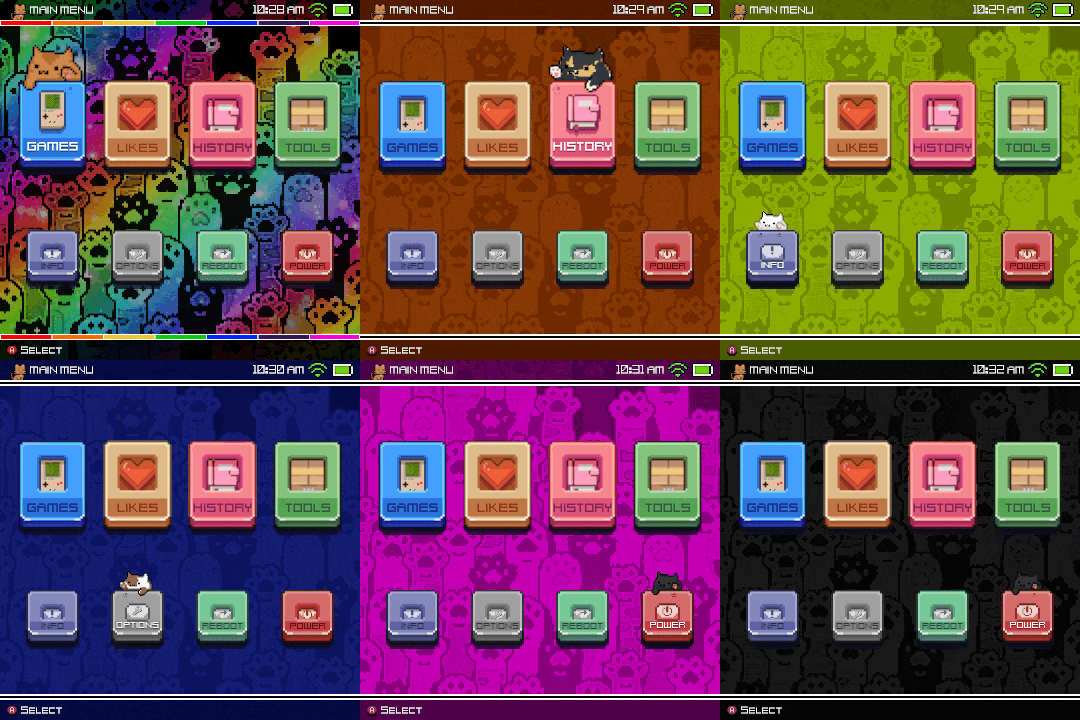
Hello everyone, I finally finished doing everything I wanted to the original CatOS Theme. I kept finding new things to tweak, and I am really proud of the final product. I added my own cats into the mix, Rusty, Sox, Ivy, and Nugget.

Please let me know if you encounter any errors on these because I definitely could’ve missed something with it all.

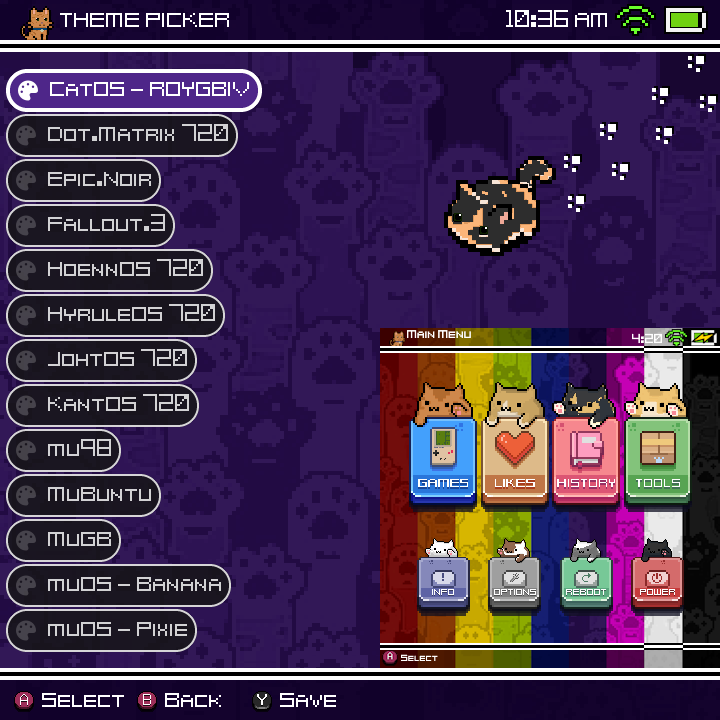
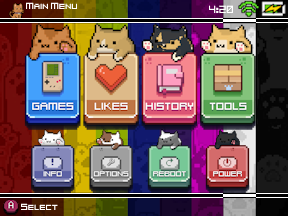
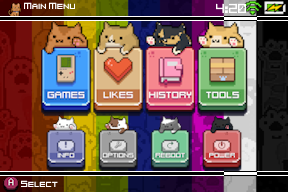
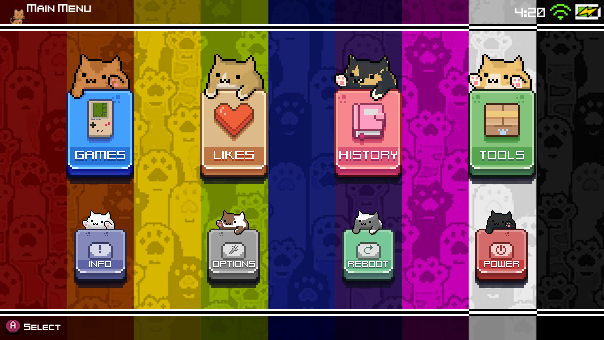
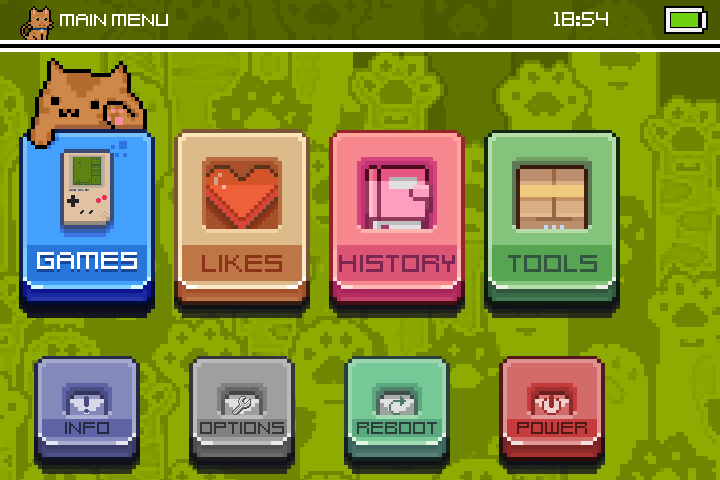
Here are the previews and status of each resolution:


^^^ Verified to Work ^^^


^^^ Not Verified but similar to 640x480 ^^^


^^^ Verified to Work ^^^


^^^ Not Verified to Work ^^^

I know the brick will be supported soon, but I am honestly a little worn out, so I plan to add it down the road when it’s fully supported.


Big thanks for a great starting ground!: Pankeko (original: hxhiep)


5 Likes

This is wonderful, keep up the good work :100:

1 Like

Thank you!

And if anyone has issues with 1280x720 or 720x480. Please send screenshots, and I can adjust them.

1 Like

As first I want to thank you creating this amazing theme!
I’ve got my new RG34XX but the main menu is offset with this 720x480 resolution.
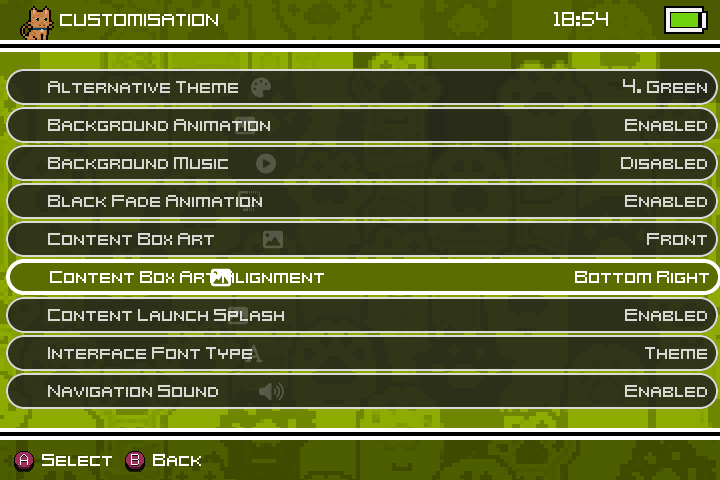
Also in the Theme settings are the icons offset in the text.


I would really appreciate it if you could fix it. Thank you so much in advance!

pretty sure that is just because you’re not on patch 2 of pixie

Thank you for your reply. I just flashed the latest firmware 2502.0

Do I need another patch after this?

yeah you have to install patch2 from the discord server as well

I didn’t knew that, thank you for telling me! I’m going to do the patch today.

UPDATE:

It didn’t fixed the wrong alignment on the home menu. It did however fixed the icon issue on the customisation section.

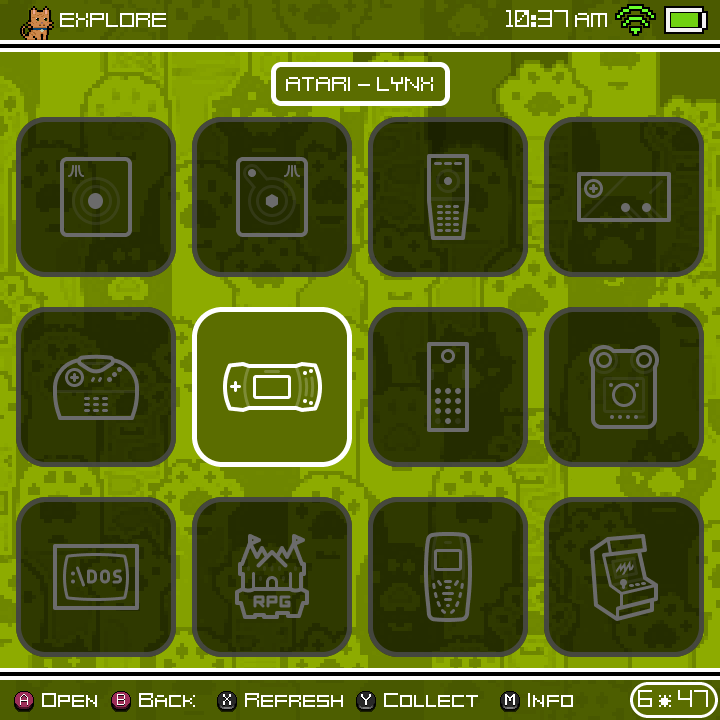
I’m probably missing something here but I’ve just installed this theme on 2508 goose and there are no console icons showing. Everything else is working/looking great but I’m a tad confused why no console icons show.

themes were updated for Canada Goose. Your options are:

  1. Update to Canada Goose
  2. Install older version of theme from Release 2508.0 Goose Themes · MustardOS/theme · GitHub
  3. manually move images from /MUOS/theme/active/catalogue/ to /MUOS/info/catalogue/

Ahh amazing thanks for the quick response! I had installed goose last week but only just started tinkering. I’ve moved the images over for now but will look to update to Canada Goose.
Thanks!

1 Like