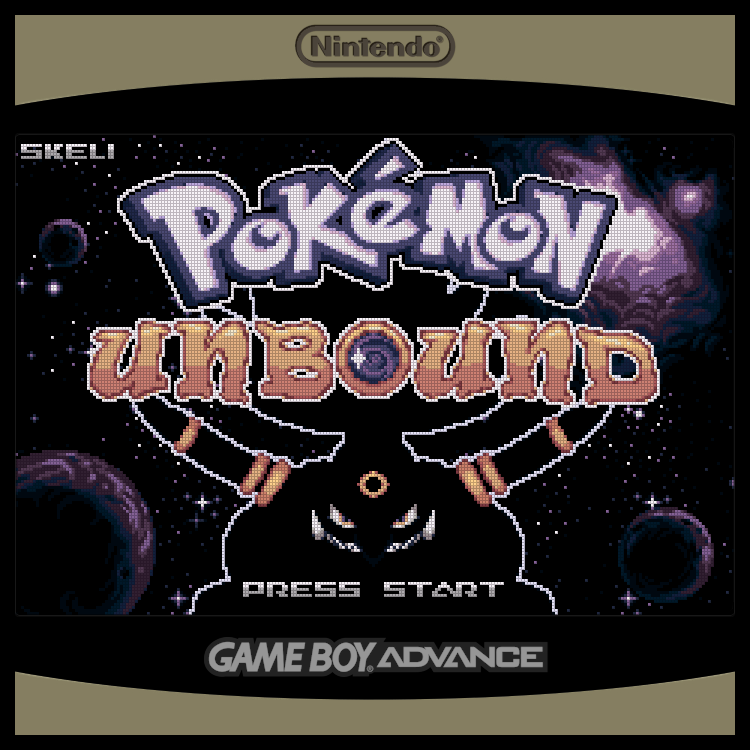
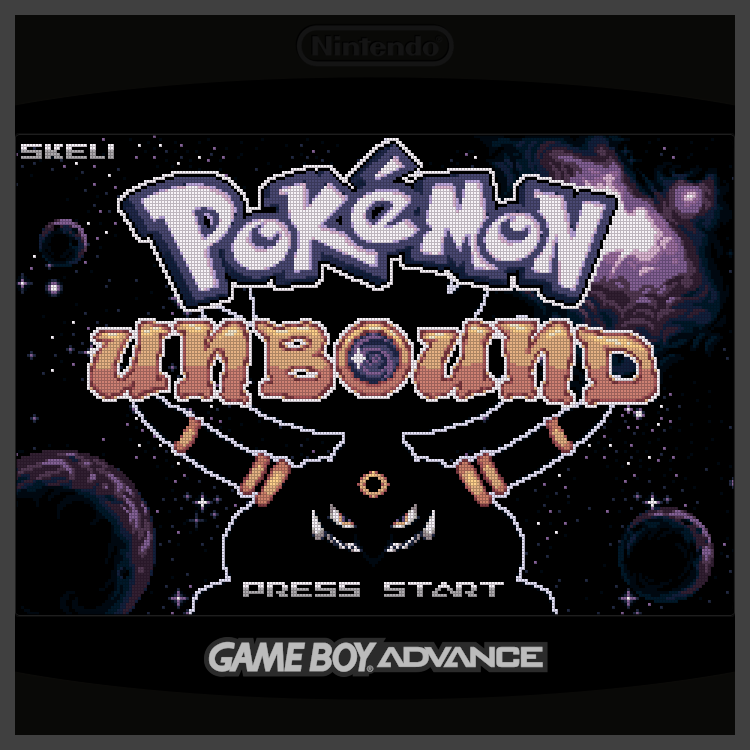
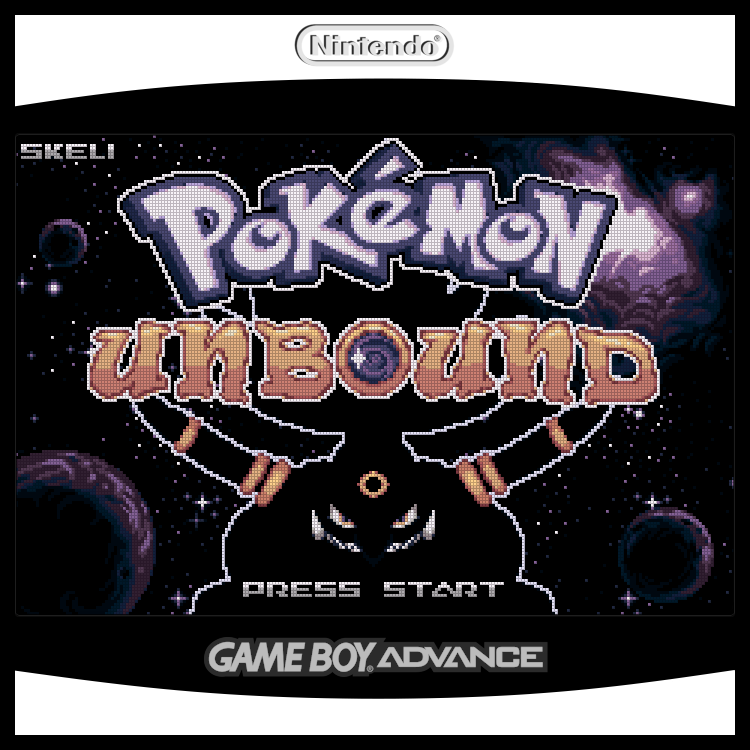
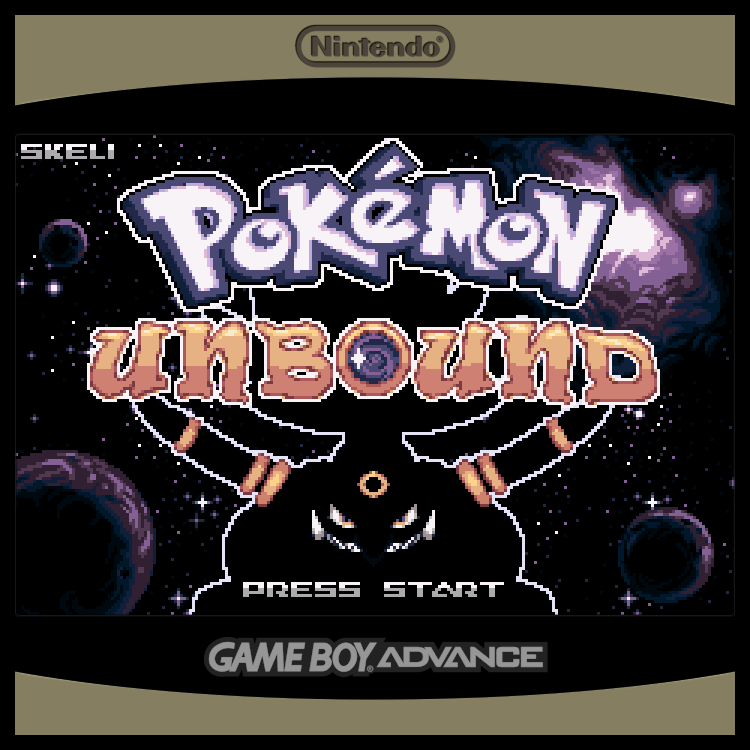
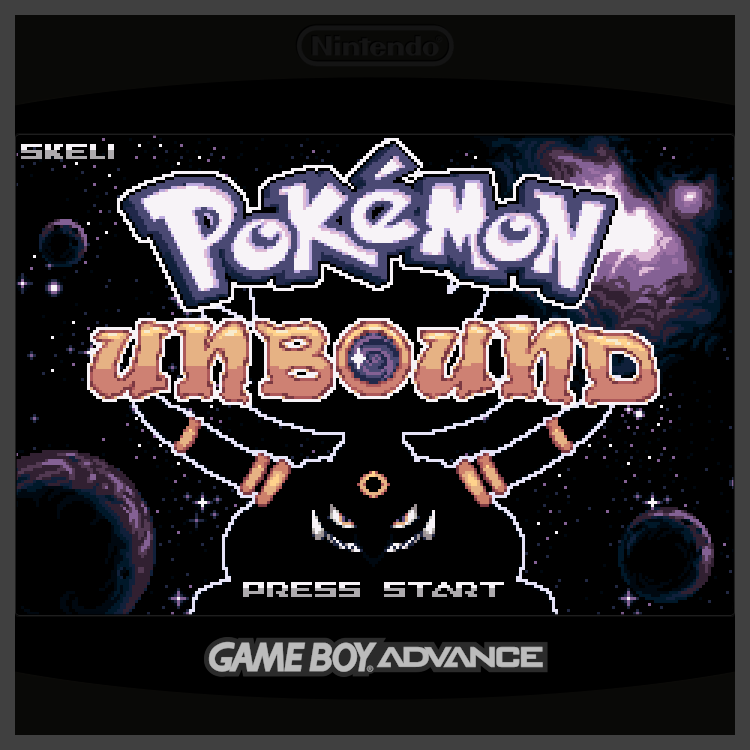
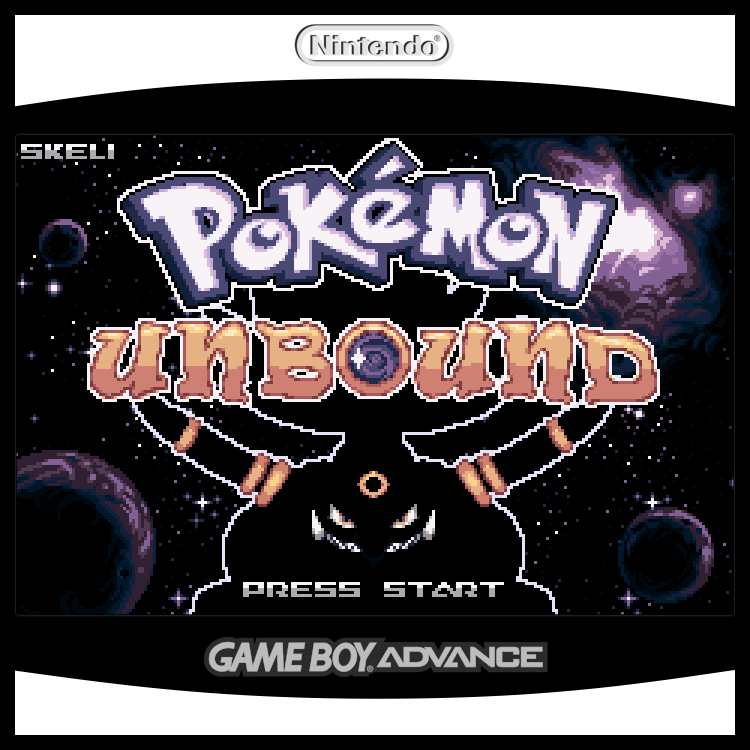
I am pretty excited about this overlay. I’ve seen other colors, but none to match the dmg. I tried to make the “Nintendo” look engraved and changed the GBA logo. I also made it look like it had a screen cutout when you are on a black screen, instead of blending in with the overlay.
You can use any editing tool you have even your phone. I use GIMP since I’m on Linux Mint. Just edit the .png file; you can change its color, add elements, or customize it like I did by adding the colored logo. You can also create your own overlays and design them however you like.
For this one the Cubexx, the screen size is usually 720x720, so you’ll need to match that resolution. Name your overlay whatever you want, but make sure to save or export it as a .png file.
Each overlay also comes with a .cfg file. Whenever you make a new one, ensure the .cfg file includes the name of your overlay image. For example, if your overlay is named cubexx.png, that same name should be referenced inside cubexx.cfg. The .cfg file itself should also be named accordingly (cubexx.cfg) for the overlay to work properly.