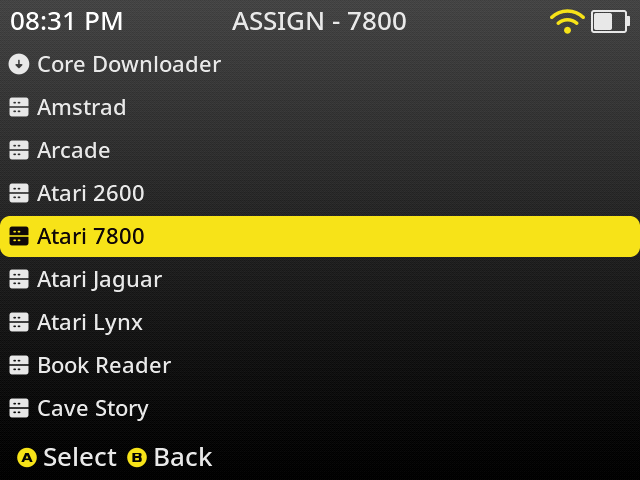
To download additional cores open Content Explorer and navigate to a folder you want to download a core for
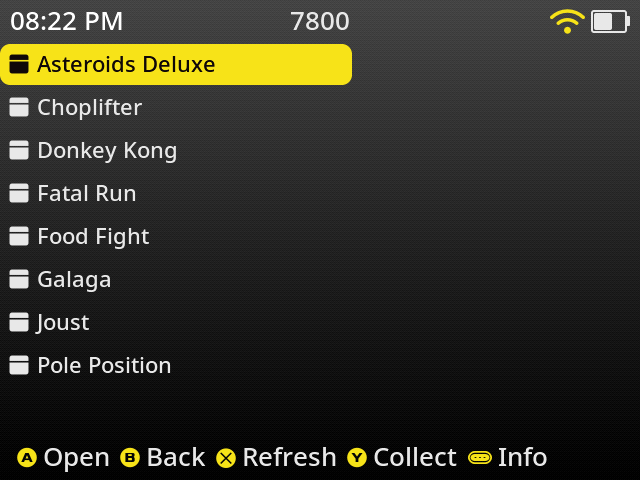
Press Select to bring up the Core Assignment screen
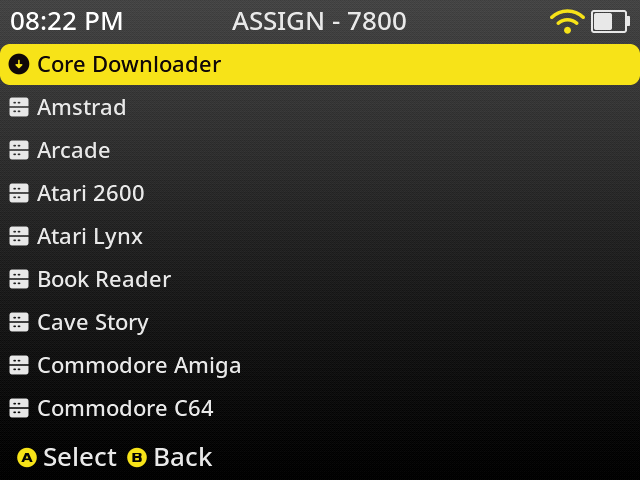
Select Core Downloader and press A
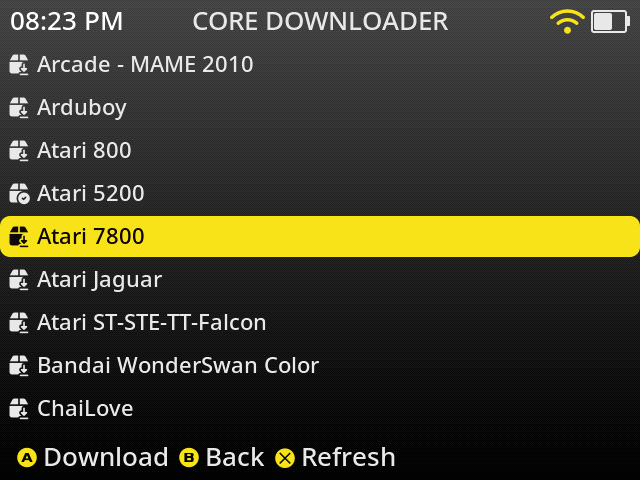
Select the core you want to download and Press A to begin the download process. You will first see a download screen.

Followed by a terminal screen that provides details on the installation of the core.
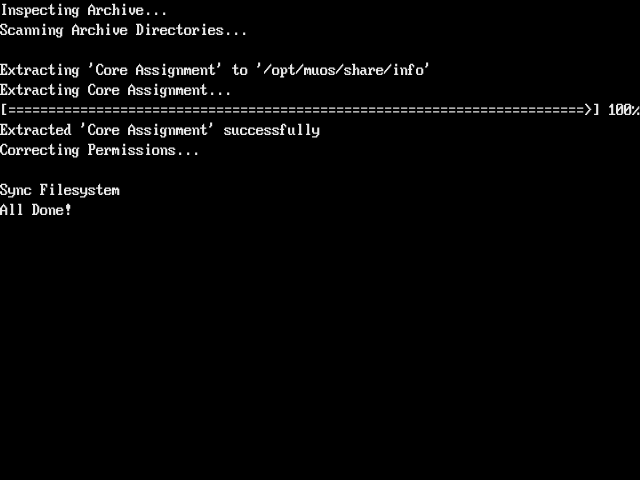
After this screen finishes you can press B to return to the Assignment screen. You will now see the new core available for selection.