I tested the USB connection on both Linux and Windows. I tried using different cables, but to no avail. Windows detects a new device but cannot find a driver for it. On Linux, there is no reaction at all. I have Anbernic rg40xx-h
Are you doing it with the actual device, or with the microSD card?
Just to be sure, have you enabled MTP in advanced settings?
The direct link option is for linking two devices for multiplayer.
MTP should be enabled in advanced options.(press X over general in configurations).
Of course, with the device.
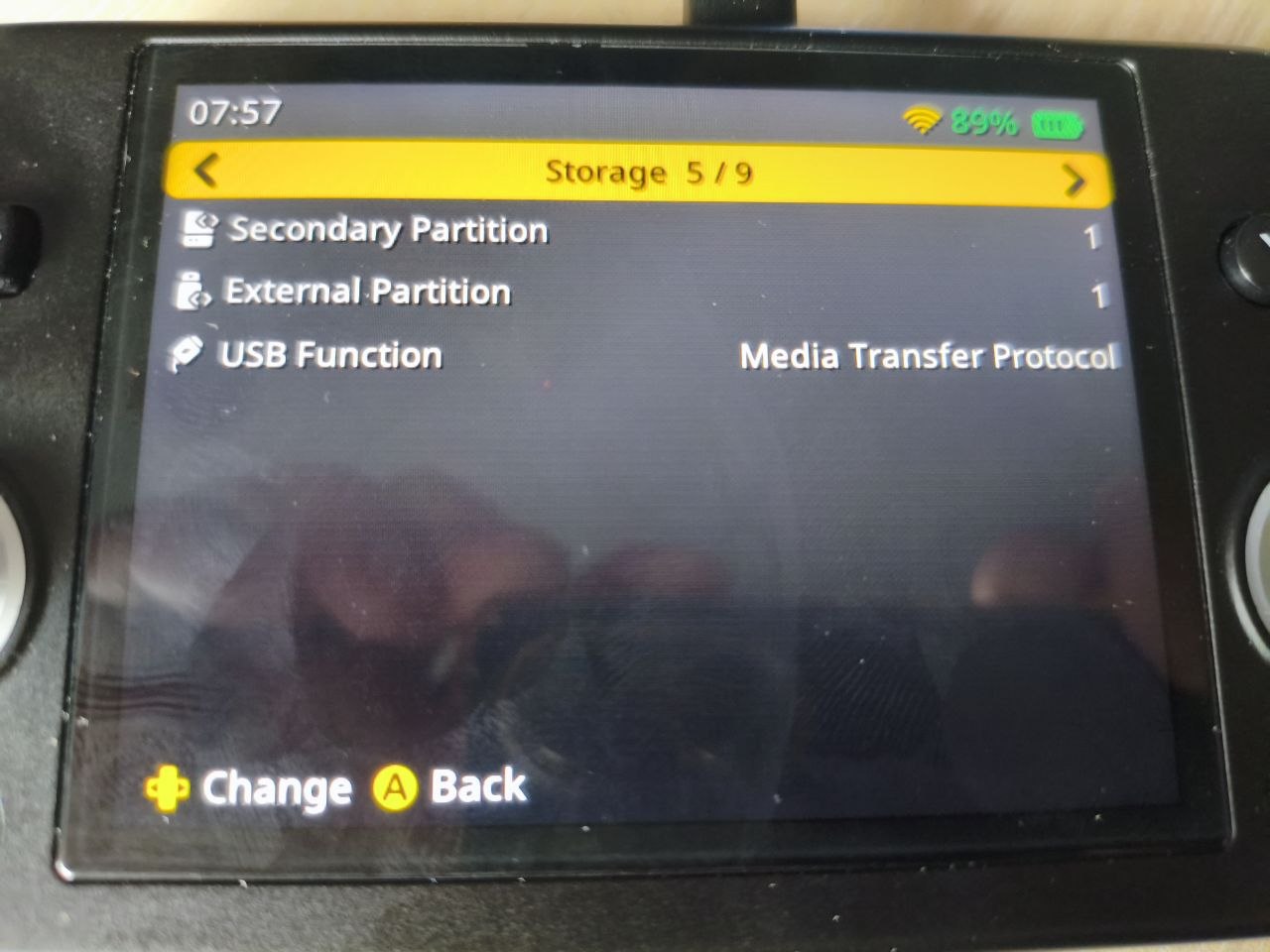
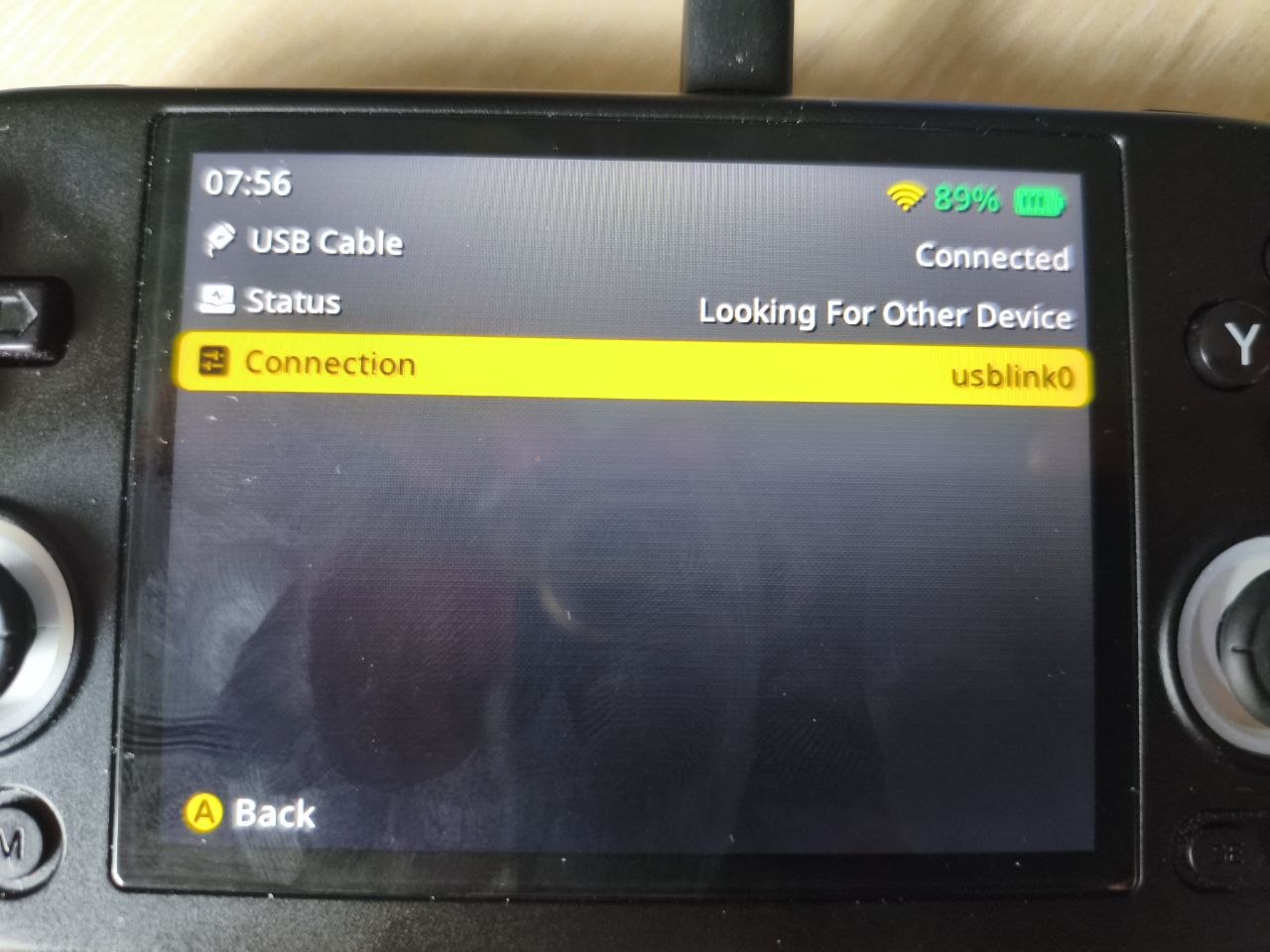


Everything is enabled in menu, and the device is connected. However, the operating system does not “understand” what to do with this device or exactly what has been connected to it. With the previous version of the firmware, the connection worked perfectly.
The situation is the same in both Linux and Windows.
Different cables have been tested. The device was connected both via a USB hub and directly to the PC.
Three different PCs were used.
You might just have to take the sd card out while its powered off and plug it into the computer.
Direct Link has nothing to do with file transfer, it is a way for two devices to communicate over a USB-C cable for multi-link supported cores/content through Pickles.
We have done some extensive work regarding MTP support and have at least stabilised the functionality for 2612 Supernova. However I would suggest utilising the File Management in the Web Dashboard or using SFTP directly if you can.
MTP can be flaky at best, and if it is anything like my devices a slight bump of the USB-C cable can interrupt data flow as annoying as it is.