I’m trying to change my setup from 1 to 2 µSD cards for easier backups and updates
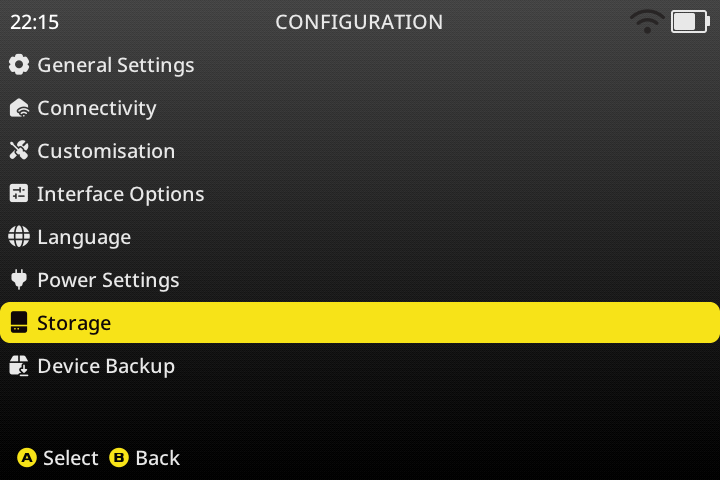
I’ve seen this topic about that but it seems outdated, for example it talkes about Go to Configurationthen selectStorage. but this menu doesn’t exist on the Goose version.
Also, perhaps other stuff have changed and a manual creation of folders may be touchy, idk?
So how do i properly move my data on my second µSD card without breaking stuff or have a buggy installation in the future?
The same storage menu is still there in Goose, it just doesn’t show up if there isn’t a card in SD2, or if SD2 isn’t mounted (hotplug doesn’t work like it used to, see apps > task toolkit > storage tasks).