I test my theme on Loose Goose and it can’t read my default.png for Explorer background on Catalogue/…/box folder…
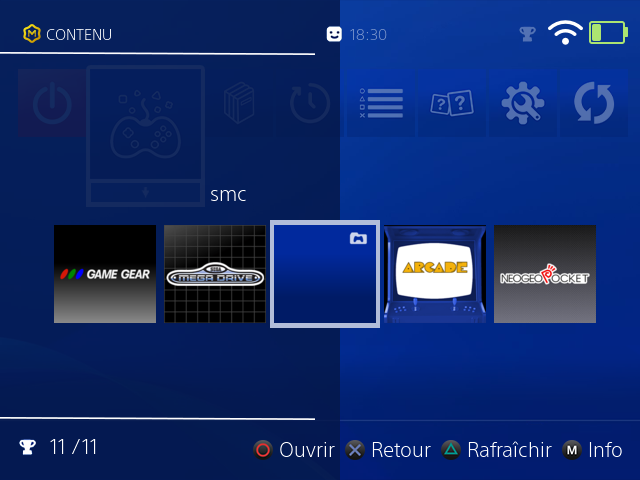
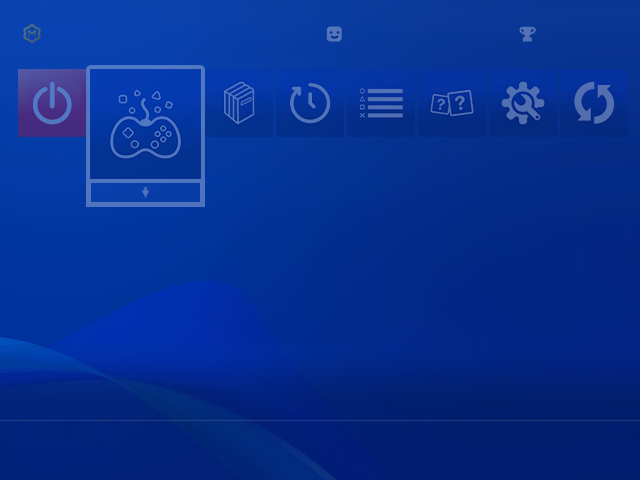
here is my default.png i use on game list background and it’s on Catalogue/…./box folder…
Full theme is here for test…
I test my theme on Loose Goose and it can’t read my default.png for Explorer background on Catalogue/…/box folder…
here is my default.png i use on game list background and it’s on Catalogue/…./box folder…
Full theme is here for test…
So is this like a PS4 style theme?
Yes it’s here : [Canada Goose] MuOS Station 4 v2
Looks really cool. My RG40xx-h doesn’t work so I’ll probably need to edit it a bit to fit my RGCubexx if 720x720 isn’t availabe. Thank you.
when doing a grid mode theme box art will only show if you have
Config -> Customisation -> Hide Grid Mode Box Art set to disabled
but for doing a wallpaper like this really should be based on
/640x480/image/wall/muxplore.png
so you should copy it there instead
theme engine is working as intended
This is for the game list menu, for me it’s for the emu list…
seems weird that they wouldn’t have the same background but in that case disable the setting for hiding box art
yes i did it for fixe, i get the solution on your other post… now i have my background…