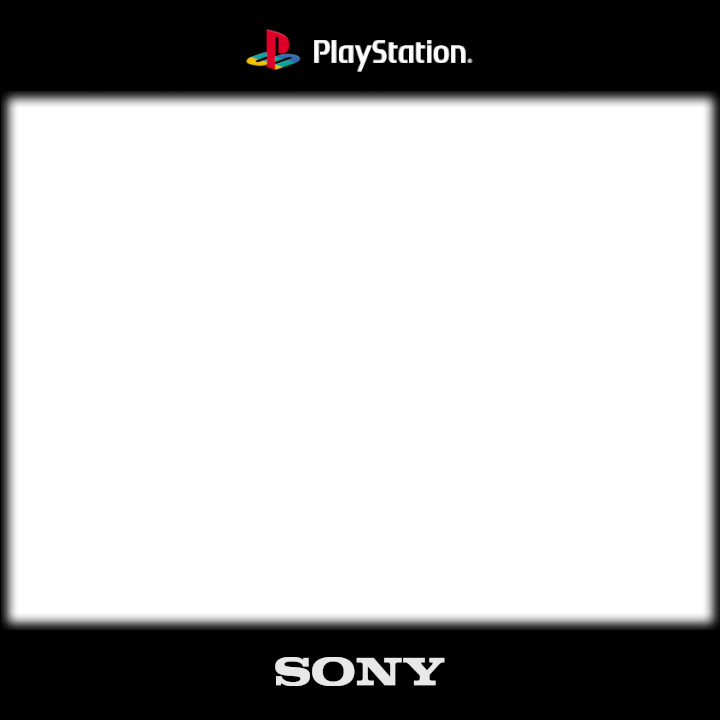
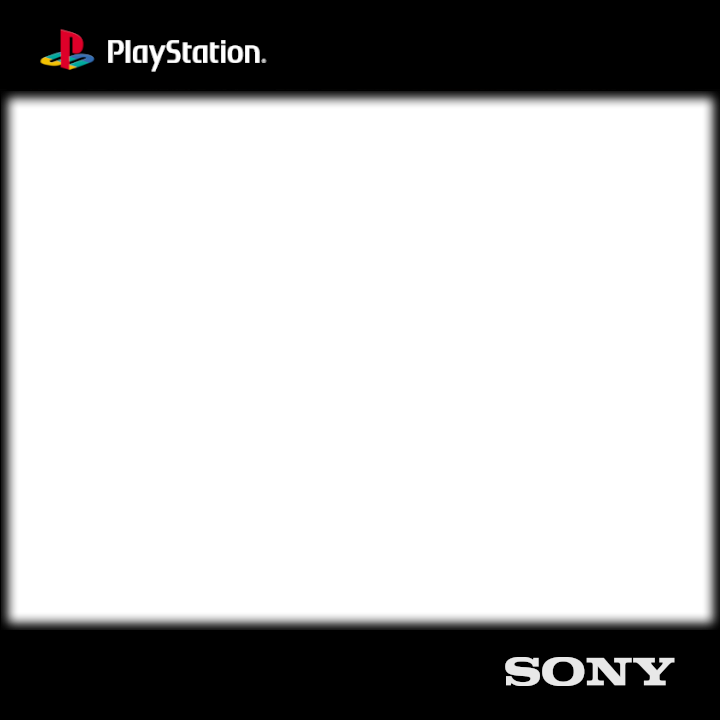
Hi! I made a clean and distraction-free overlays featuring a solid black bar background designed specifically for 1:1 displays like the RG CubeXX. Includes two variants: one with a centered logo, and another with corner logos (top-left and bottom-right). Designed to keep the screen readable while adding subtle branding.
Just extract the files and place them anywhere on SD Card 1 or SD Card 2. You can name the folder whatever you like.
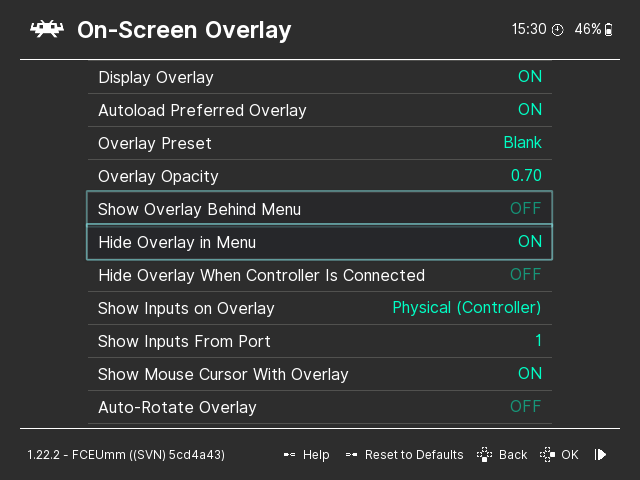
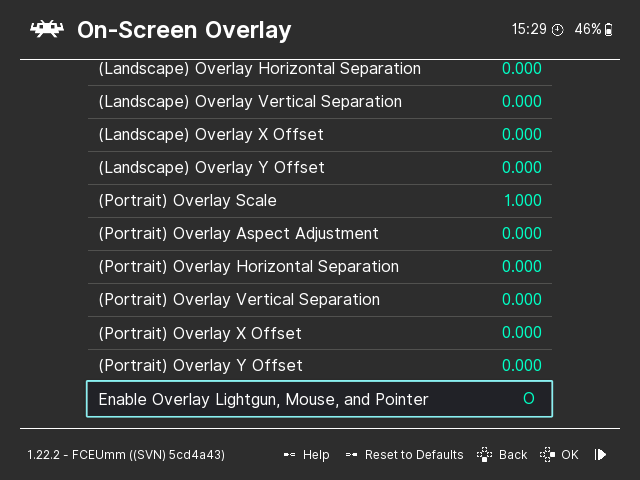
While in-game in RetroArch, go to Settings, User Interface, On-Screen Overlay. Enable overlays, then select the folder path where the overlay files are located and choose the overlay.
Forgot to say that you should not leave the .cfg files and move it with the .png files.
You can find a full list of all the handy hotkeys on the muOS main page (I’m linking the page rather than just telling you the combo, as the website would be continuously updated in case the combo changes, which would render my comment outdated)
You can extract it manually and then move the files to your SD card. I recommend using SFTP + file browser since it’s easier than mounting and unmounting, especially because the file isn’t very large.