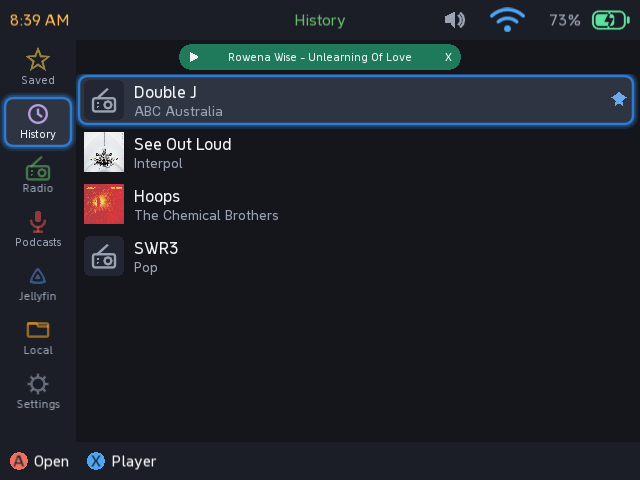
muSE Player (beta) - internet radio, podcasts, Jellyfin music and local files
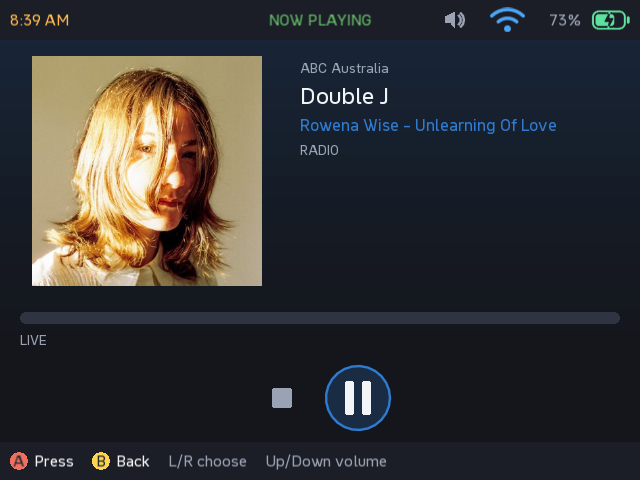
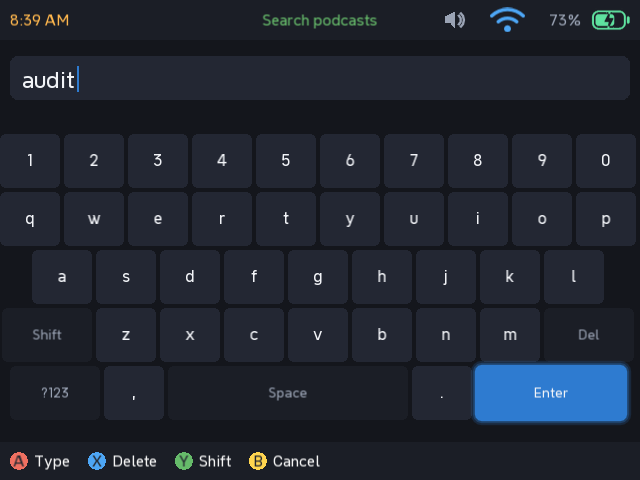
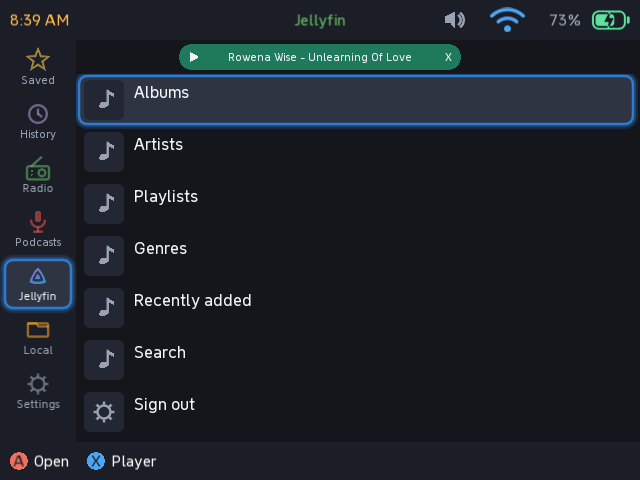
An audio player for the RG35XX-H on muOS. Internet radio with live track
names, podcasts (stream or download), Jellyfin music, and local files from the
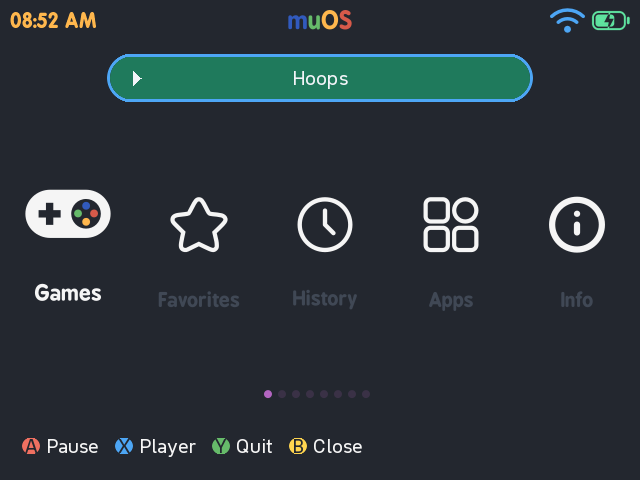
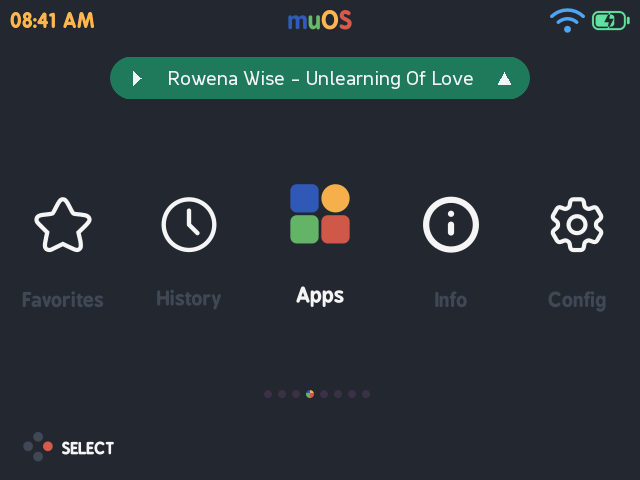
card. Audio keeps playing after you close the app, and what is playing shows
as a pill on the muOS home screen - press Up on it for play/pause, the player,
or quit. The pill can be turned off in Settings.
Requires PortMaster installed (it uses gptokeyb for input).
Tested and working on my own RG35XX-H. The pill draws straight into the
framebuffer over muOS’s own screen, and its colours are matched to my current theme, so on a different theme it may not sit right - that is what the
setting is for.
Controls
D-pad move A open / confirm B back
X now playing Y save / unsave Start download episode
Select close the app (audio keeps playing)
L1/R1 page up/down in lists
Player: Left/Right pick a control, A press, Up/Down volume,
L1/R1 rewind/fast-forward (not on live radio)
Pill: Up focus, then A play/pause, X player, Y quit, B dismiss
Bugs or feature requests, please open an issue on GitHub.