A beta build of MuTube a youtube video player adapted specifically for MuOS (Goose)! This version builds upon the excellent base code from r36swiki.com with significant performance and stability improvements for our devices.
Tested on MuOS Goose. It may work on Pixie, but it is currently untested.
What’s New & Fixed:
Default resolution set to 720p.
Prioritizes H.264 codec over VP9 and adds Split Stream support (Video+Audio) to ensure videos play smoothly even if a pre-muxed MP4 isn’t available.
Resolved the annoying “double press” issue on Anbernic devices.
Added auto-resolution detection so the app scales correctly to your screen.
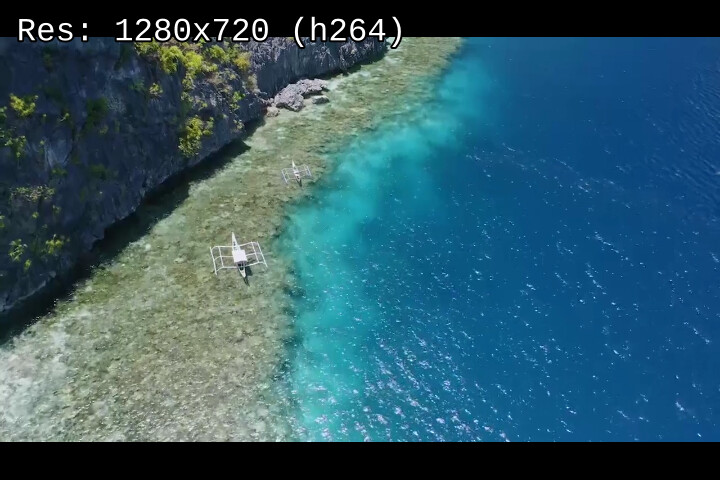
Press ‘X’ during playback to overlay the current video resolution and format.
Refactored the player process to prevent race conditions and random crashes.
This app’s interface looks nice, but it can’t play videos on my Trimui Brick. After I tap a video in the search list, it only shows a ‘loading’ screen; then the video doesn’t play and it goes back to the search list. This is the full content of my log.txt:
Starting YouTube…
PortMaster found at: /mnt/mmc/MUOS/PortMaster
Running in directory: /mnt/mmc/MUOS/application/MuTube/data
e[?25le[?1ce[?25he[?0cScript dir: /mnt/mmc/MUOS/application/MuTube/data
yt-dlp: /mnt/mmc/MUOS/application/MuTube/data/yt-dlp
Player: mpv
Overriding SCREEN_WIDTH from env: 1024
Overriding SCREEN_HEIGHT from env: 768
Using Script Resolution: 1024x768
Controller Detected: Using Mapped Inputs
Requesting Quality: 720p
Requesting Quality: 720p
MALI_CreateWindow:0x326e8a20 done.
Hey ho, i got the exact same Problem with the Trimui Smart Pro. Everything loads fine until i start a video where it only shows loading goes black and then revert to the video search.
Starting YouTube…
PortMaster found at: /mnt/mmc/MUOS/PortMaster
Running in directory: /mnt/mmc/MUOS/application/MuTube/data
e[?25le[?1ce[?25he[?0cScript dir: /mnt/mmc/MUOS/application/MuTube/data
yt-dlp: /mnt/mmc/MUOS/application/MuTube/data/yt-dlp
Player: mpv
Overriding SCREEN_WIDTH from env: 1280
Overriding SCREEN_HEIGHT from env: 720
Using Script Resolution: 1280x720
Controller Detected: Using Mapped Inputs
Requesting Quality: 720p
Requesting Quality: 720p
Requesting Quality: 720p
Requesting Quality: 720p
MALI_CreateWindow:0x25c6ba60 done.
@ronax just to let you know: mpv is broken on TrimUI devices running MuOS Goose (all releases). It’s more than likely what’s causing the playback issues. You should check the console output for: Error opening/initializing the selected video_out (–vo) device. to confirm.
The good news is a fix is coming in the next release of MuOS. If you really want to get things working now I have a fix. It’s pretty cumbersome though. Honestly, it’s probably better to just wait.
As I mentioned, it’s pretty large. Unfortunately, forcing the video output has no effect (I tried). SDL seems to be the only working video output (unless you want your videos rendered in ASCII).
 What’s New & Fixed:
 Installation:
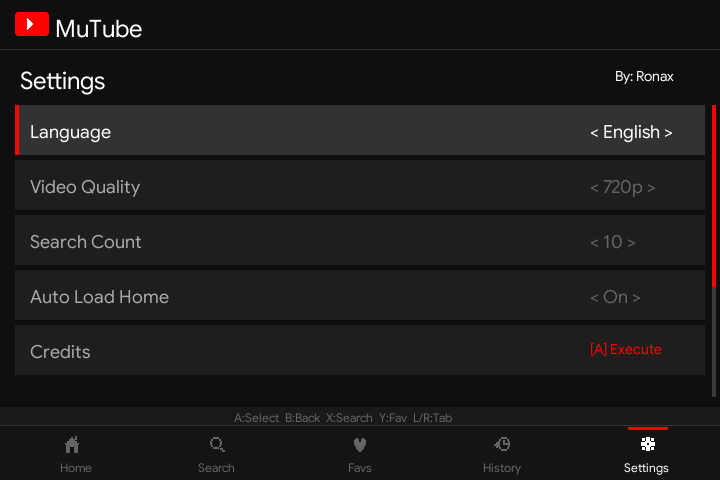
 Screenshots: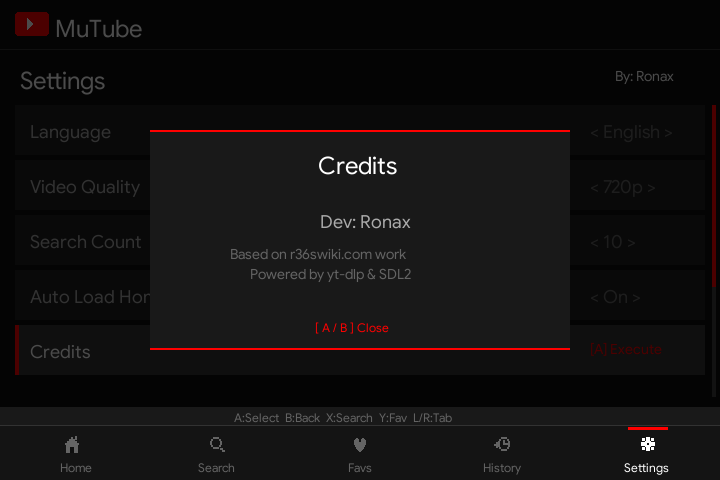
 Controls: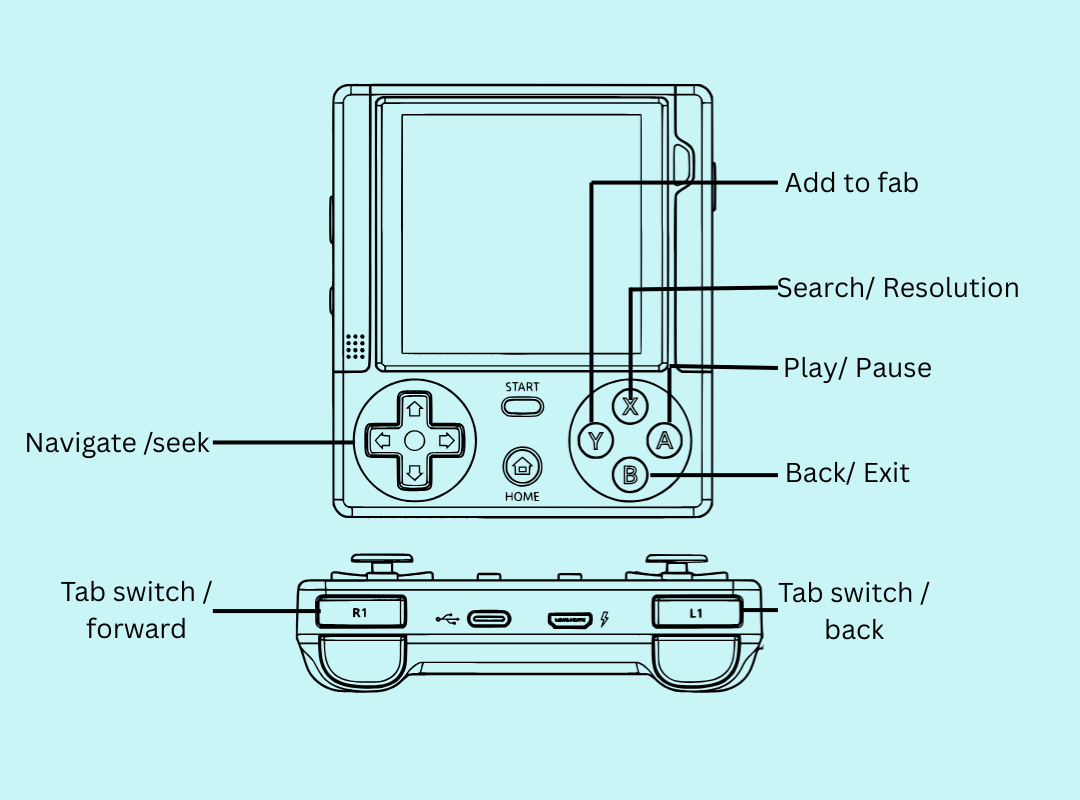
 Bug Reporting: This is a Beta! If you encounter issues, please share the