Welcome to MuOS Advance Theme Collection Mod, original by JuhoSprite)
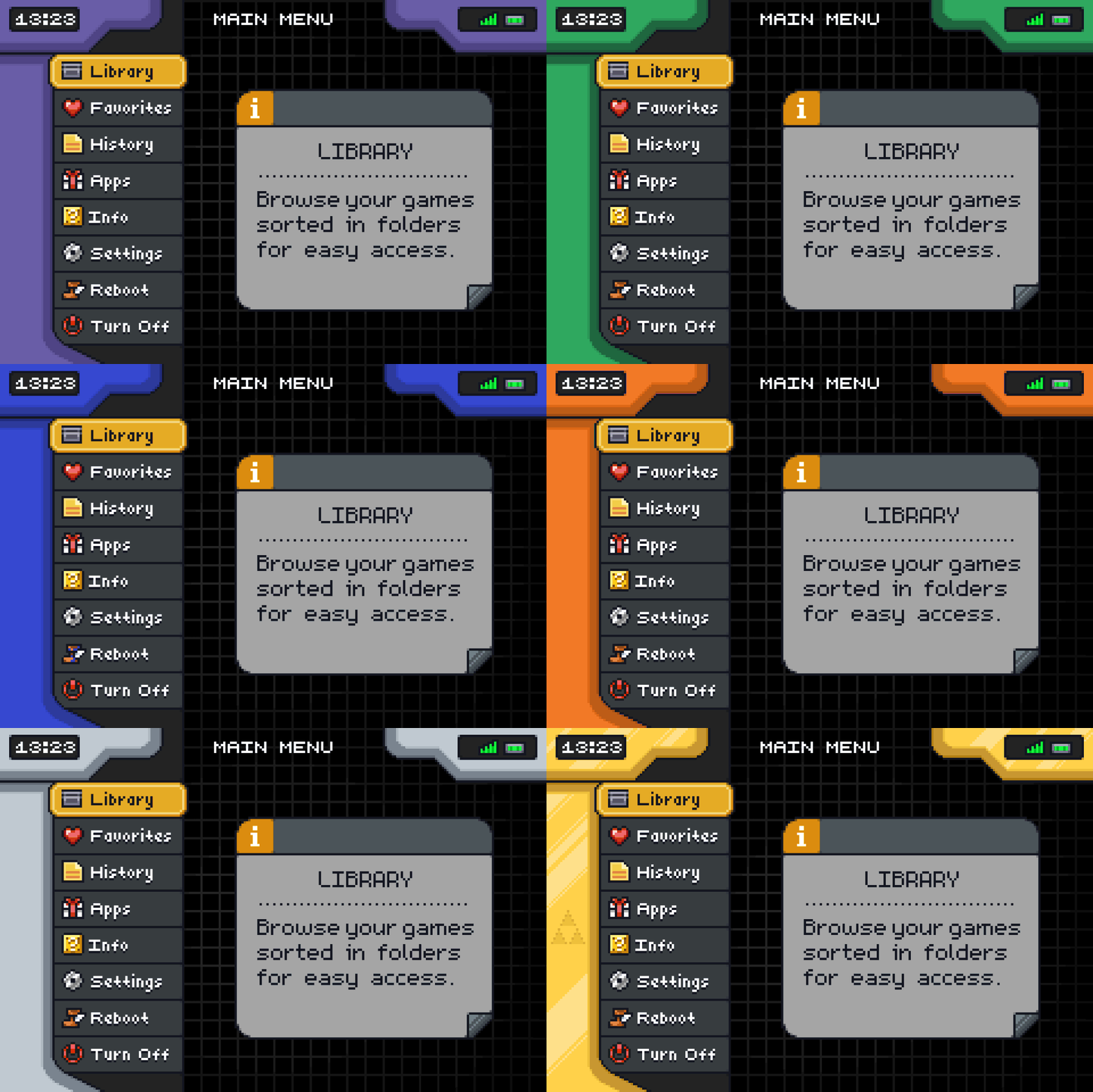
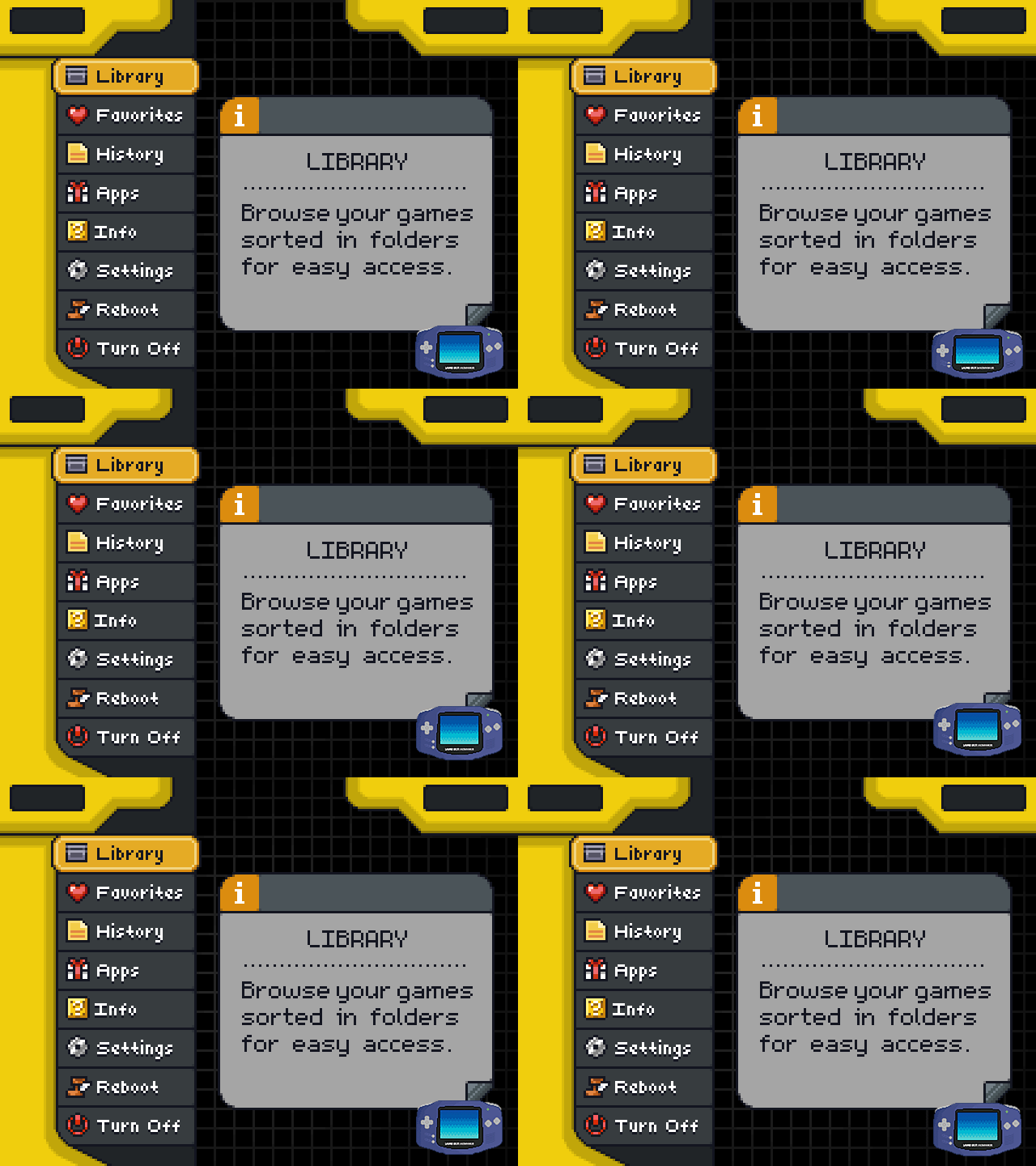
Normal and Animated
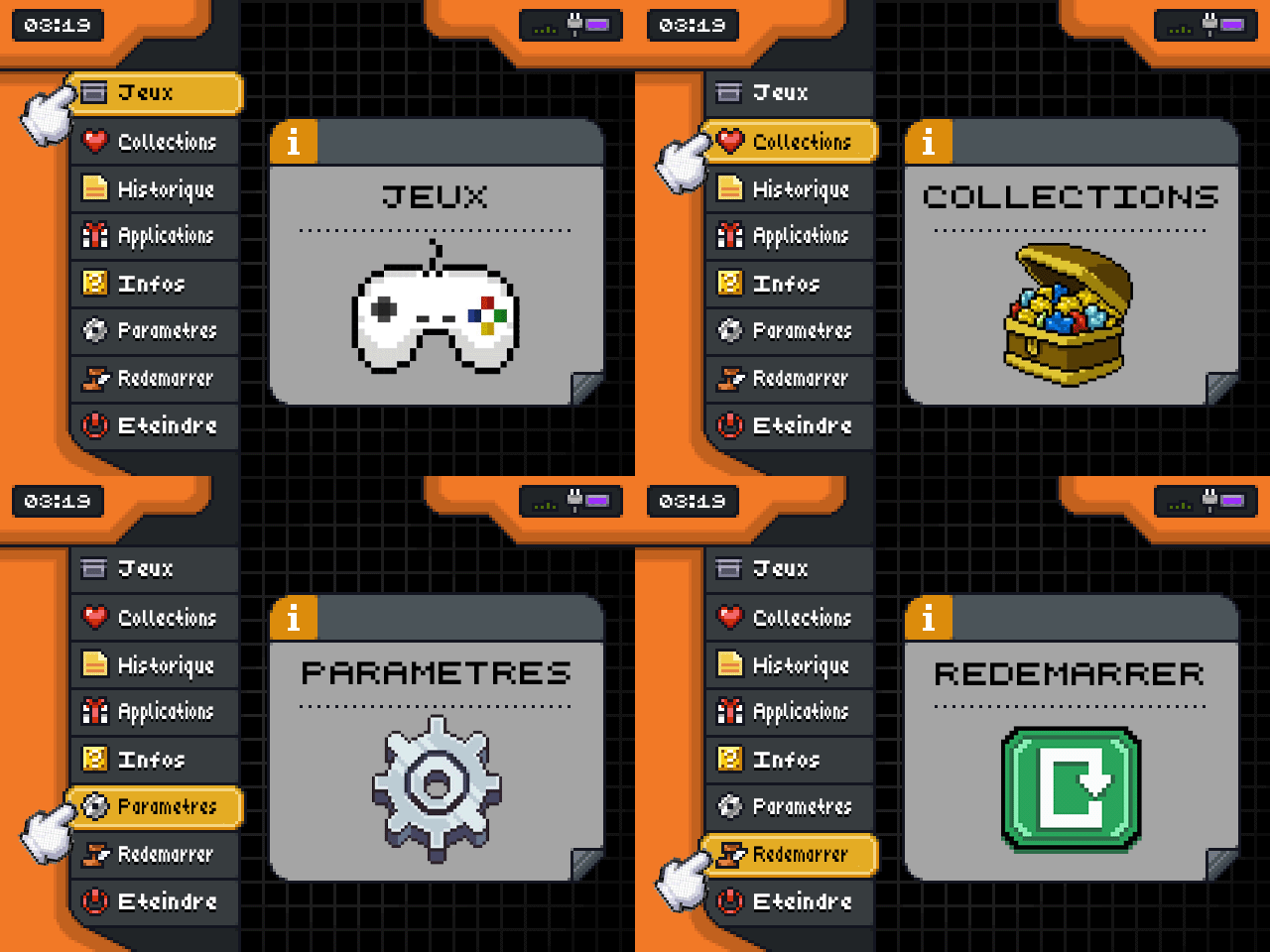
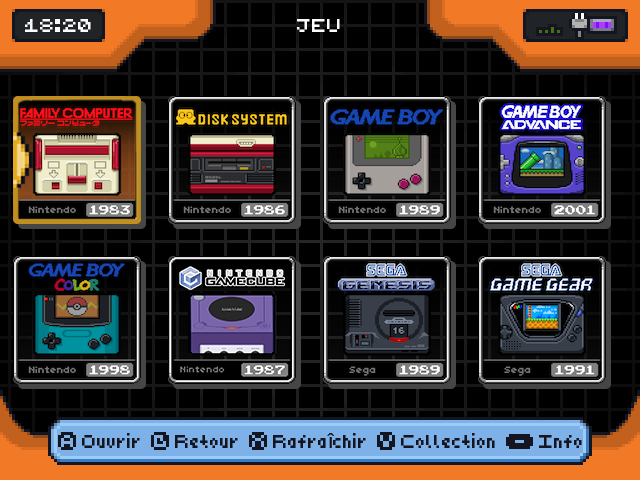
NEW : Menu with Cursor
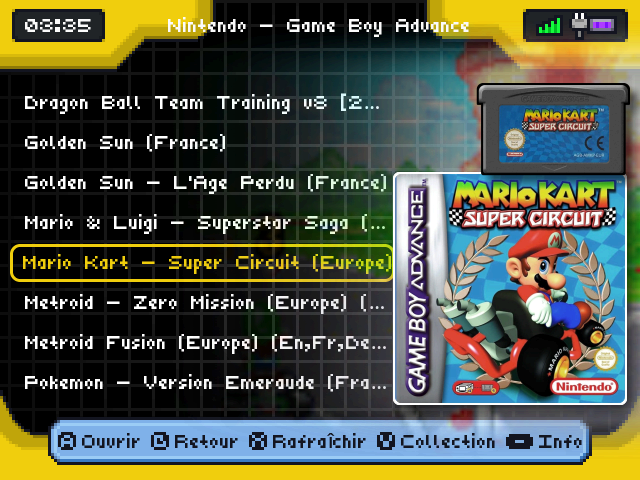
Old Grid and game list
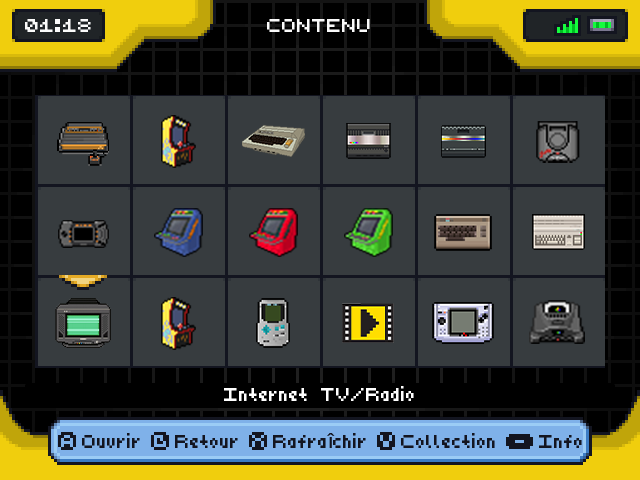
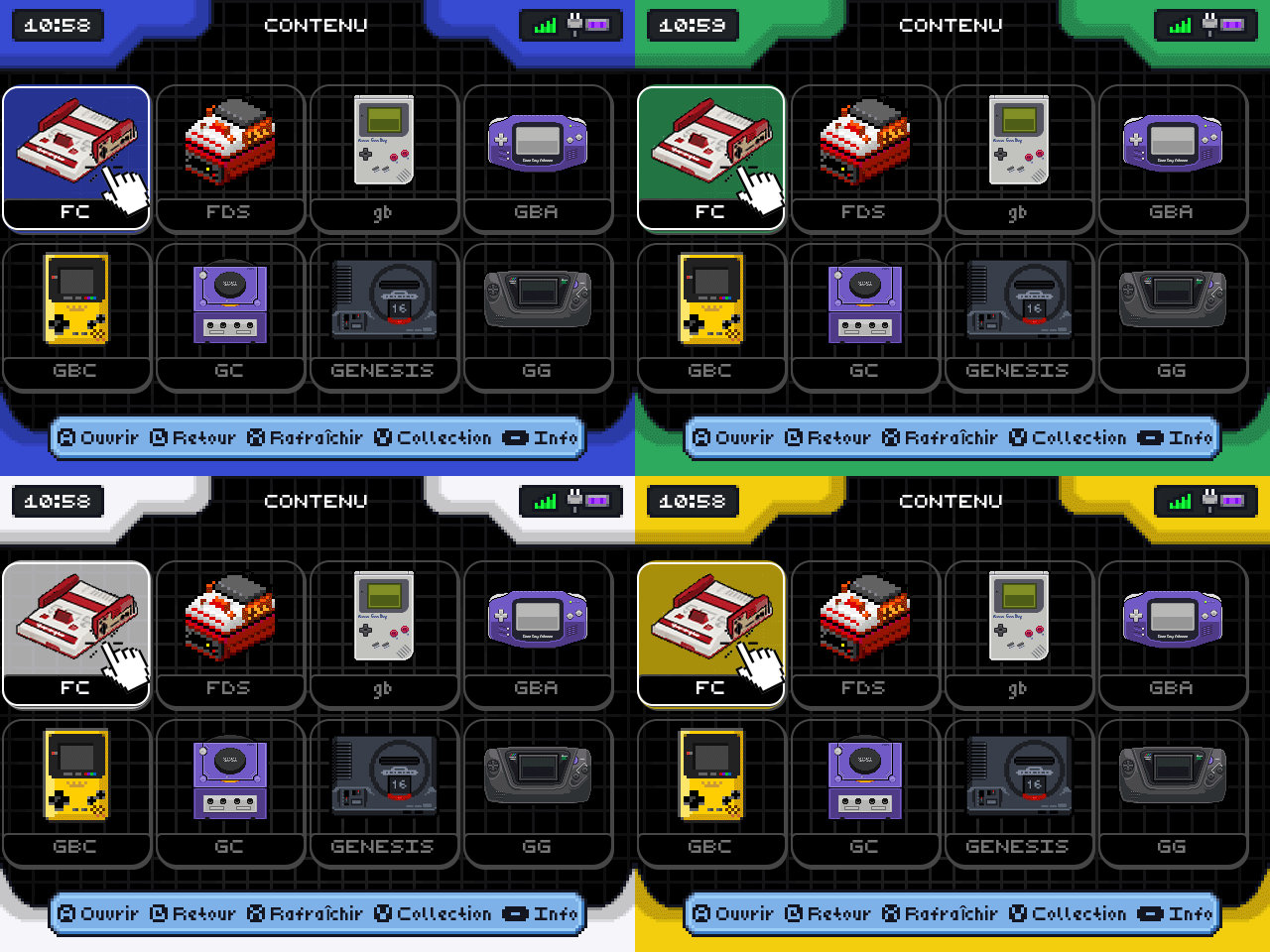
New Grid / Grid Snes Mini (Source) !!!
More and detail : MuOS Advance Theme Collection Mod
Welcome to MuOS Advance Theme Collection Mod, original by JuhoSprite)
More and detail : MuOS Advance Theme Collection Mod
Hi, I tried this theme out, it looks really beautiful and amazing. I wanna keep using it but
RG40XXH - Pixie 2502.0
MuOS.Advance.Pixie.Mod.Collection.Animated.muxthm and put it in my sdcard/MUOS/theme folderIt’s when u change the color of theme ?
I work with 12h not AM/PM what is normal, sorry…
It depend of your game librairy, what icon is missing ?
For the Animated theme, I can confirm that regardless of when or what color is selected, when you return to the home screen, the borders turn black for about 1 second. This issue does not seem present for the other themes, and persists after reboot.
@AbdullahTrees you might need to rename some of your folders. Some of the folder name requirements for images to show up are quite strict. The ATARI 2600 can’t be called ATARI 2600, AT 2600, or just ATARI. It must be A2600. The Dreamcast folder must be DC. So for anyone who has art not showing up, mess with the folder name - try acronyms, shortenings, full names, etc. It would be nice if the mini-snes theme had artwork for Apps, but I know that’s not up to you, and ruckage hasn’t updated that repository in 7 years.
The AM/PM issue is minor, and I don’t think the theme can adjust the background element to extend the black box to encompass the AM/PM. Probably best to just use the 24H clock even for those used to 12H; I think it will look cleaner even than a box extended to encompass AM/PM. It would be neat if MuOS introduced a 12H option without the AM/PM text.
It would also be nice if the order of the systems could be changed and stored in some metadata file instead of always being alphabetical with the folder names. I don’t know if that’s possible with how themes work with MuOS, considering it seems you only have the one variable for non-standard customization within a theme. Maybe this is another thing to bring up to the MuOS team for system ordering.
Finally, the New Grid theme has the same selection box and art as the mini-snes theme, as opposed to the art shown in this post. This results in a styling conflict. See the linked image.
Where do I get a mapping of the folder names that must be set for each console?
For the grid mod, u need to use the file no name on a roms list " No.Name.Roms.Folder.muxzip"…
One dev talk about that and give some tips to create your roms list by console…
The icons are stored in MUOS/info/catalogue/Folder/grid on whichever SD card you’re using. Folder will have to match the file name. Not sure about case sensitivity.
Inversely, you can rename the icons to match your folders.
Side note: I’ve also been cobbling together a muxplore.ini to have 4x2 again instead of 6x3. Messy but it is possible if anyone has been wondering.
I believe these are slightly broken in Canada Goose.
For example, it shows text over my system icons with the system name. Apparently I’m supposed to run No.Name.Roms.Folder.muxzip but that fails with an error that says “unsupported archive: mnt”.
Any suggestions on where to go from here?
the way archives work was changed in goose, so the creator of that archive would need to update it for it to work, or you could do it yourself by referencing this: Manually creating installable archives
I hadn’t seen this. I’ll give it a shot. I appreciate it!
i work on some theme to update them from Goose and maybe added more… just be patient…
OK, thank you!
Before I saw your message, I updated No.Name.Roms.Folder.muxzip for Canada Goose and confirmed it is working now. Would it be worth sharing that somewhere?
yes here for other user who need it !!! and thanks for the tips…
No.Name.Roms.Folder.Canada.Goose.muxzip (675 Bytes)
