I would definitely have a look at the following to ensure you are generating a proper mux_launch.sh script. Along with a mux_lang.ini for multiple language support in the frontend.
You can also place a custom glyph at a folder called glyph along the application icon specific in mux_launch.ini.
Also ensure that you don’t use hardcoded paths, feel free to ask any questions about creating a compatible application. Also ensure that you are packaging it as .muxzip which is a standard STORE compressed zip with the extension renamed.
Thank you for your feedback! This is my first muOS app, so it means a lot to get as much feedback as possible in order to provide the best user experience. Will publish a new release soon
The only requirement is to be connected to the wifi. Yes, the old releases did not have proper structure, be sure to always download the latest release.
Since the device screen is usually small, I initially thought it would be better to always fill the whole screen while playing the stream.
But you have a great point, I will probably add an option in the next release to switch between ratios
Hey, sorry to hear that. I plan to work on the app this evening, so I will check what’s happening there About the loading screen, can you verify if you have an active wifi connection?
Hi, the Favorites list no longer seems to load. The favorites are still in the json file and you can still add and remove channels from the list, but when you hit the right arrow, it says no favorites even if you have favorites who are live.
This did work previously so I think something broke there.
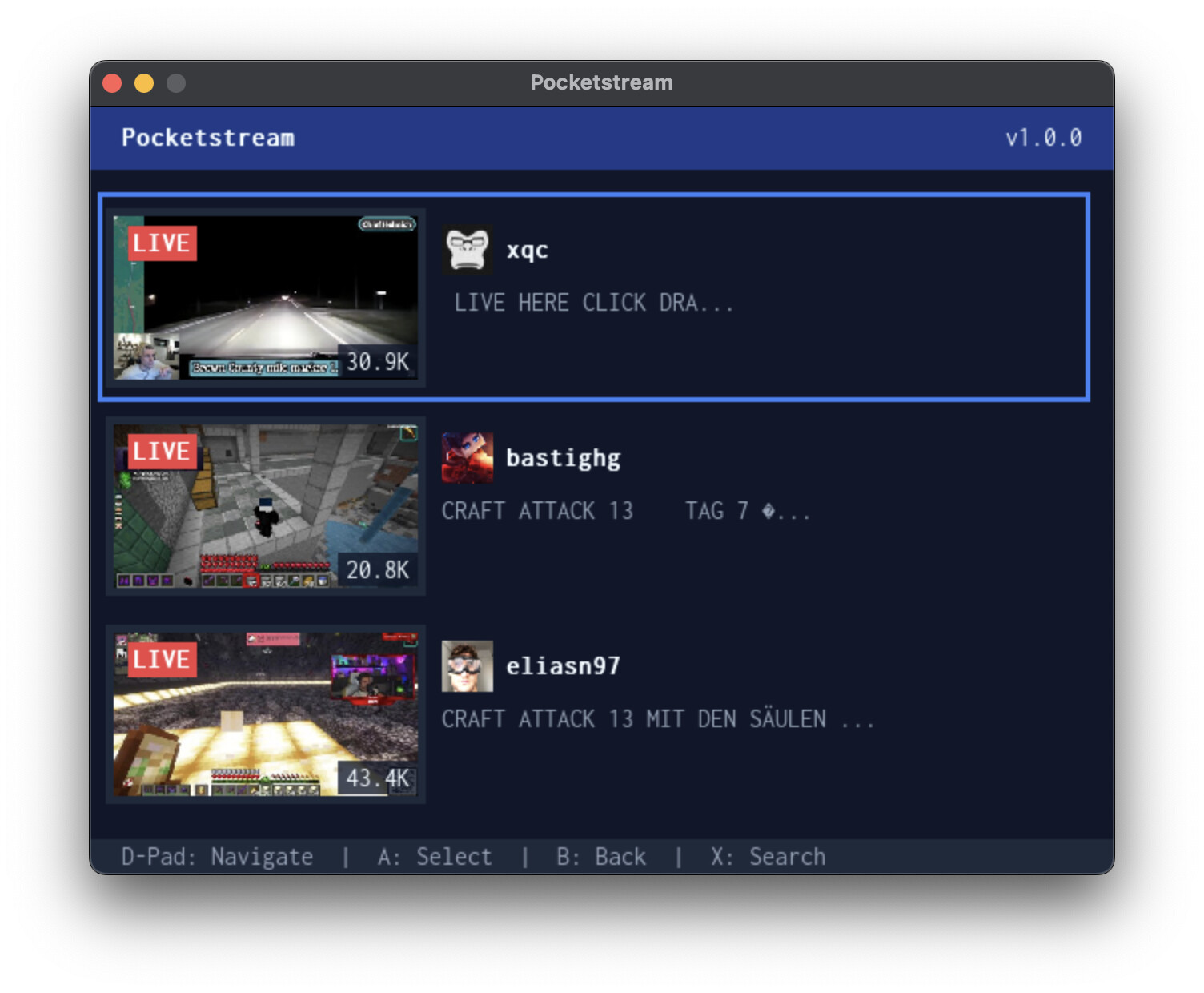
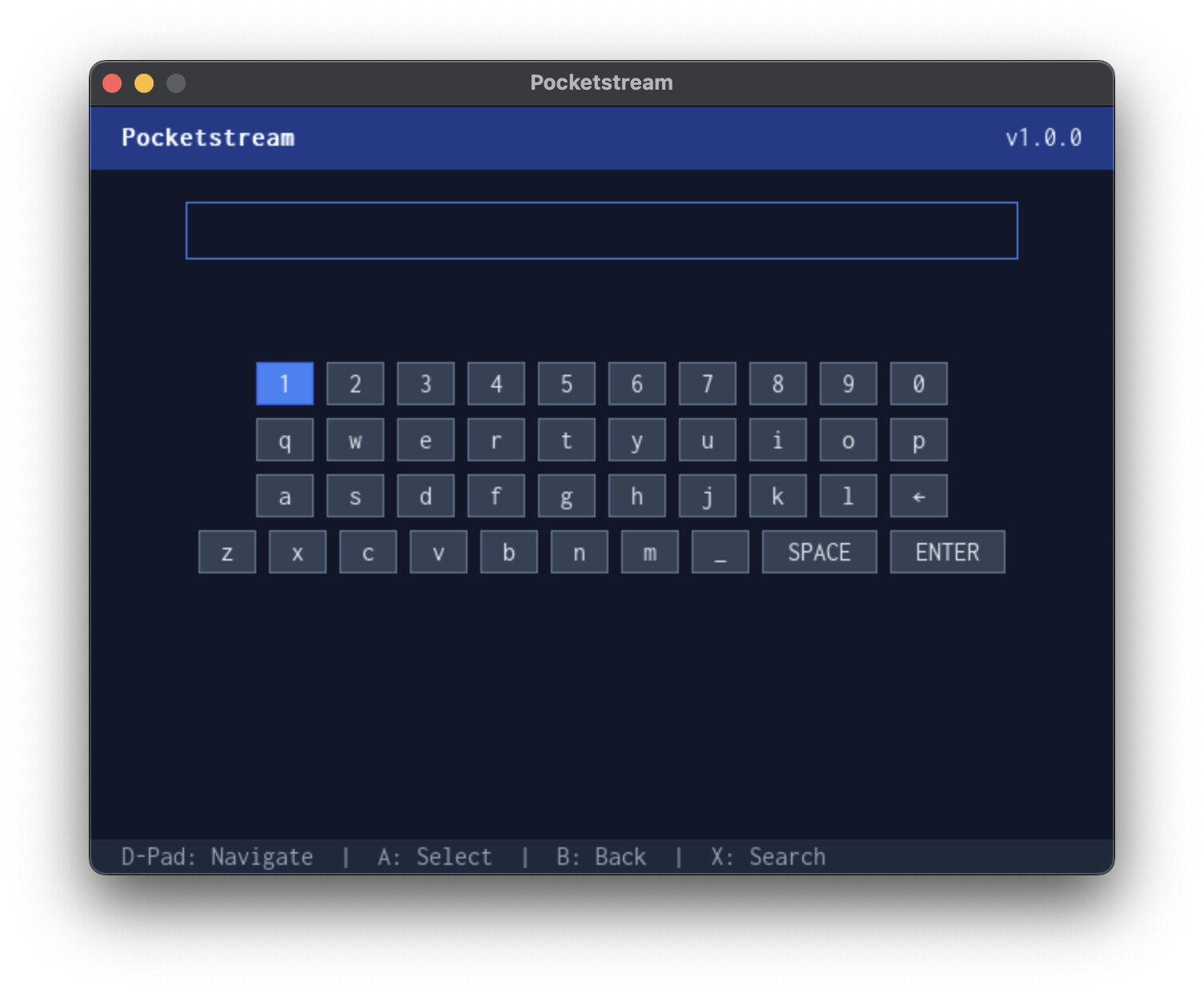
 Features
 View the Top 10 live Twitch streams in real time
 Search for live streams by keyword
 Play live streams directly with
  No login required
 Built with:
 Download & Install on Anbernic RG35XX
 Support My Work



 About the loading screen, can you verify if you have an active wifi connection?