Heya,
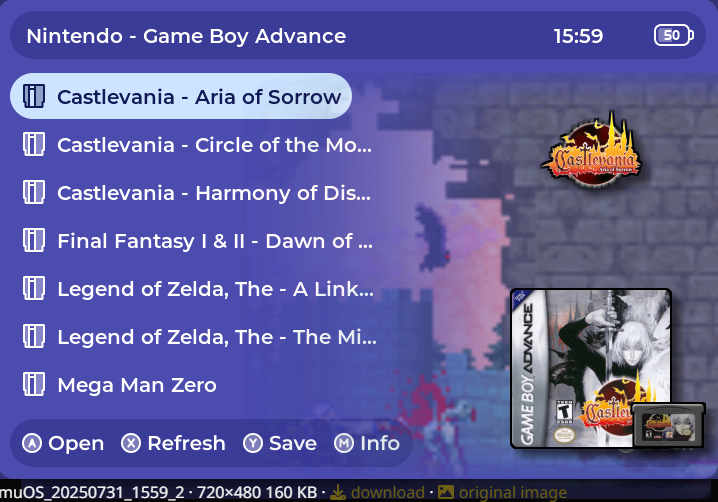
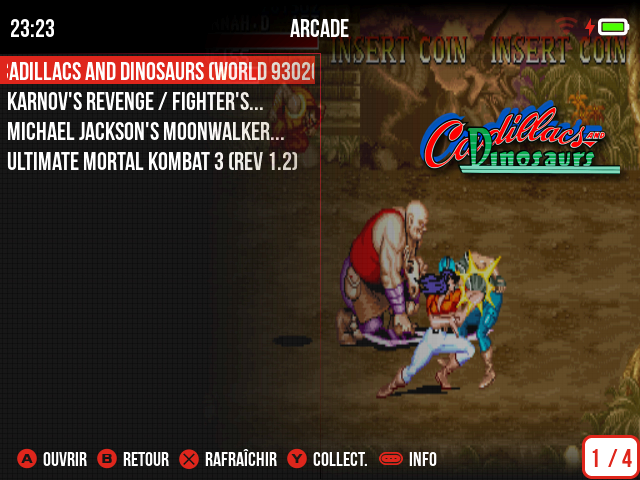
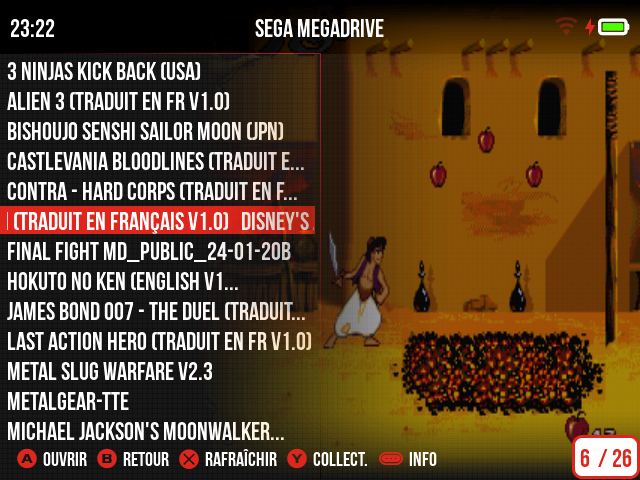
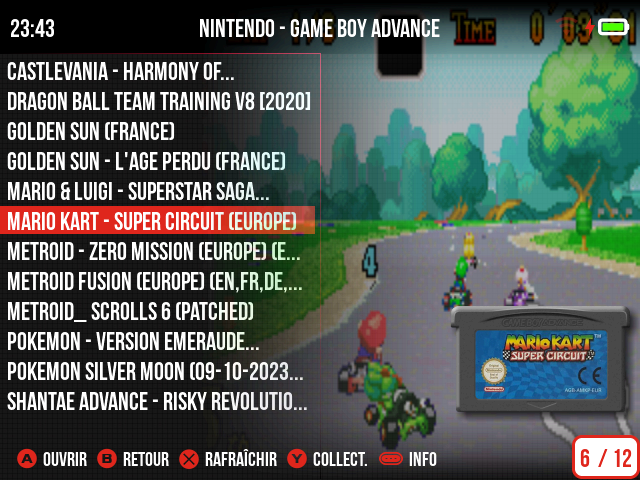
is there a way to put game screenshots (previews) into the background of the game list?
Heya,
is there a way to put game screenshots (previews) into the background of the game list?
This is a scrappy template that I use that adds a half-fade effect screenshot in the background. Is this what you’re looking for?
cover+screenshot_bg.muxapp (10.8 KB)
Awesome, yes! I can’t use scrappy though, scraper would have to be used.
You can via the “Advance Box Art Configuration” selection at this link: Artwork | MustardOS
This is my default.ini (located in /mnt/sdcard/MUOS/info/catalogue), for example:
[viewport]
WIDTH = 290
HEIGHT = 375
COLUMN_MODE = 0
COLUMN_MODE_ALIGNMENT = 2
[image1]
FOLDER=preview
ALIGN = 5
MAX_WIDTH = 290
MAX_HEIGHT = 150
PAD_LEFT = 0
PAD_RIGHT = 16
PAD_TOP = 0
PAD_BOTTOM = 30
[image2]
FOLDER=box
ALIGN = 6
MAX_WIDTH = 290
MAX_HEIGHT = 170
PAD_LEFT = 0
PAD_RIGHT = 2
PAD_TOP = 0
PAD_BOTTOM = 188
Xml mod from @RetroXNerd file posted…
cover+screenshot_bg mod by Chronoss.muxapp (11.7 KB)
U need Scrappy for best use @widardd…
This looks great. I acutally use your Epic Noir theme on my 35xxh. I would like to use this.
I’ve used scraper and there is an option for box art to appear as a screenshot of the game, but I don’t think it fills the background though.
i added the file on my post…
thanks! scrappy seems to just be skyscraper for muOS, I’m gonna try to find out how skyscraper works and how I can add your gradient file and xmls.