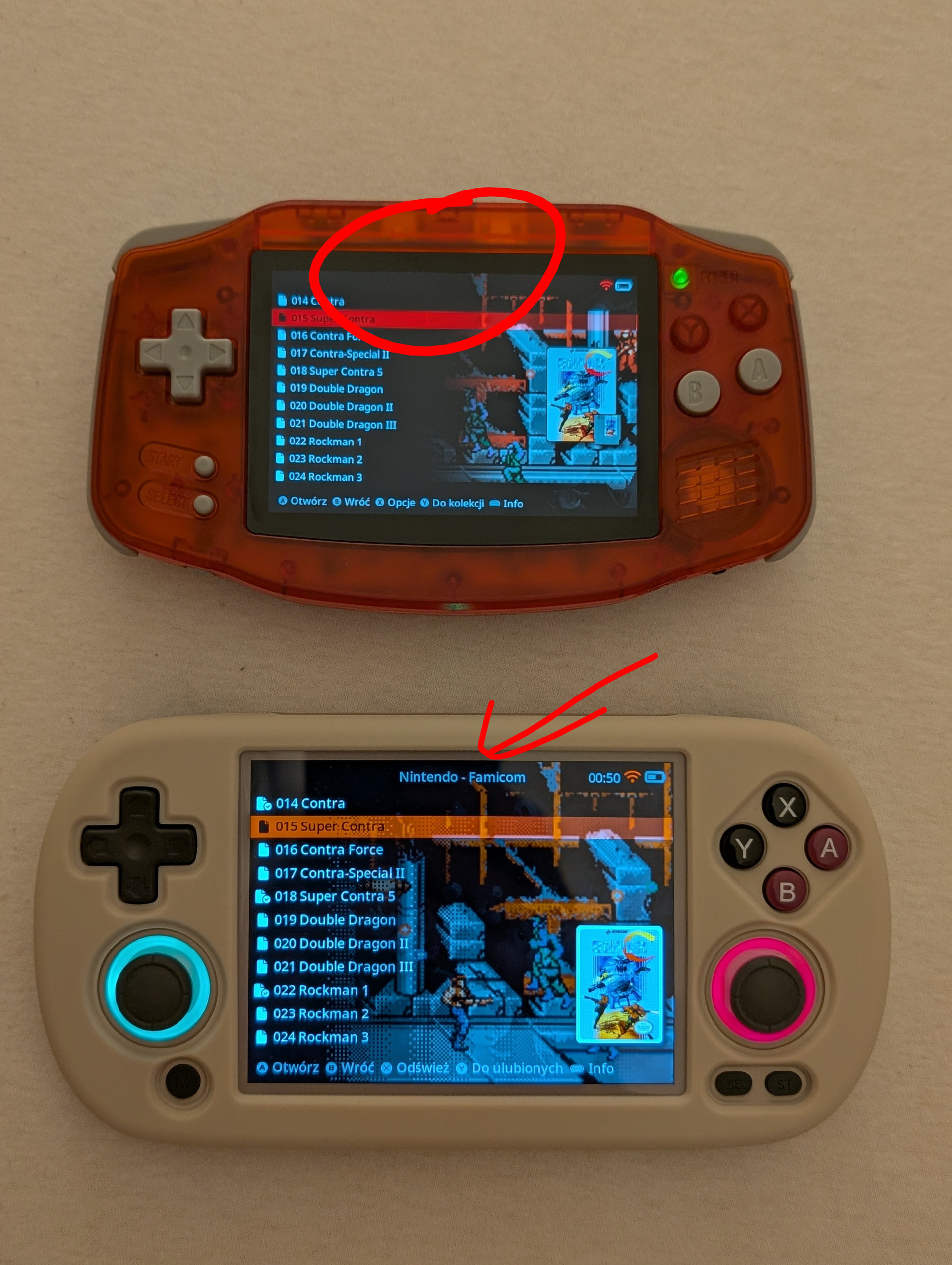
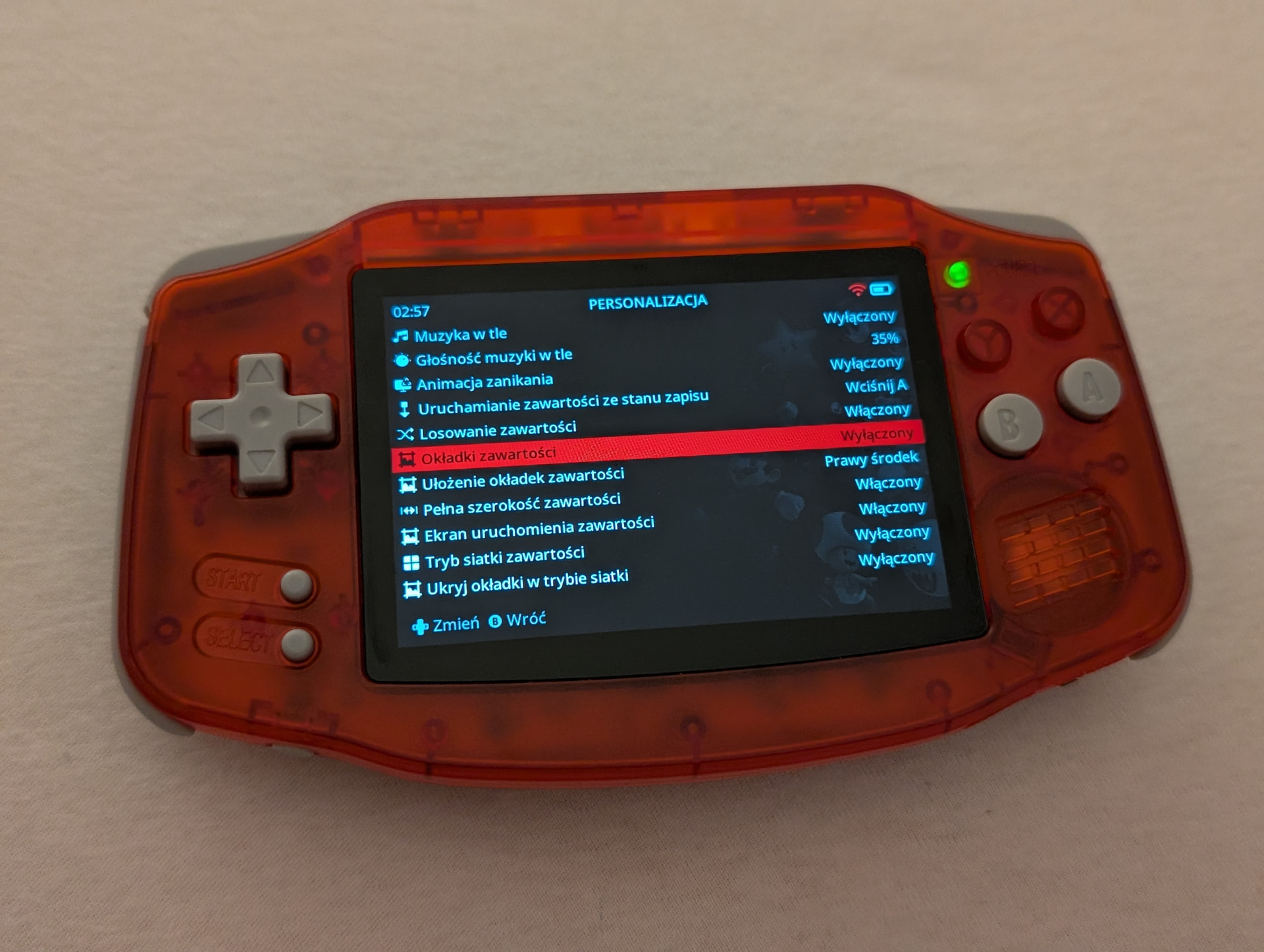
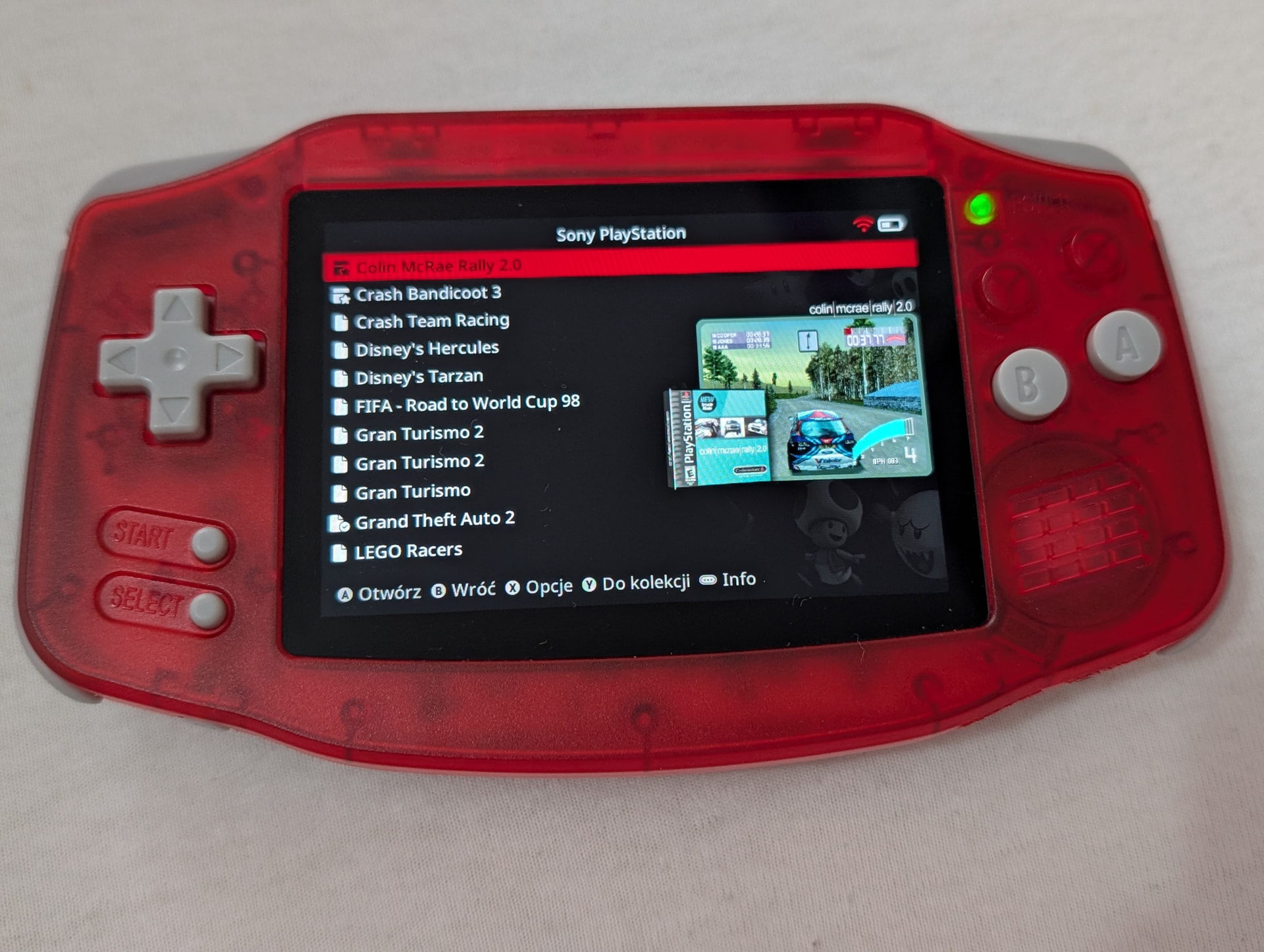
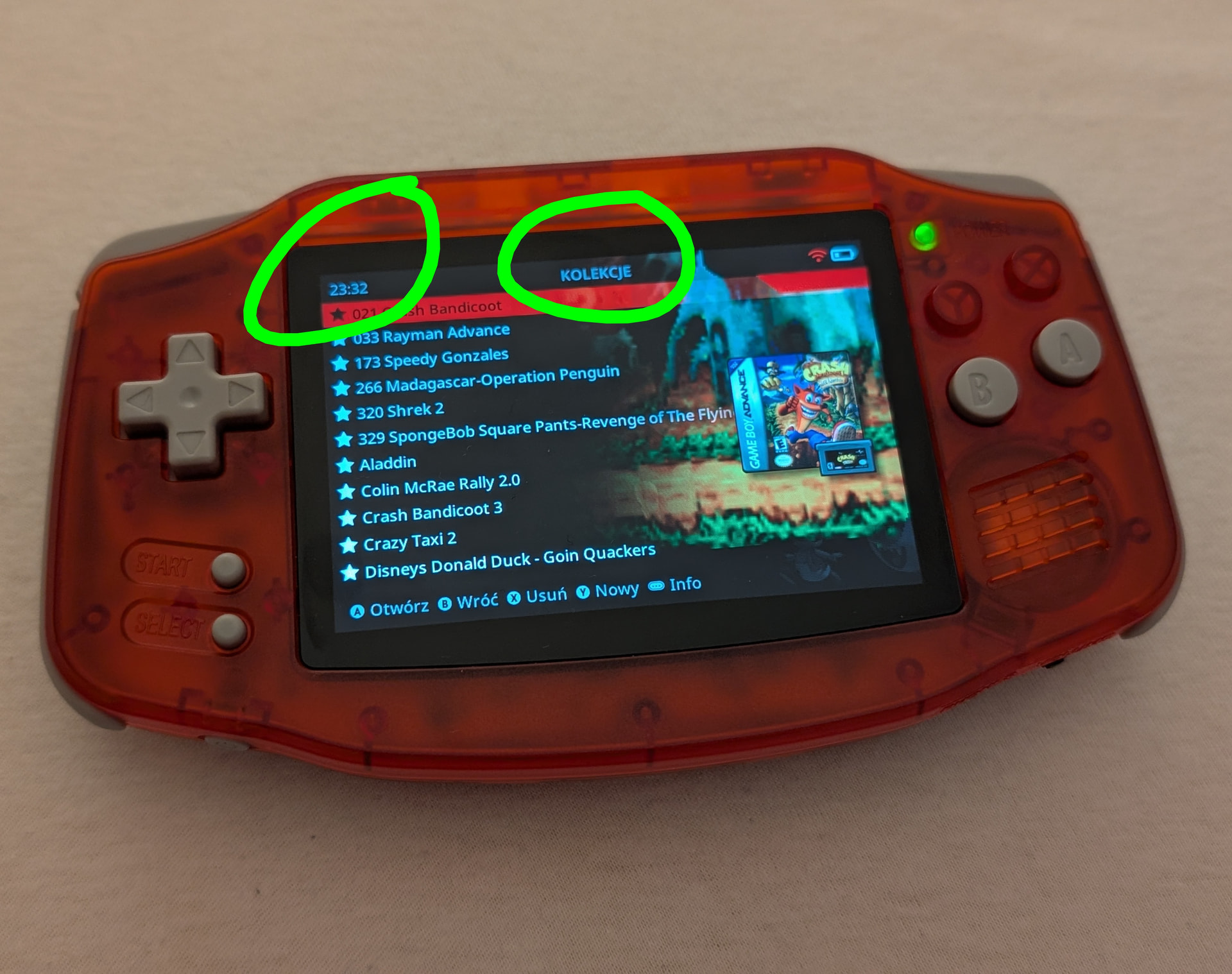
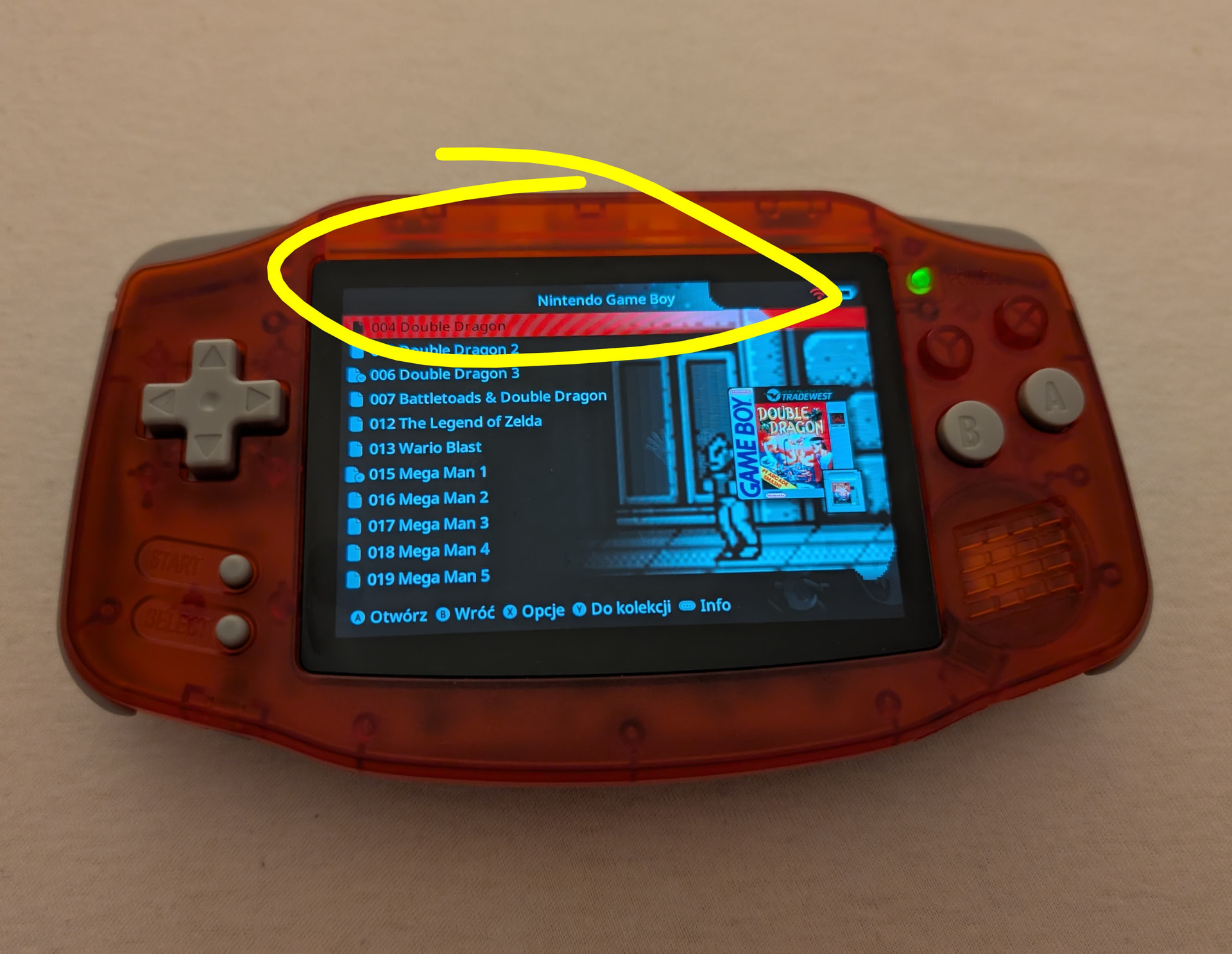
I’m having a problem with my Anbernic RG34XXh. When I’m in the game menu and scrolling down, the menu can sometimes jump two items with a single click. The problem started when I loaded the covers using Scrappy.
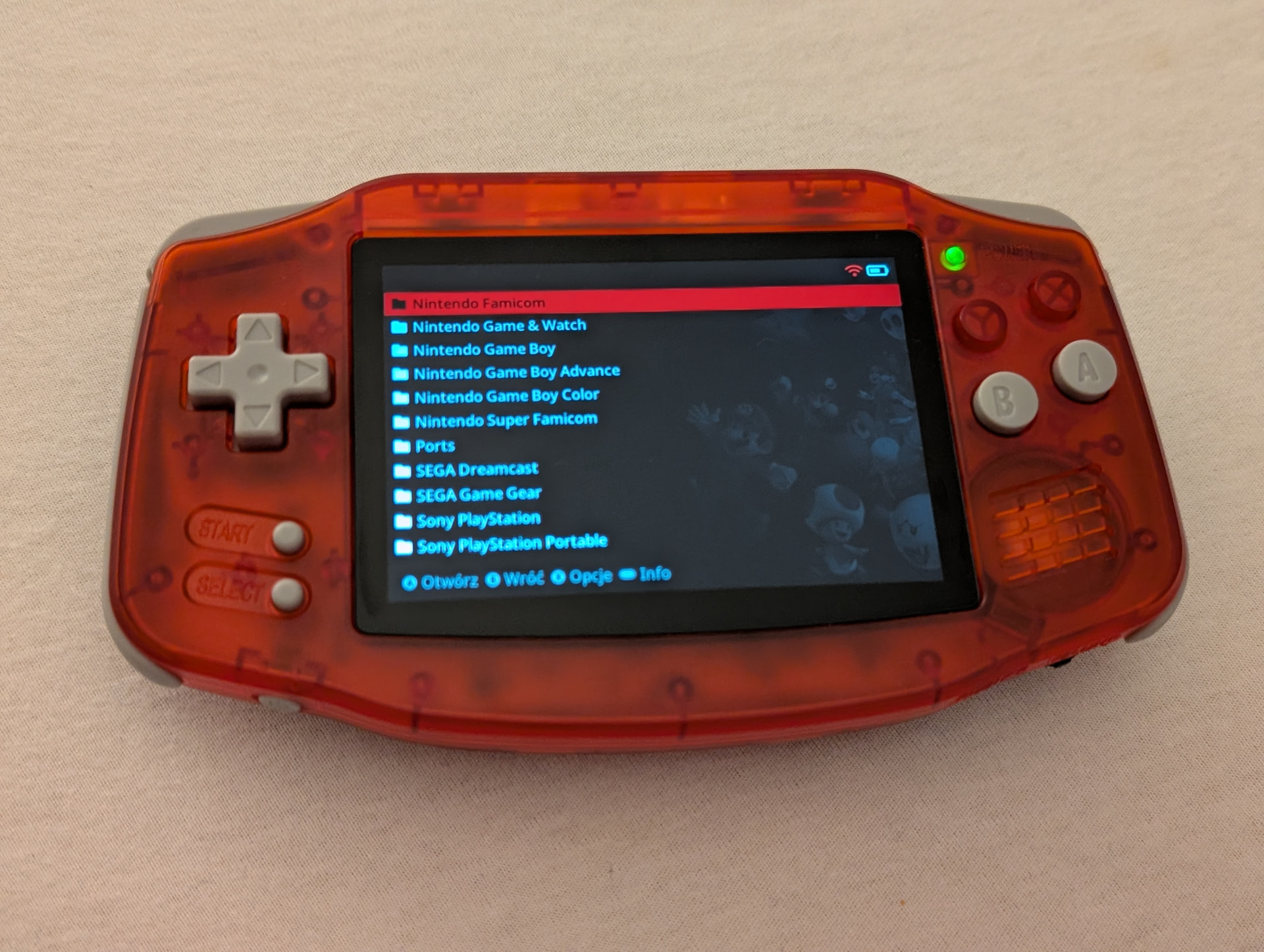
It’s not a problem with dpda itself, because the problem doesn’t occur in other menus (settings, information, applications). It also doesn’t occur on the stock OS; it wasn’t there before I added the covers.
Do you have any ideas? I’ve tried all the tips I could find online, but it’s still there.
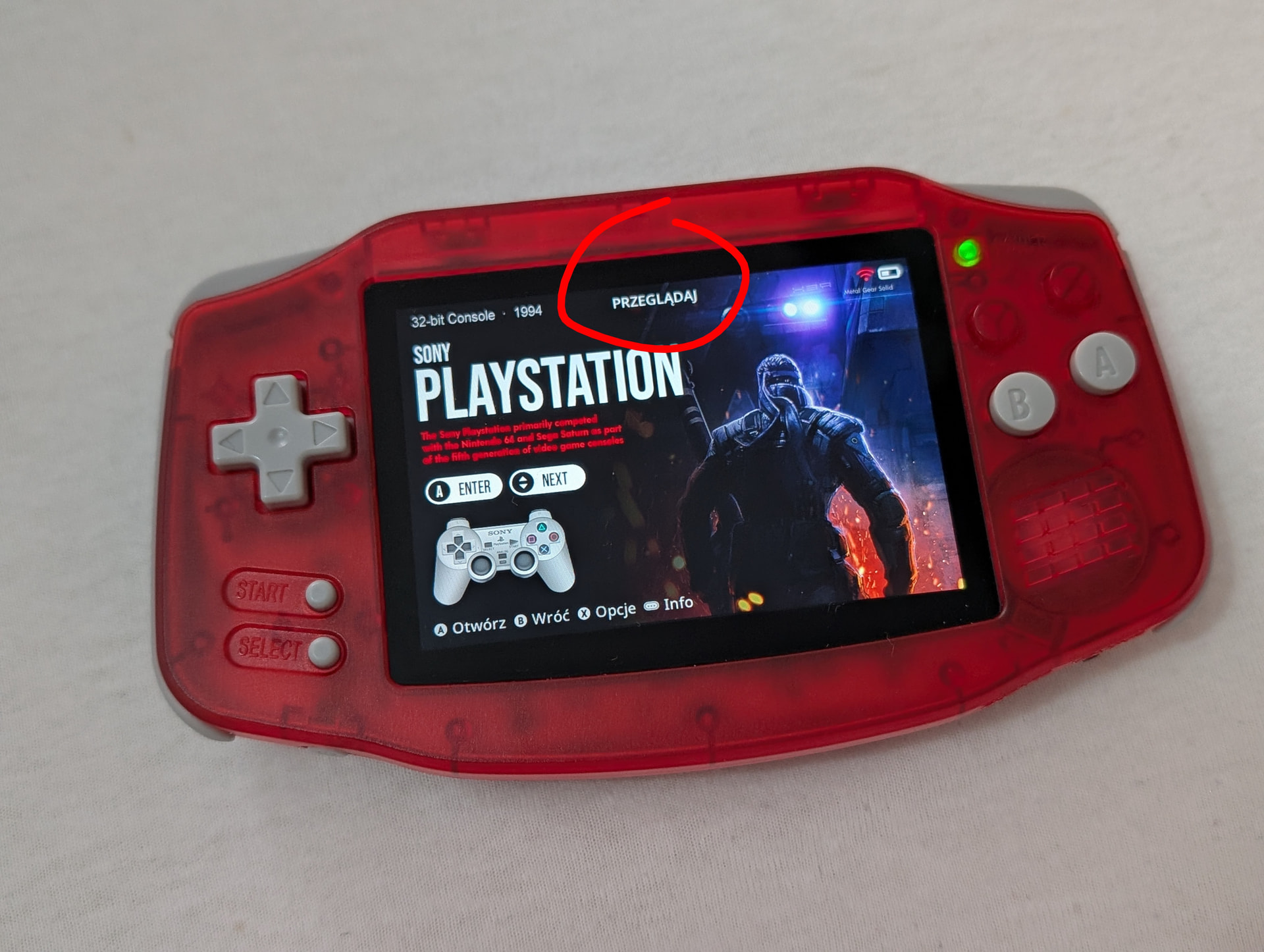
There isn’t a setting for hiding the name which is why I’m telling you to look at your content box art alignment setting in case the art is covering the title. It can also be hidden depending on the theme you’re using
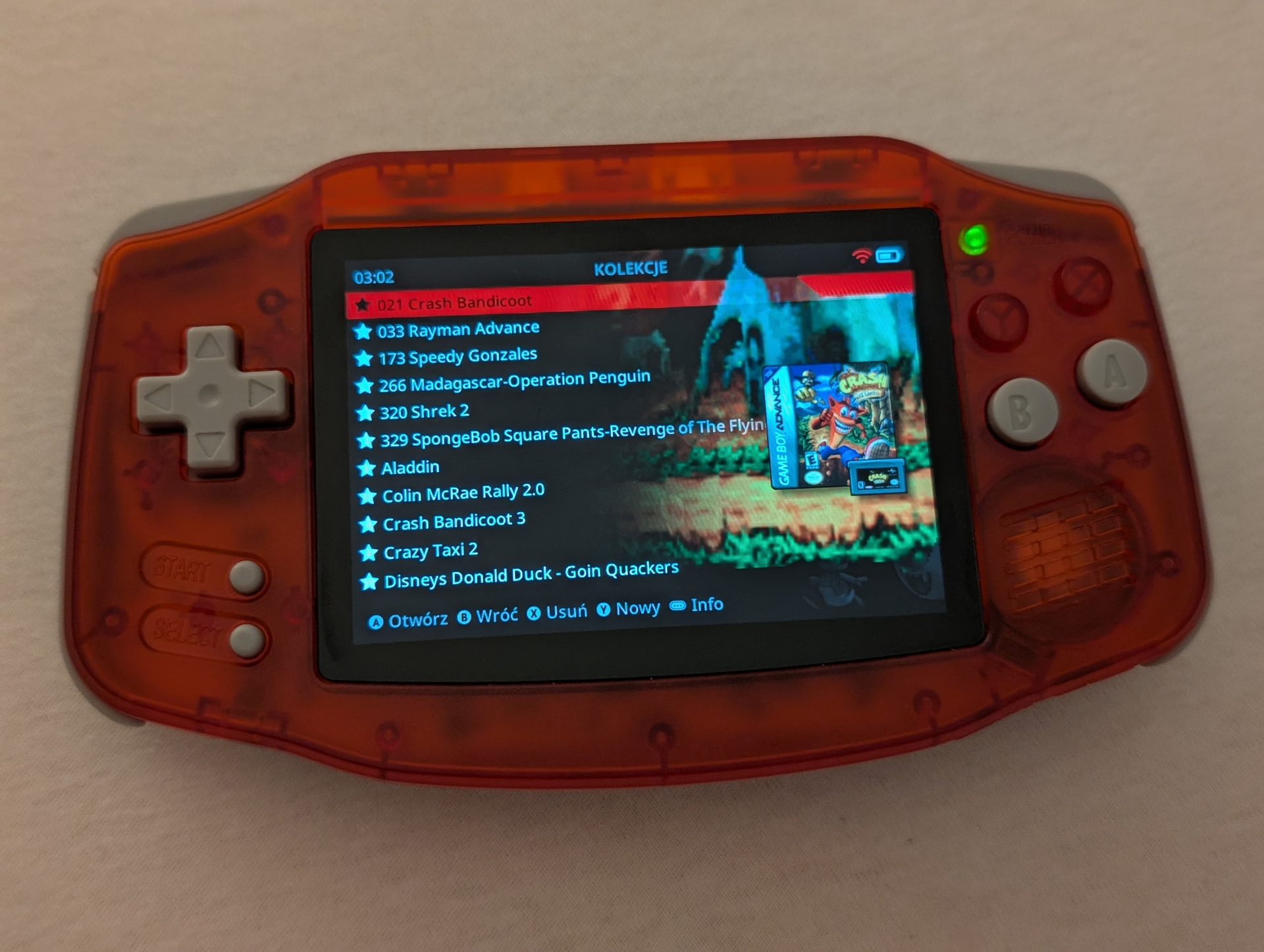
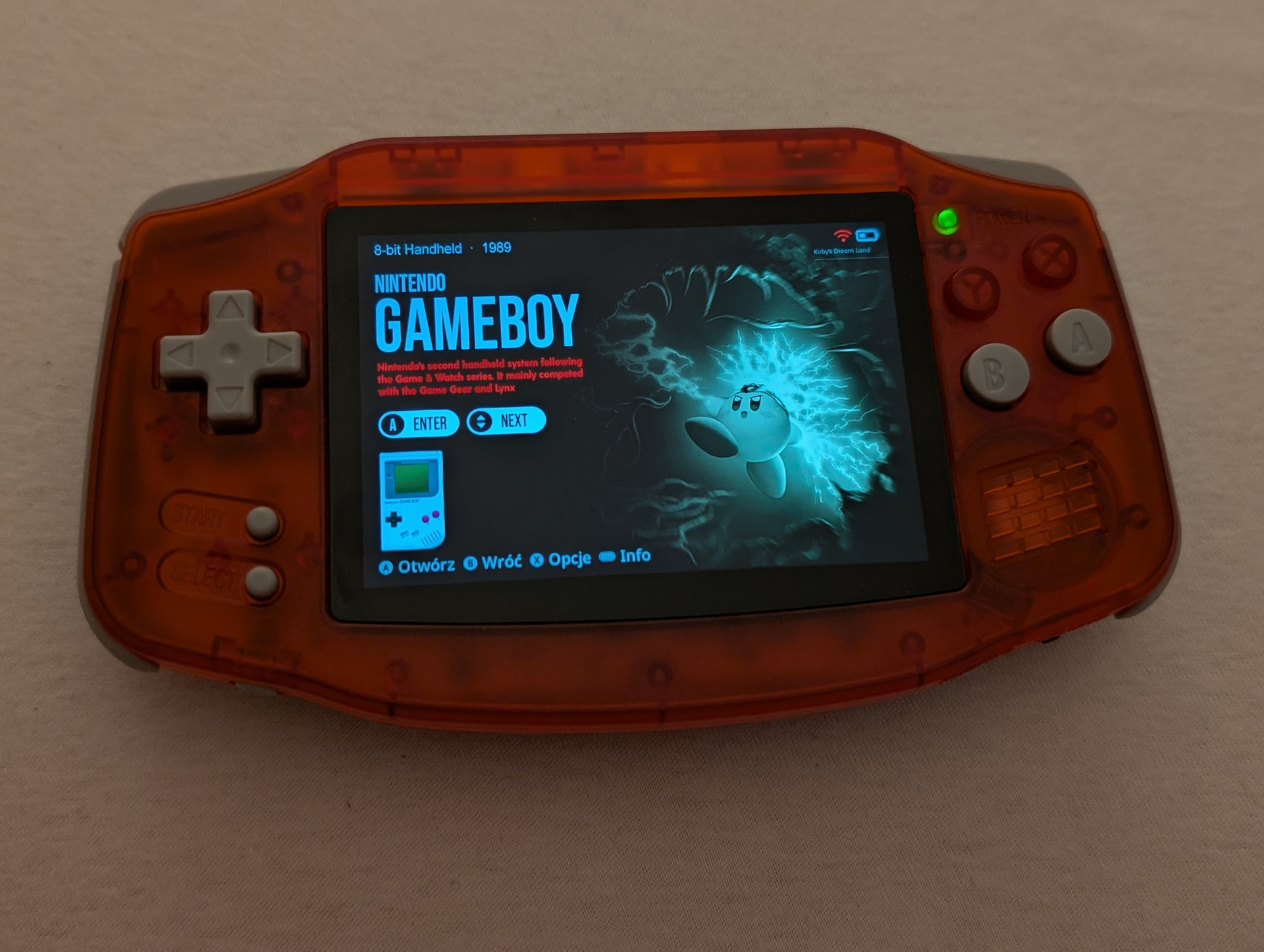
If I disable the graphics (covers), the folder name and time are still missing. When I go to the collection, this information is visible, even with the graphics enabled… I don’t know where to find it
That theme is purposely setting HEADER_TEXT_ALPHA=0 at least in the Jacaranda version of the theme. This would hide the title while in content explorer. You would need to edit these 3 files and set HEADER_TEXT_ALPHA=255
If you have Configuration -> Interface Options -> Friendly Folder Names enabled then you can just edit /MUOS/info/name/folder.json with whatever you want displayed.
If friendly folder names is turned off you would have to name your folder however you want it displayed.
In the indicated file I can only edit the names of the directories with consoles, and I want to change the name of the entire “menu”, only the name I marked in the picture
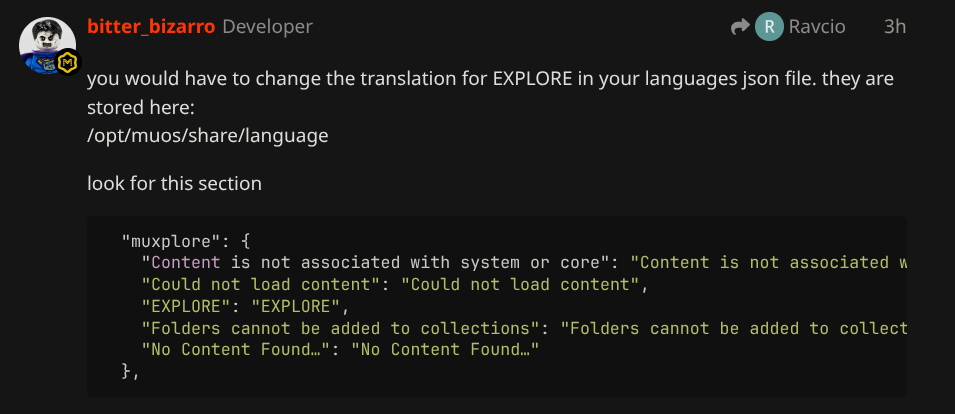
you would have to change the translation for EXPLORE in your languages json file. they are stored here:
/opt/muos/share/language
look for this section
  "muxplore": {
    "Content is not associated with system or core": "Content is not associated with system or core",
    "Could not load content": "Could not load content",
    "EXPLORE": "EXPLORE",
    "Folders cannot be added to collections": "Folders cannot be added to collections",
    "No Content Found…": "No Content Found…"
  },
setting HEADER_TEXT_ALPHA=0 in the global.ini of the theme would hide that text for all screens. If you want to hide it for specific screens you would need to create an .ini for each mux module you want to hide it on.
in your case you would want to edit the /opt/muos/share/language/Czech.json if you mean you cannot find the file it won’t be visible on Windows OS you would need to connect to your device overs sftp or edit the file directly on the device with Dingux Commander