Scrappy Fork for muOS - An artwork scraper powered by Skyscraper

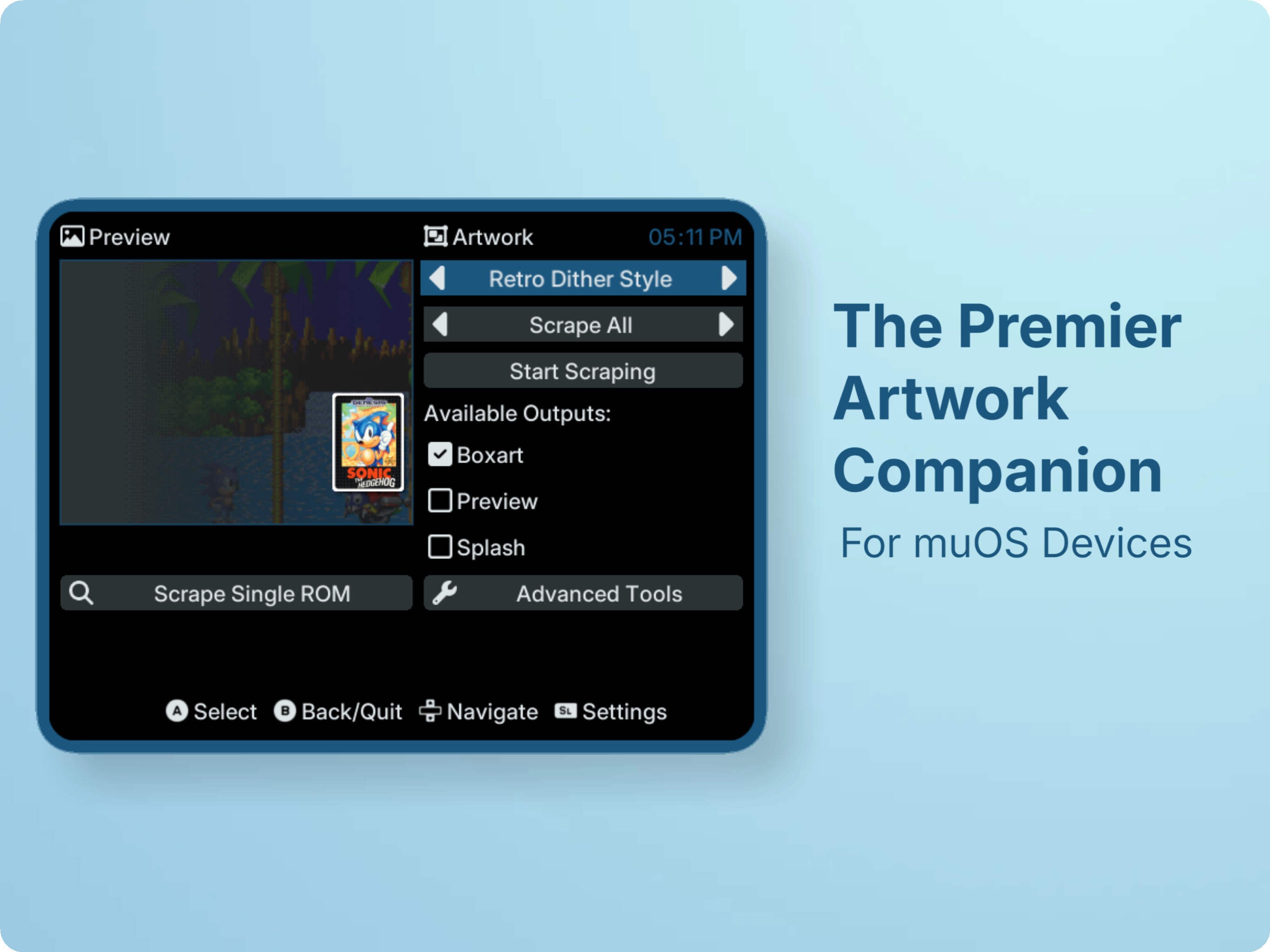
Scrappy is an artwork scraper for muOS, with the standout feature of incorporating a fully-fledged Skyscraper app under the hood. This integration enables near-complete support for artwork XML layouts, allowing Scrappy to scrape, cache assets, and generate artwork using XML mixes with ease. This fork of Scrappy is maintained to improve compatibility with muOS, add new features, provide ongoing updates, and ensure long-term support while staying true to the original vision of the project.

Please read the Wiki for more info on installation and configuration!

Features

  • Skyscraper backend (artwork XML, cached data, and many other features)
  • Auto-detection of storage preferences
  • Auto-detection of ROM folders (based on muOS core assignments)
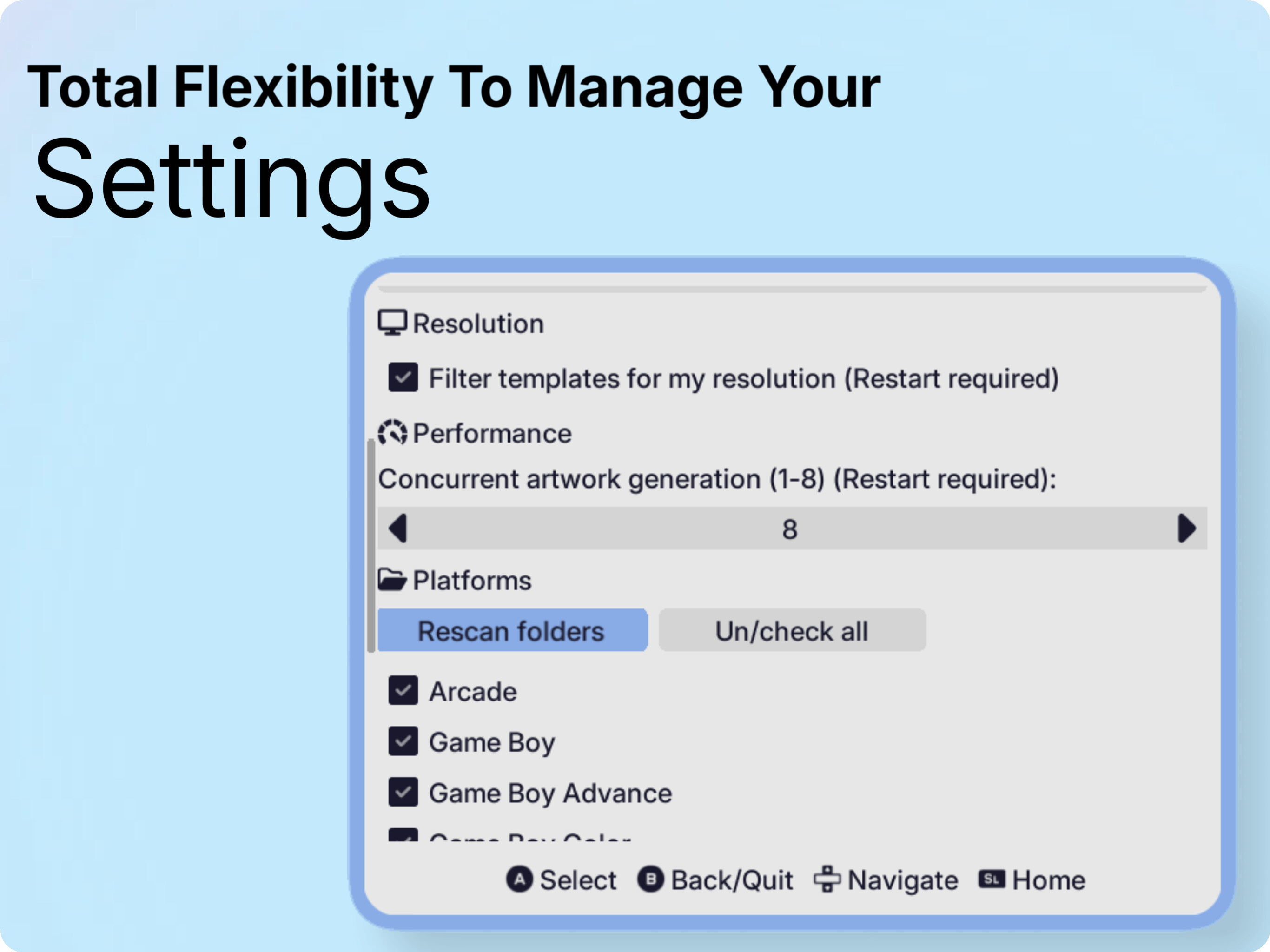
  • Configurable app options
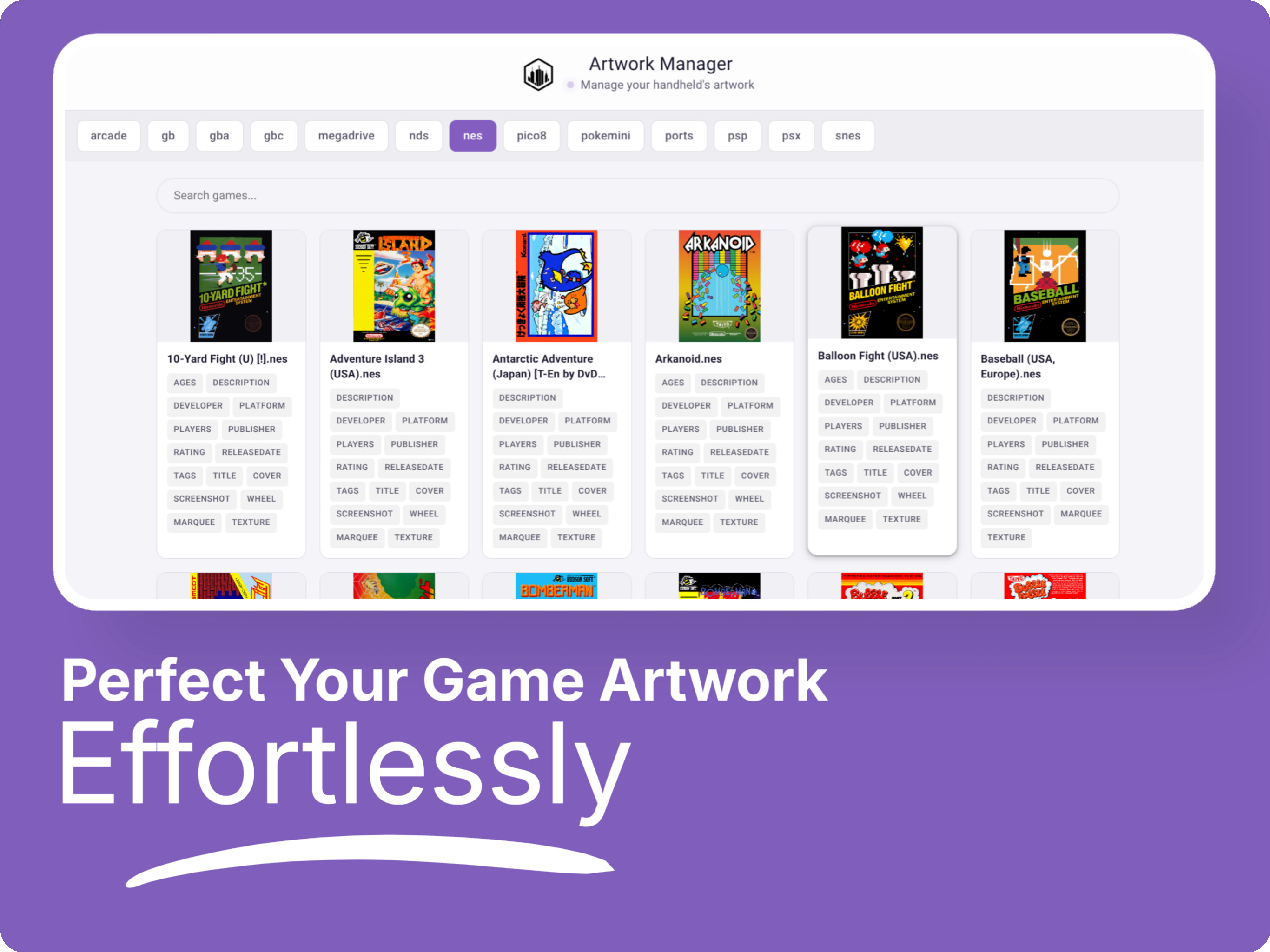
  • Simple UI & navigation
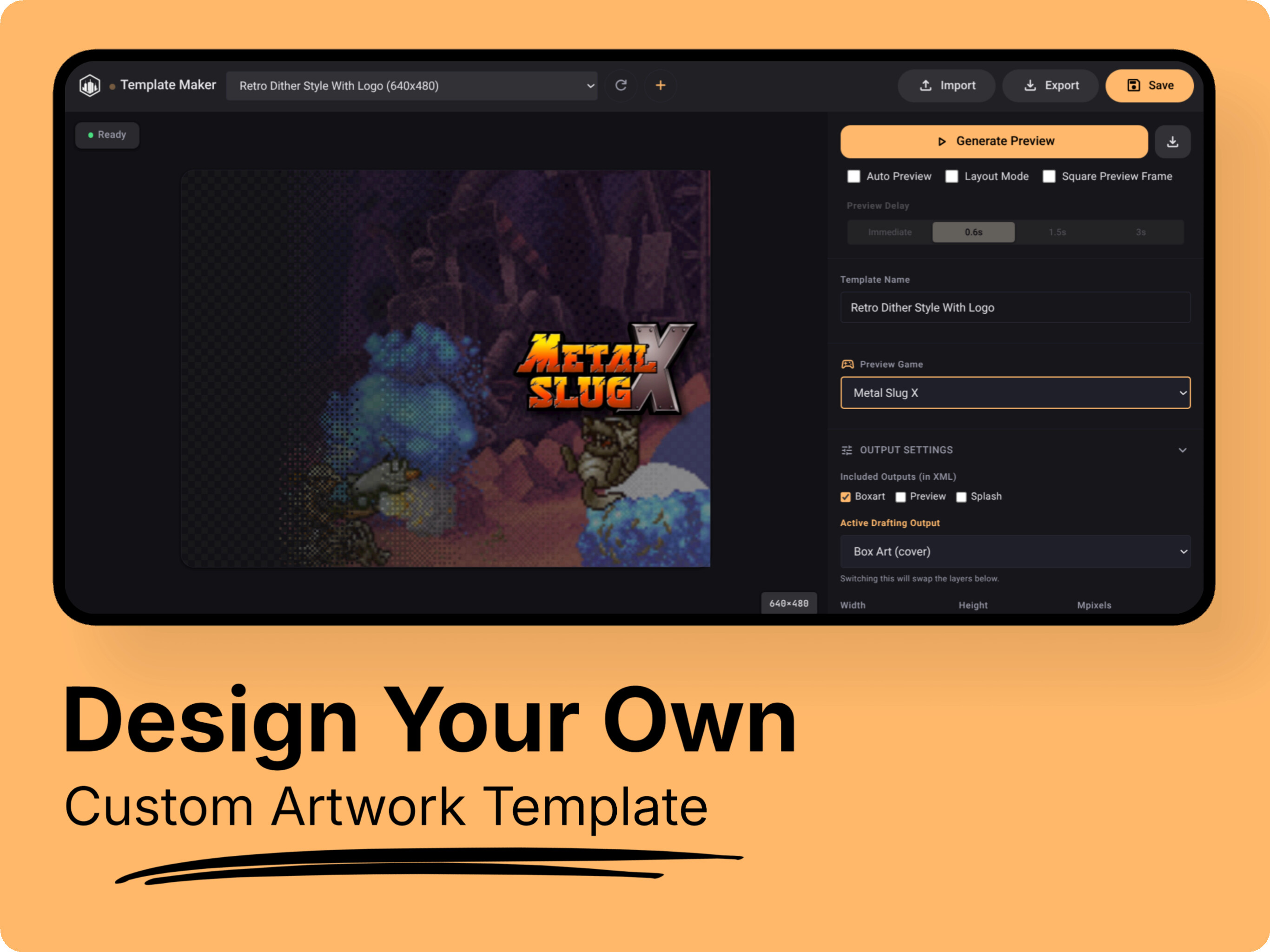
  • Support for user-created artworks (easily drop your XML in `templates/`)
  • Support for `box`, `preview` and `splash` outputs
  • Support for `arm64` devices with LOVE2d
  • OTA updates

Installation

To install Scrappy, follow these steps:

  1. Download the latest release (not the update package - that’s for OTA!).
  2. Move the downloaded file to the /mnt/mmc/MUOS/ARCHIVE folder.
  3. Open Archive Manager and select the file to install.
  4. After installation, you’ll find an entry called “Scrappy” in the Applications section.

Supporting the project

If you find this project useful, please consider leaving a star on GitHub.

If you would like to support my work & this fork further, you can donate here:

What’s Different in This Fork

  1. Supports the latest version of muOS Goose.

  2. You can add your ScreenScraper account within the settings using the on-screen keyboard.

  1. Concurrent artwork generation which controls how many ROMs are processed at the same time during the artwork generation step.

    • Example: If set to 4, Scrappy generates artwork for 4 ROMs simultaneously instead of one at a time.

    • Result: Faster scraping, but uses more CPU/memory.

  2. Smooth scrolling - hold navigation buttons to scroll continuously instead of pressing repeatedly.

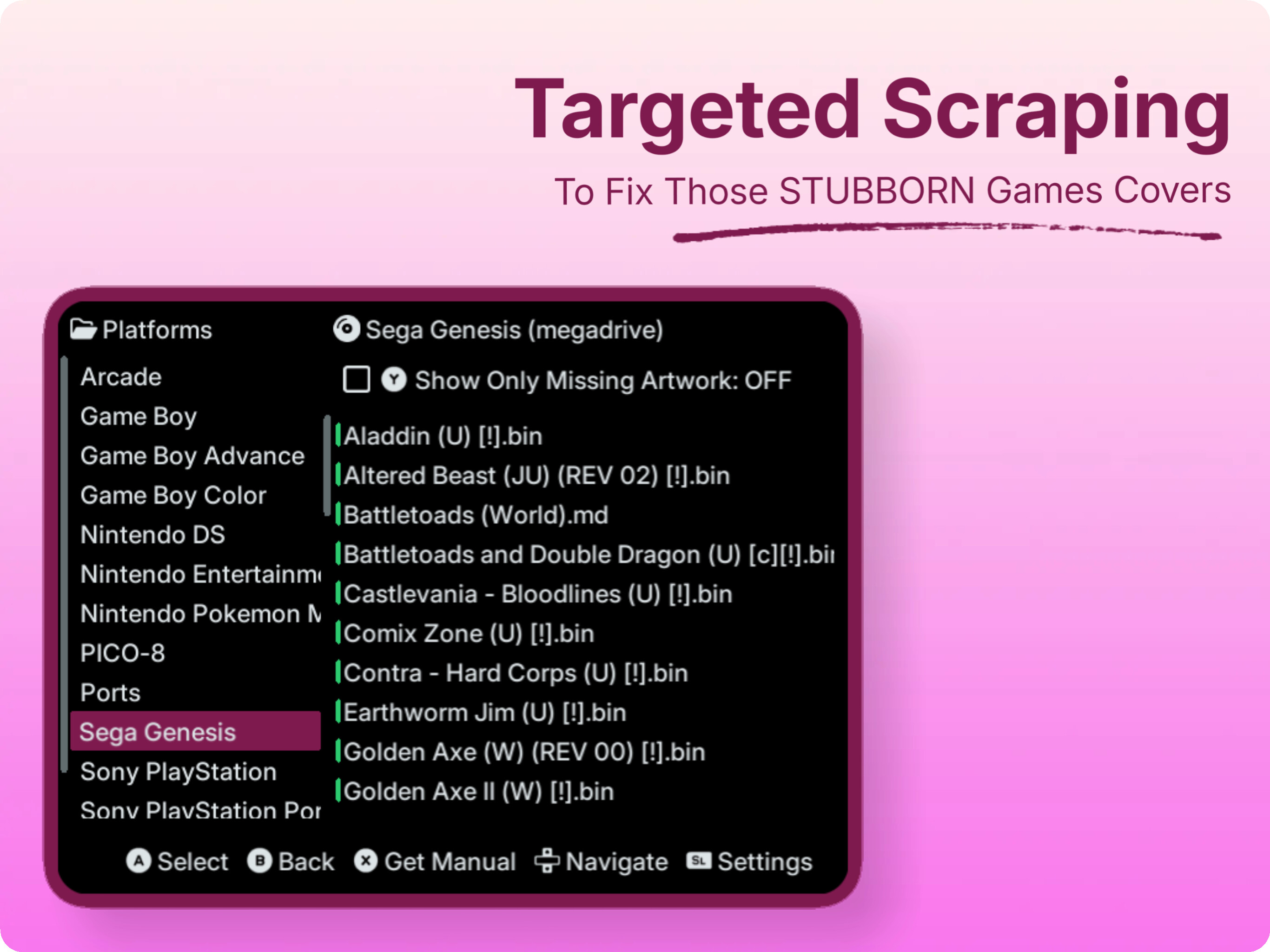
  3. Scrape only missing artwork.

  4. Option to show only missing artwork in Scrape single rom.

  5. Option to edit region priorities in Advanced tools.

  6. Option to clear cache in Advanced tools.

  7. Many new templates.

Special Thanks to Scrappy’s original developer Gabriel Freire for creating Scrappy and laying the foundation for this project. Original Scrappy link.

5 Likes

Love the new features! I quickly found which art was missing and downloaded it. Template variety is great. App stability us much higher. Awesome work! :+1:

1 Like

I don’t know what’s going on but doing a single scrape works. But when I do multiple at the same time like for example “scrape all” it always fail.

Device: Cubexx with the latest firmware and Scrappy version.

What’s the error you are getting? Are you using v5? Can you provide logs.

Yes I have the latest version

Here is the log: scrappy-2026-01-09-08-39

Wow this is great though I had a few issues with scrapping with the option set for more than 2. I just thought it’s because I have a free screenscraper account. Anyway it took 6 hours to scrape 400 games and they all got box art except for 7 games. Good work :blush:

Can u tell exactly what issue u faced? Scraping stuck at the very end?

Hi Sahil, I have a Brick with MuOS and a VERY large collection on my SD Card. I tried to scrape my 2.6k arcade game collection, and it was working without problems although i had it plugged into the charger (which would crash it in previous versions). I left it for the night and today morning it was at 2.1k and stopped responding after i canceld the scraping. I had to hard boot the device. Now, everytime I entery Scrappy, it says no devices are selected when i try to scrape and as soon as i exit Scrappy, my device gets a black screen and does not respond until hard reboot. Do you want any log files (if there are any…)?

Hey man, it’s recommended to scrape per platform if u have this much larger collection… Also don’t worry about 2.1k roms. Scrappy should have cached them… If possible please contact me via telegram Telegram: Contact @saitama_96. I will send u test v5.0.2 which has some fixes for stuck issue…

That’s a lot. At this point I’d use the command line instead. But what’s good about Scrappy is it scrape previews and Splash arts now directly.

Hi man, so i have this recently insatlled on my 35xxsp from v2.2.1 but this version isnt opening when i click on it. How do i fix that

U installed it on top of v2.2.1? If yes, remove scrappy from muos/application folder. Install full package again…

Hi, so i did exactly just that and the results are still the same. Even re-did the entire installation again then rebooted the system but its still wont open after i see “loading application”

Yo, thanks for this wonderful app. I managed to make covers for almost my entire collection overnight. But I’d like to ask why it skips some games, even though their covers definitely exist on ScreenScraper. How can this be fixed?

Like super metroid failing to scrape?

Installed the full package from GitHub and it still isnt launching

Device? Tbh i can’t say anything without logs. And if it’s not opening then it won’t record any logs. Are you on latest muOS? It can be anything if the app isn’t opening.

my device is the Rg35xxsp running on pixie 2502.0

Ah that’s the problem. On pixie my version won’t work. It’s specifically for muOS Goose(Latest muOS). For pixie use original version of scrappy.

Noted then, thanks for the response