Hey the skyscraper version has been updated to v3.17.5 from v3.17.0 in recent updates.
1 Like
Thanks a lot! That’s great!
1 Like
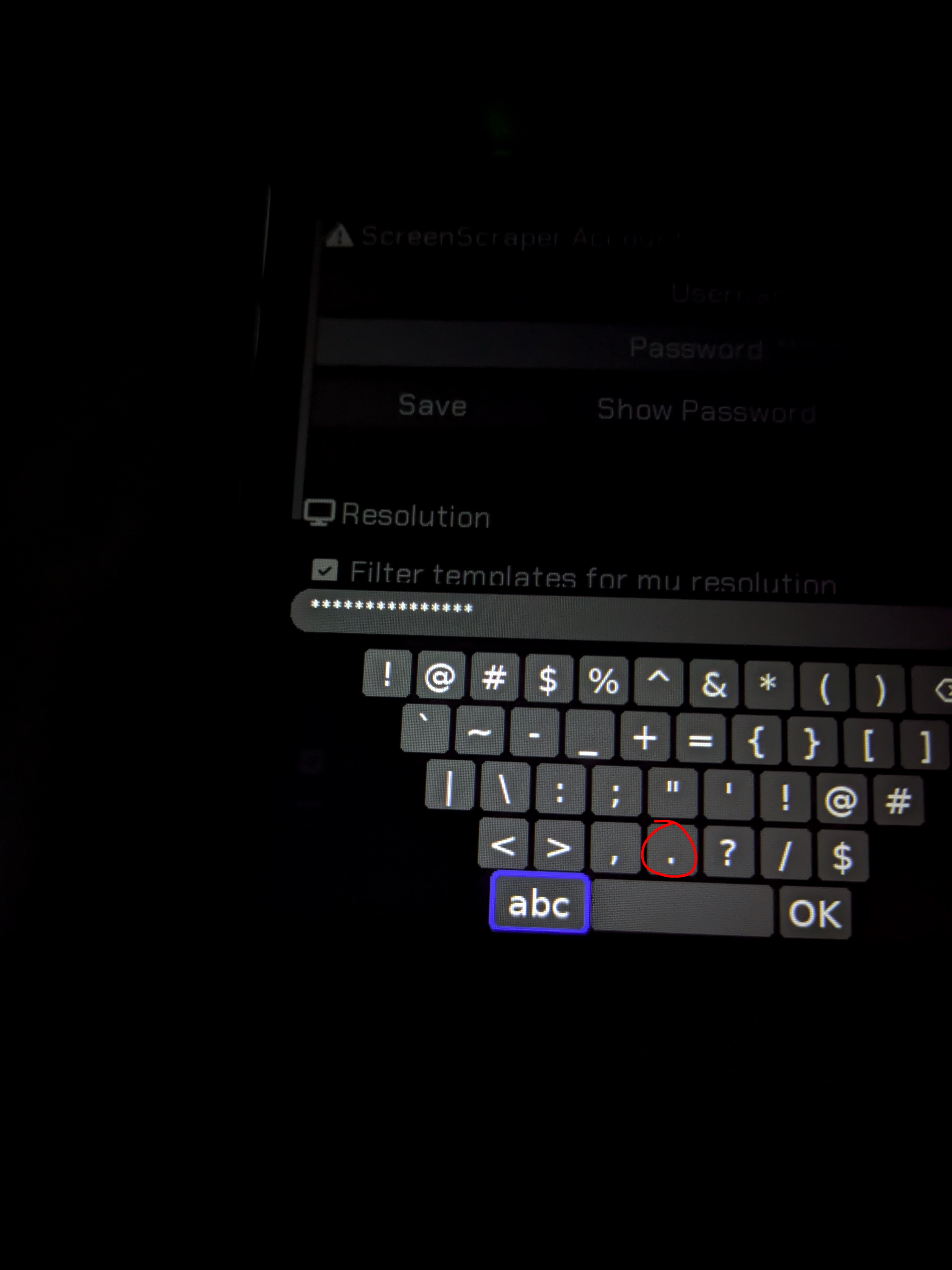
The newest version of this isn’t using my credentials from the .ini anymore, and I can’t edit the credentials in the settings because the keyboard doesn’t seem to have a way to type a dot.
The dot is right there. And also i just checked changing user name and password from .ini is working fine. What are u talking about?
I have the INI edited with my username and password but it still says USER and PASS in the app.
Are u sure that u r not opening the ini as read only? From where did u edit the ini?
I edited the ini with Dingux Commander
Sounds like you aren’t saving your changes…
I am, and the ini has my information in it.
Is Scrappy on SD1 or SD2?
@sahil thank you for maintaining this app, it’s working great! However I’ve updated to 4.0.0 and my old templates stopped working, is there something I have to do to get them to work again?
Hey, was these templates working before 4.0.0. can u tell which templates. I will add them directly in the scrappy app. If possible, upload those templates.
1 Like
Sure thing, here are my templates: Xmls – Google Drive
For some reason it was fine before but now it’s like scrappy stopped seeing them.
Hey, Thankyou. Can u also provide mask png and other resources that are required by these xmls.
Oops, forgot about that! I’ve updated the contents in the shared folder, it should all be there now
So apparently my previous Scrappy install was in SD1 and the new version was installed in SD2, that’s why I wasn’t seeing my templates…

1 Like
Lol, I came here to reply that templates are working fine for me
1 Like
Hi! I have problems with some of my megadrive and pc98 roms. I know old scrappy scraped them successfully.
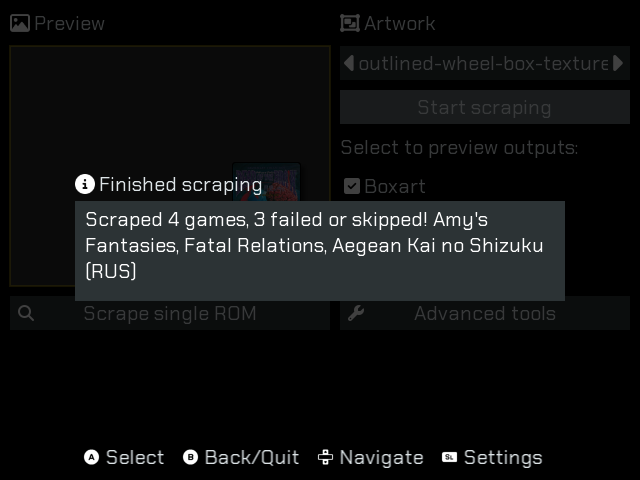
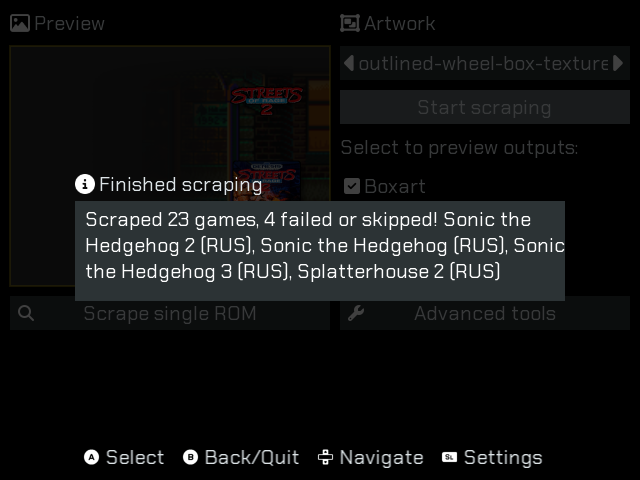
Try with some other template
I have this with all templates. It just can’t scrape these roms.