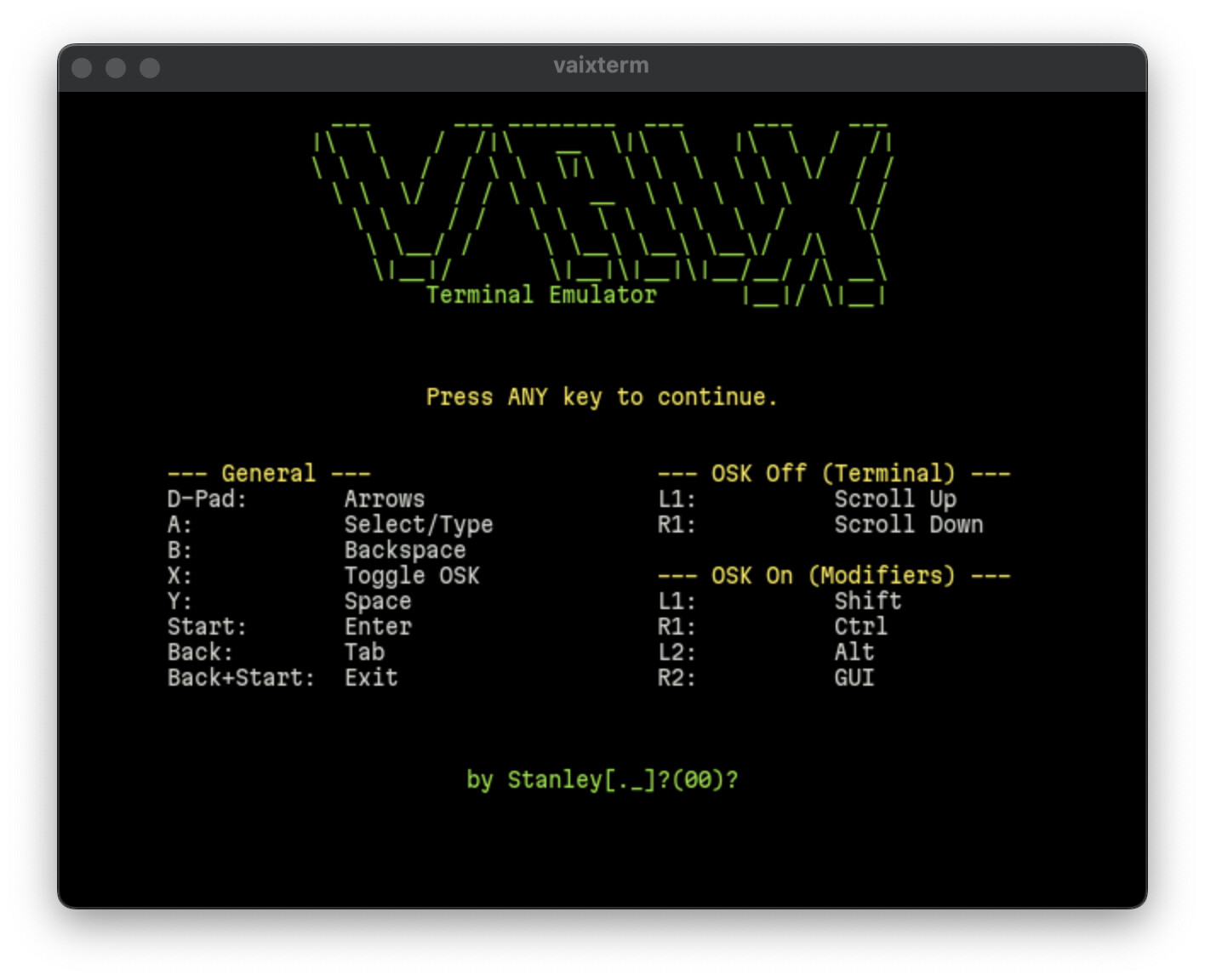
VaixTerm combines the power of a standard terminal with features tailored for controller-based use:
Full Terminal Functionality: Enjoy a complete command-line experience with support for ANSI/VT100 escape codes, 256-color and True Color palettes, UTF-8, and a scrollback buffer.
Controller-First Navigation: All terminal functions, including scrolling and special key input, are mapped to a standard game controller.
Customizable On-Screen Keyboard: A powerful OSK allows for text input and execution of complex commands. Its layout is fully configurable, and you can create dynamic sets of keys for your favorite shortcuts.
Theming and Customization: Change the look and feel of your terminal with custom color schemes, fonts, and background images.
Hopefully to hear from your feedback for bug fixes and improvement.
Hello. I tried your terminal app on Golden Goose. It loads to the main screen, however, no button input works and I had to hard-reset the device on an RG35XX-H. I installed from the MuOS archive.