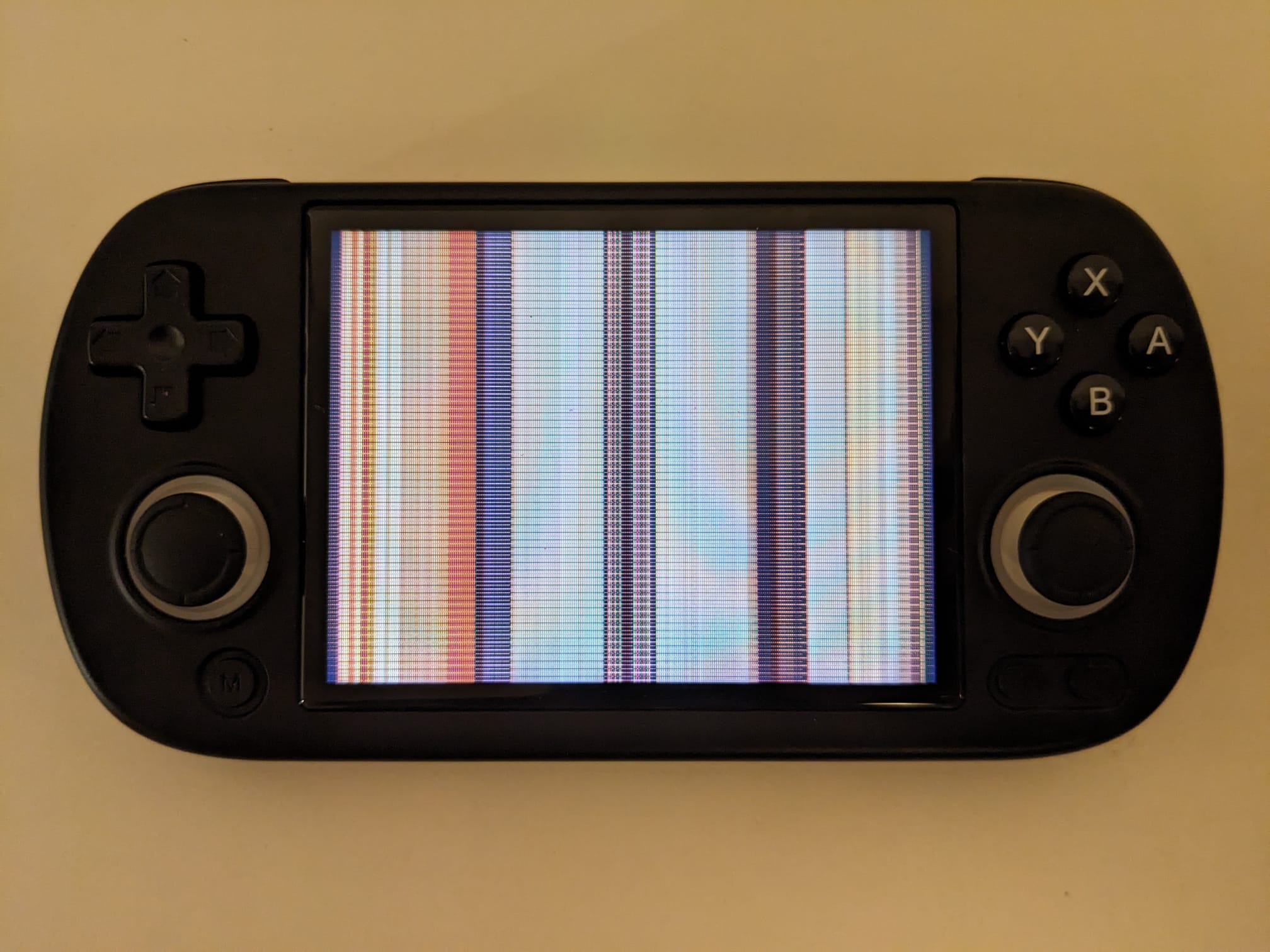
A Windows tool to flash .fex firmware files to SD cards. After been affected by the “Horizontal lines appearing on screen” issue I reached the muOS devs and they helped me out trying to fix it, this apparently stems for some devices having a panel that doesn’t like the timings used by muOS. I had to extract files from the sd card, change some values and then reflash the card, all on Linux, got me thinking that most people are probably using Windows and wanted to figure out a way to make the process easy. DISCLAIMER: this has only been tested on my 35XX H using Windows 11, it should work on the plus as far as I understand, the zip file has the necessary .fex file I extracted from my device. Changing screen timings can potentially DAMAGE your screen or BRICK your muOS installation, back up your device and use the tool at your own risk. My testing was, flashed muOS on an sd card, wait for the lines to show, apply the new flash with the tool and check to see if the issue was fixed, it fixed 2 sd cards I flashed.
Edit: the tool still works for Goose release, I tested on two sd cards flashed with the latest release and in both cases the lines were fixed. This was tested on a 35XX H.
Thanks for this, although I solved the problem from Linux it is more comfortable to carry out this process from Windows and it would work for the Plus model, the screen is the same, Anbernic reuses the panels for each 3.5 inch model of the XX Family, thanks for this, I look forward to MUOS GOOSE!! :3
Thanks for making this, this solved the problem for me!
Do we know whether this issue is fixed in the new MuOS release; or will we need to re-do this step when we upgrade?
The patch was made for the 35XX PLUS/H I believe the sp should work too, not sure if the 40xx h has the same panel bc I just tried it on my 35XX H and it worked the same as with pixie.