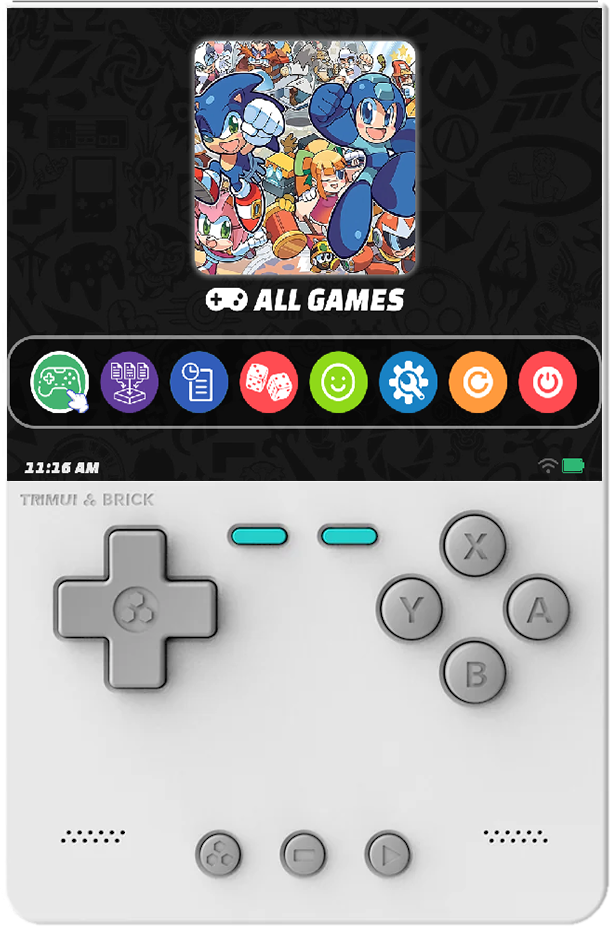
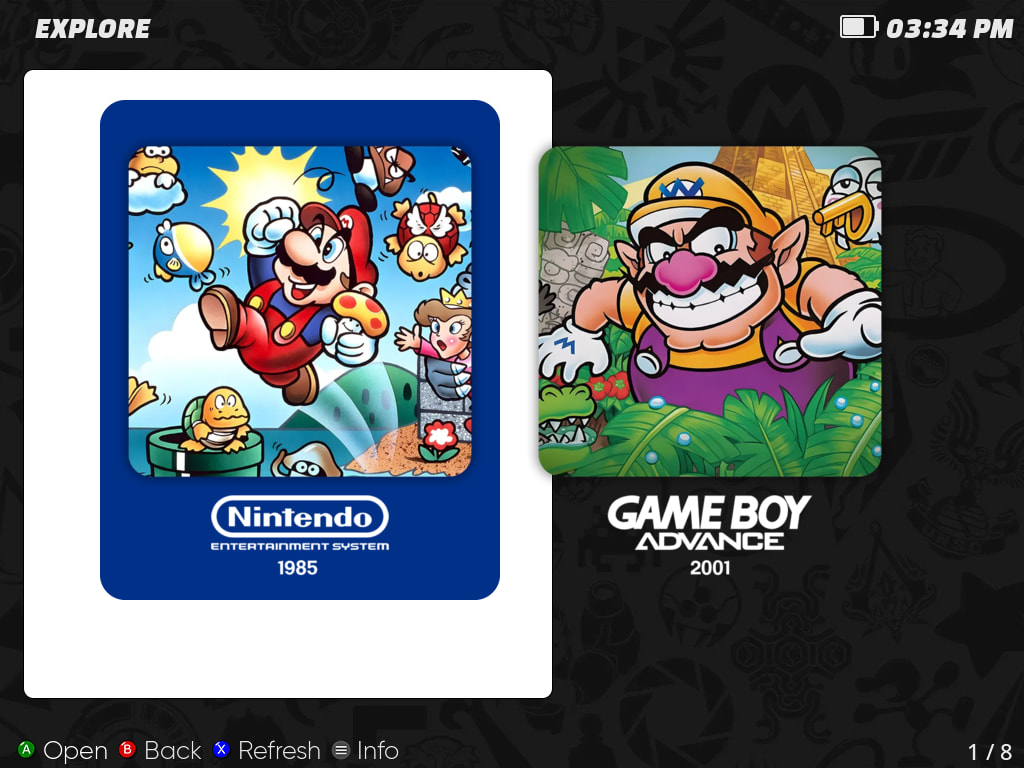
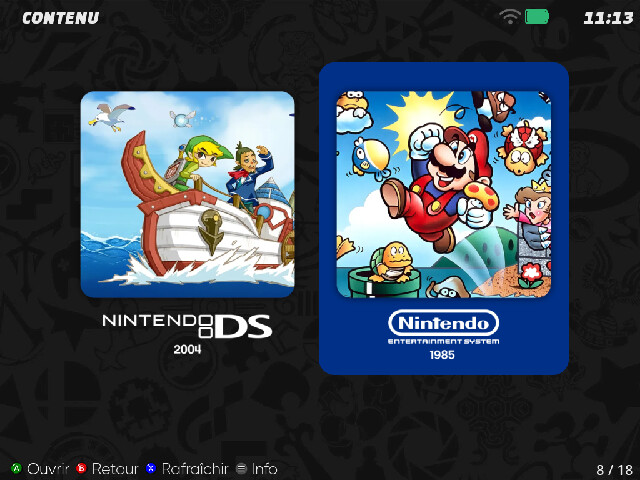
[Canada Goose] muOS Canvas Collection

Another port theme from Siddy212 for muOS system… Theme pack have :

  • Game art (for all model)
  • Collection art (find the right folder and the icon will apear)
  • Apps icon (not for all console)
  • Muxtester 40XX V & H for now…


Download link : muOS Canvas Collection

2 Likes

Hi! I have a question. I’m using a TrimUI Brick with a theme I really like, but I’m running into a few issues.
In the “All Games” section, I had to change the default background because it was using the white “Explore” background, which looks awful with the grid images.
After changing it, the text is no longer visible because the font stays black.

1 Like

I just started using this theme on my Brick and noticed the same thing. The white square behind the grid icons in “All games” looks odd. I was going to ask the same thing.
@chronoss0109

1 Like

I solved it by replacing images in the theme, but it didn’t work well.

1 Like

Yeah I did the same, but like you mentioned, the font is too dark. I’m going to try and edit the theme files to change the color of the font so it’s visible.

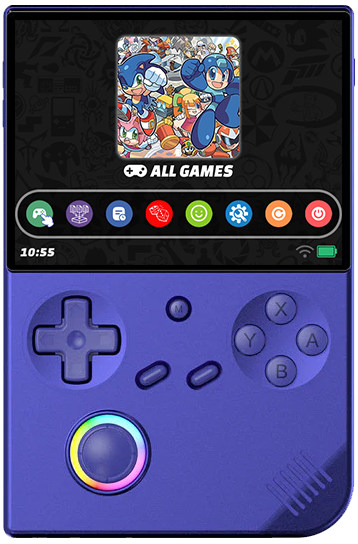
I couldn’t find where to do what you said; I didn’t see where to handle the *.ini files or the fonts.

Font color is in the default.ini found in (resolution)/scheme/default.ini.

2 Likes
I couldn't find any parameters that control the font color

It depends on which font are you tying to configure. If it’s the List then scroll down and look for [list]
Look for LIST_DEFAULT_TEXT =

There’s a color hex code there and change it to ffffff if you want the white font

2 Likes

For the background issue, get the solution here

can u show me please ?

The white square is fine and lines up with everything else in the theme, but having it there in “ All games” behind the system images looks strange.

Are you on TrimUI Brick ?

Yes, I’m using the Brick

Ok, i think there is an option on Goose that can fixe that…. muOS make many change on avery OS build… let me check that tomorrow…

2 Likes

Where you able to look into this?

no sorry, i work on another theme so i forgot to check… let me check tomorrow… so sorry…

1 Like

I have no Brick console but i test it on my 35XX and it work fine… but check this fixe

1 Like

Hmmm, I will try that and see if that fixes it.

1 Like

Ok and tell me if it work…

1 Like