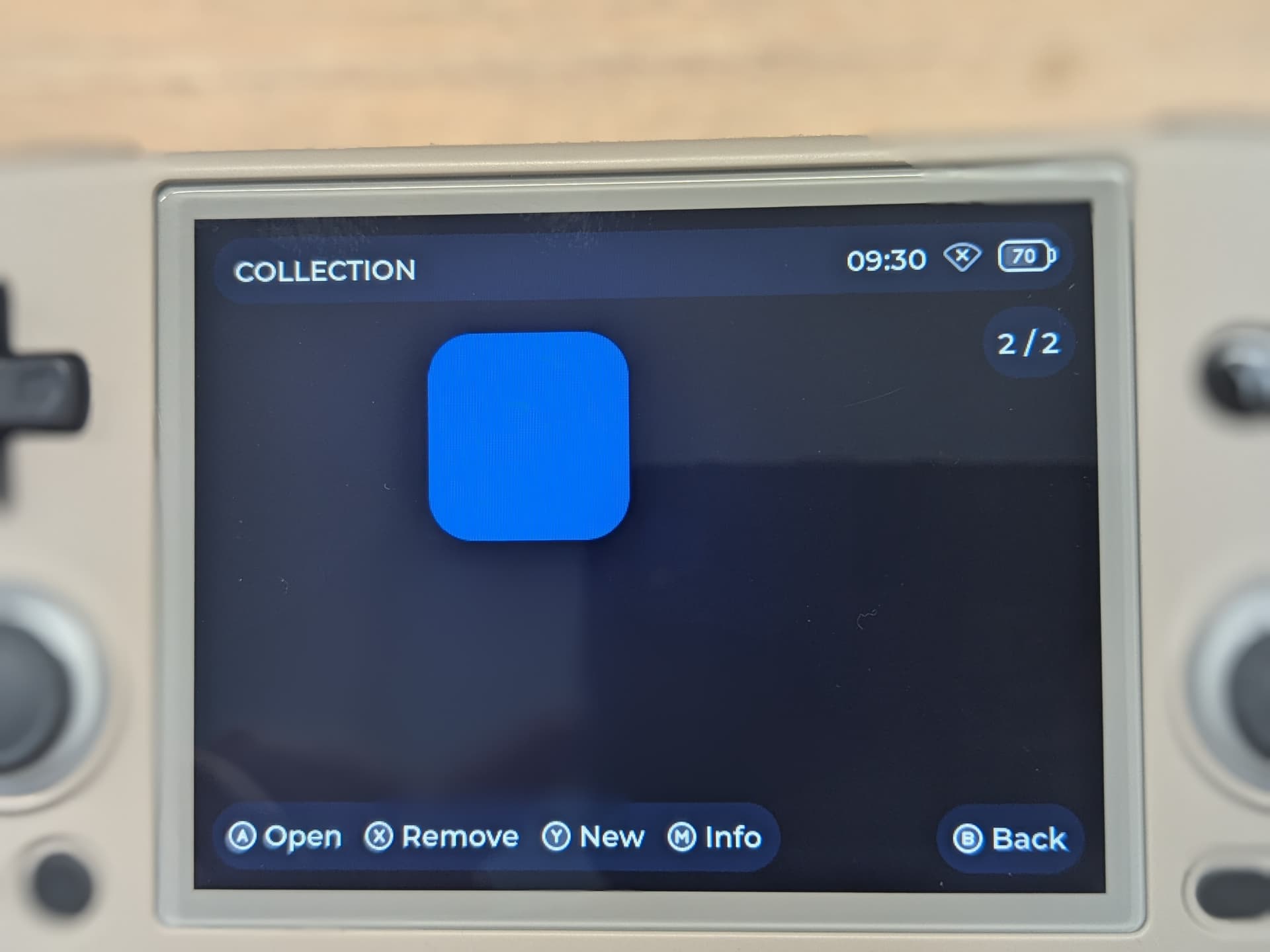
Loving the theme, went to re-install it and am having issues with the collection tab. Its just blank when i go into it!
Upgraded to goose last night and some of the console icons aren’t appearing. Any ideas what I did wrong?
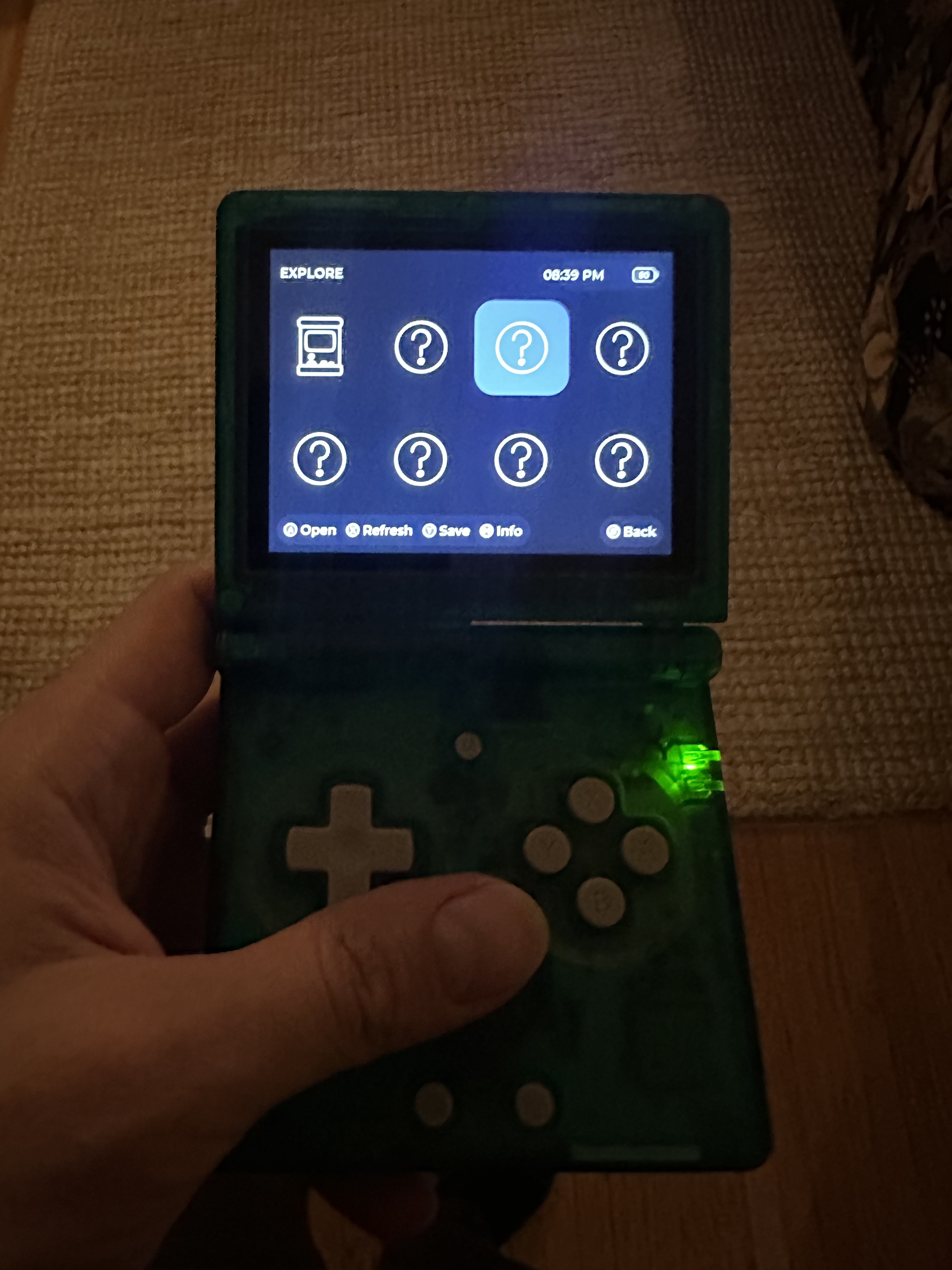
Have the same issue with “NES“ icon.
You should make GameCube and Wii icons because you can download a core for them
i updated the cores and lot of the icons came back but NES is still missing for me and a few others too.
1 Like
I have the “?” icons for NDS and NES
1 Like
Hi everyone!
Folders icons and names in are not visible in collection, only folders counter in top right corner.
But folder content is shown correctly.
rg40xxh, currently I’m using goose, but pixie (both patch 1 and 2) had the same issue.
Hello. Curious if XGA resolution will be added for Brick support?
@jcrisp @Magnaderra @iniquity @iKuba
Hello you 4. So, the issue you’re facing is probably caused by the names you gave to your folders, as MuOS’s automatic icon attribution engine is just a list of common names given to consoles.
No panic tho, you can still fix that. All you need to do is go in SD[…]/MUOS/info/catalogue/Folder/grid/ and then rename the pictures of the missing consoles with the names of the corresponding folders.
Not yet, I’m waiting for the Brick support to be official, with a released image and everything, before considering it. Although it should be relatively easy to do then, since its screen is a 6 or 7x upscale of the 640x480 version.
Edit : Ok I’m just dumb, Goose got released 11 days ago, with support for the Brick… I just wasn’t aware. I’ll first update the theme, then see what I can do here.
Stay tuned !
2 Likes
Oh jeez… There’s a lot of stuff I’ll need to remake for Goose =w=
I thought about creating, or rather repurposing a Discord server of mine that would allow me to share info, progress, help… way faster than on here. What are your thoughts ?
1 Like
@bitter_bizarro What are those for ?

This are some new dangerous settings. I don’t know how to get to this settings so i don’t really understand meaning of each icon. That’s why i made icons similiar to this, but matching with the theme.
You can check language file and maybe the meaning will be more clear.
Your answer is correct for folders with roms in “Explore”
But I’m talking about “Collections” where you can create and name folders for your favorite roms (via collect option in “Explore’“)
@oiimrosabel gi ! I have the same problem here ahah ! When i create a collection folder like ‘Pokemon’ i dont have any image of the folder just a square purple or whatever, i try to change my self with create an folder named MEDIA inside the folder collections i created and put the .png inside but nothing.. do you have an solution maybe ?
you can view the help dialog message here
1 Like
Hello! Nice theme!
Can it support list mode as in game list? I would like to have a list for console, or a fullscreen background for the consoles instead of the grid. Thanks.
Little dumb update, I made a Trello for Aurora, so you’ll be able to see what I’m working on : Trello.
1 Like
you just need to go into `Task Toolkit -> Grid Mode Toggles` then select `Toggle Grid Mode Content Explorer`
1 Like
Thanks ! How may you unlock that dangerous menu ? I want to burn my RG40XXV