Hello, i just got a new brand rg40xx-v black color from anbernic but when i try to install new muos that get me black screen and no booting up, analog color still display. I have another rg40xx-v blue color and work fine, i try to take sd card in my rg40xx-v blue to black it still no boot and only black screen but the led in analog still work. Weird thing is sd card from anbernic running original firmware still boot normally. Only if i try to use sd card with muos it give me black screen and only the black color, another color like blue, white run normal. Black color only run with original firmware.
Can confirm I am having the same issue on a 64gb Samsung card have tried the current golden goose version and the previous goose version with the same issue
Black screen with backlight and no splash screen
The joystick backlight goes yellow for a few seconds before going black
Charging lights are on amber and green
And keypads make noises as if it’s selecting options I’m just unable to see what it’s selecting
Did you by chance backup the stock kioxia as card as a image did you or would it be possible to grab a copy to test if there is a different version that works ?
As I flashed over the 32gb kioxia card to test if the issue was with my Samsung card now I have a non bootable device even trying stock anbernic rg40xxv images on either card
Also same transparent black device
Sorry for all the messages but have found a stock anbernic rom that works thats not listed on the main site when searching
This has access to version 1.0.8 for just the 16gb card and worked instantly on the stock 32gb kioxia sd card not sure what’s different with the earlier versions but this was the only one that worked for me
Not sure if there is anything in this file that may help the muos Devs help bring support to the newer version of the rg40xxv devices
Regards Kyle
In the interest of ruling out issues, can you leave the device on charge for a solid few hours just to rule out a discharge issue, as that’s what this sounds like.
Do not get the same issue on my 40V, so unless there was a sudden hardware revision this is likely just the charge controller doing its thing.
Have had the device on charge overnight with both amber and green lights on
With the back light shutting off after around 30min and needing to be turned back on again to follow the same pattern
With the new anbernic version once fired up it’s showing the voltage at 4.06v so near full
Once it’s shut down I fire up with a fresh install on the golden goose and don’t see a splash screen and leave on charge through this process with the 2nd SD card removed
Have tried 2 different downloads 1 torrent and one from the other site with the same results
Have used Rufus to flash both muos and the anbernic roms and have done a test pass with no errors
Have also used raspberry pi imager with the same results
Only the latest version of anbernic linked above will boot
Even trying some older versions of muos like pixie and others
Can grab a device log tonight if this helps or other data needed
Regards Kyle
Interesting.
Just to be absolutely certain, try flashing using Raspberry Pi imager, it gives the least trouble in my experience.
Full 40V image, not an update, this is an important step.
Note how long it takes to flash if possible.
Try a fresh boot with all this in mind, ensuring its absolutely the full 40V image not the update image.
No problem will test on the latest muos full image when I get back from work (6hrs)
On the Samsung 64gb Evo card I have available
But do have a new card on the way aswell
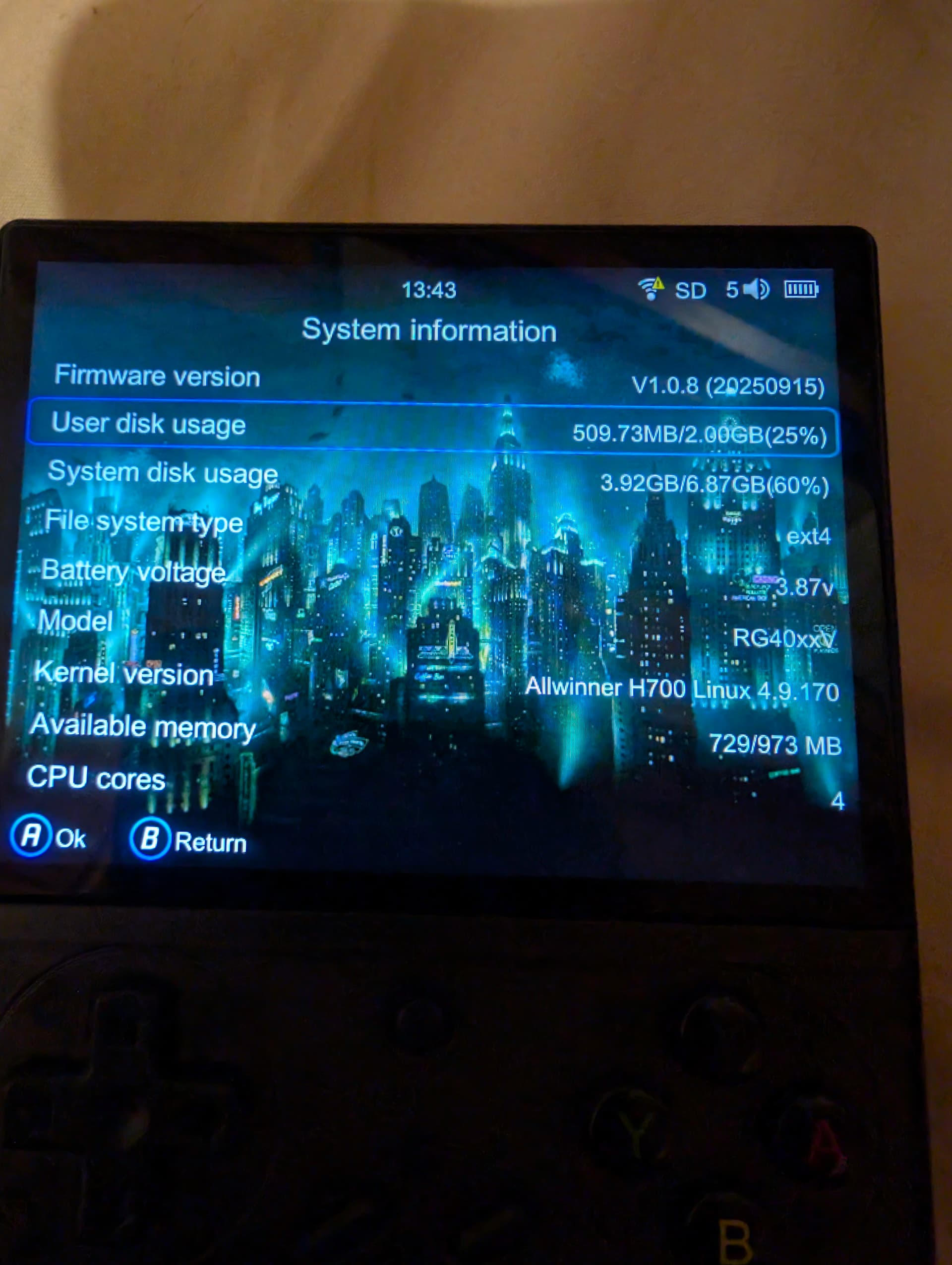
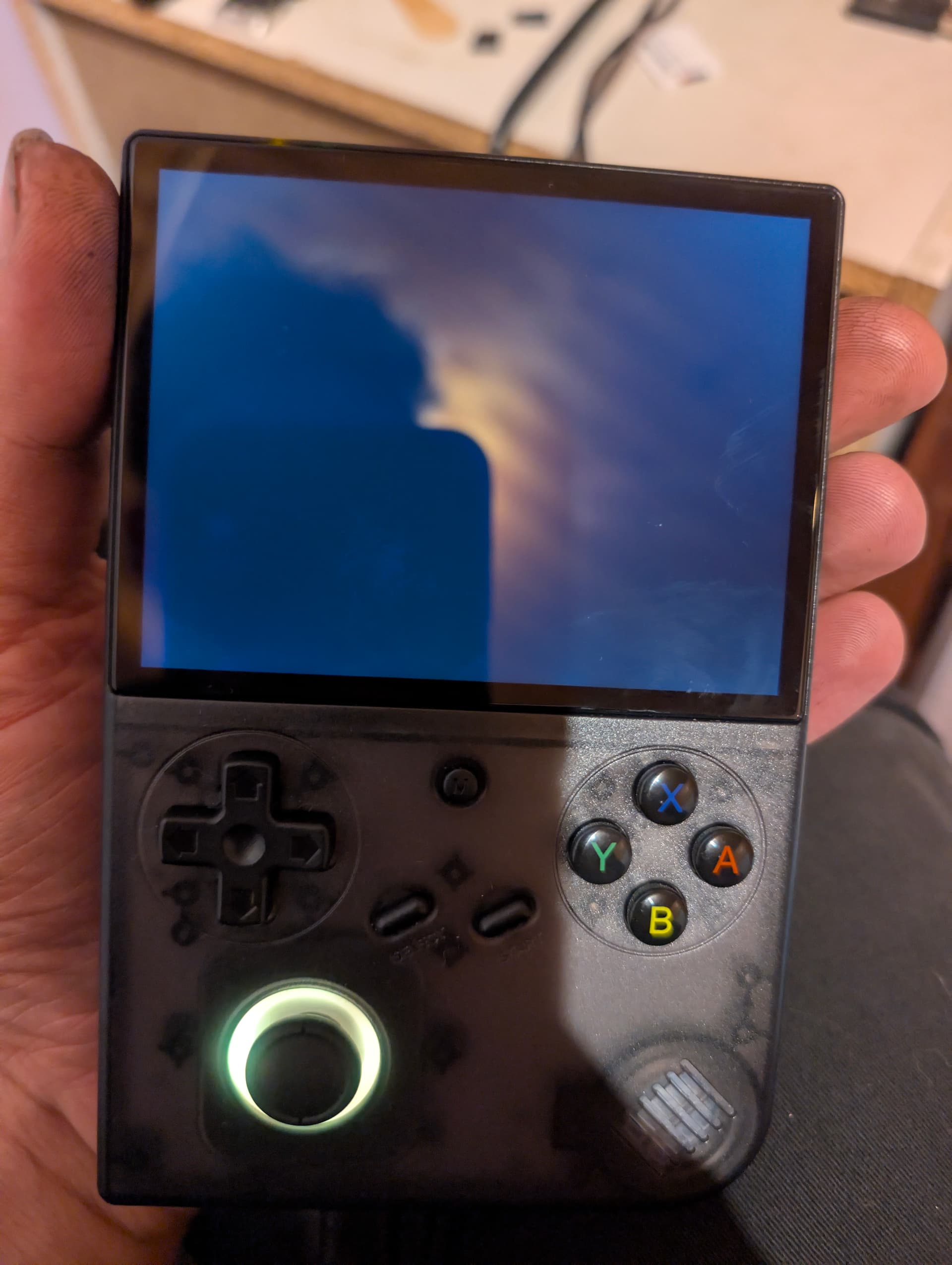
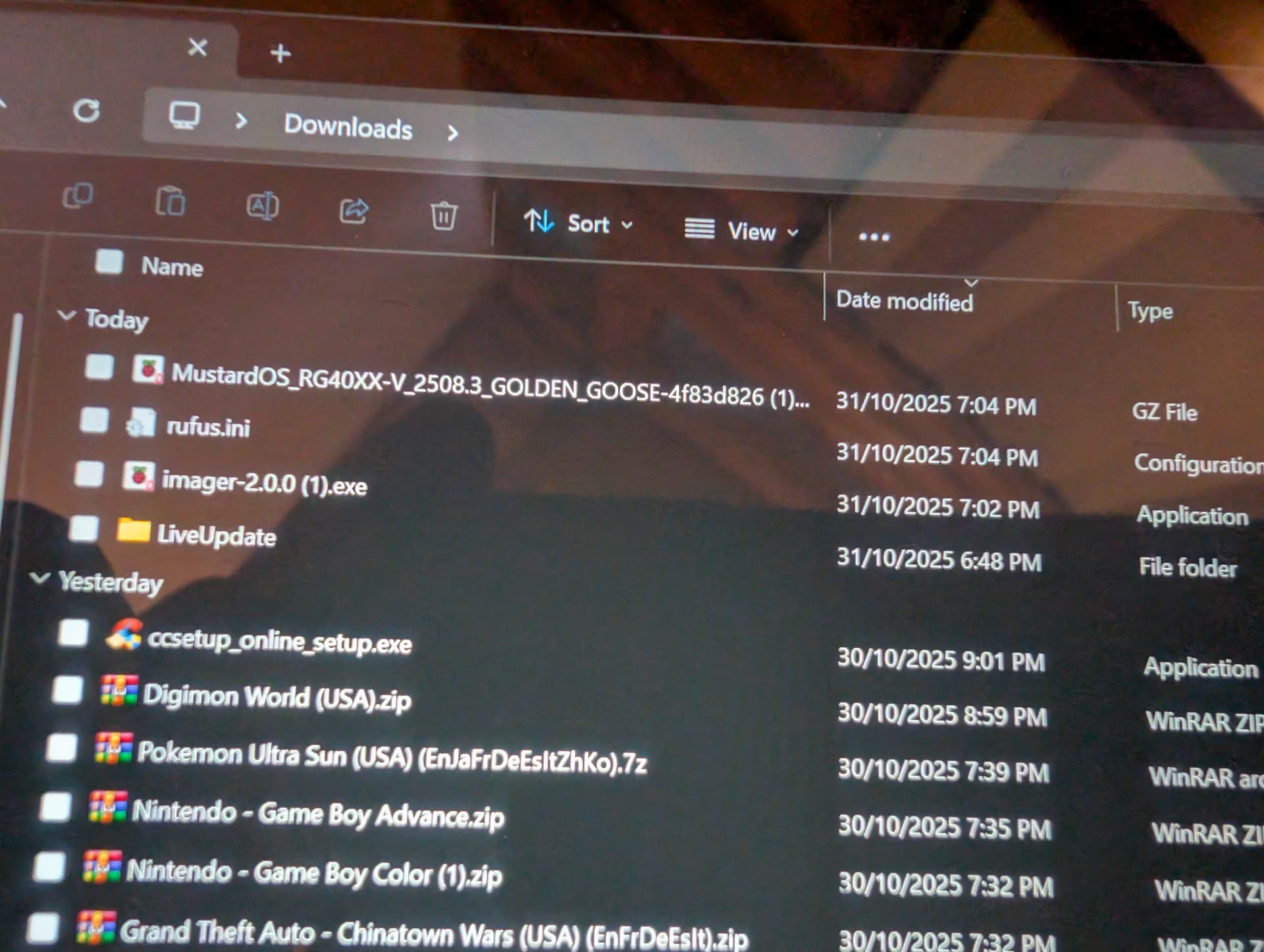
First image is on anbernic’s latest image linked above
And is showing the device info and battery voltage
Have shut down device and removed both SD cards
Pressed the reset button 3 times to confirm device is off
Plugged in the charger
2nd image showing the latest full image of muos for the rg40xx-v
Have downloaded the latest fresh version of raspberry pi imager from github that was linked in the install guide
Had formatted the Samsung SD card before writing the muos image
Writing time was 6 minutes and 19 seconds with 3 minutes and 33 seconds to verify image
Removed the SD card and installed in the devices TF2/int slot
And powered on the device
The yellow led around the toggle stick lit up along with the back light
After 10 seconds the yellow light switches off
With the back light still on
There were some startup sounds and if the dped and toggle stick are pressed or moved it sounds like it’s moving through files and has a black screen that’s backlit as pictured in the 3rd image
At the time of the message it has been running for 20 minutes with the same black screen and no led light
If I remove the SD card like previous times and insert into a computer it shows the 3 files the same as when the card has been first flashed . And as if it hasn’t done anything
Is there any more information I can provide ?
Device was ordered via whatageek on the 10th Oct 25
And was shipped from china
Regards Kyle
Hi Cheers for the response and totally understandable
I am based in Australia depending on if there is a dev available within Australia I would be willing to send my device to help support the platform also providing I received it back of course. I do understand it may take some time though.
Not sure if there is a more private way to trade information if this goes ahead ?
Regards Kyle
Ps: Also following on roughy 1hr later back light on with black screen
Can provide the Samsung 64gb card with muos and the current install to test
funnily enough the main dev (xongle) is also australian, maybe you two could work something out
i’d also consider returning it and getting a new unit, and hopefully you don’t loose the lottery on the next one too lol
Ah that’s a rare sight. Get in touch with me on our Discord server if you can. Thanks!
No problem I shall do 
Apologies for my late reply, but luckily a few of us are Aussies, hope you get this sorted.
40x Device Shenanigans…
After some extensive digging, it turns out the issue wasn’t anyones fault, which of course I genuinely suspected… it looks like quiet revision tricks behind the scenes. So, to get to the bottom of it, I took a full snapshot of the StockOS card which was provided (and the device too) to me and rebuilt the MustardOS image completely from scratch (first time in over a year or so?). I ran every step on both my working 40V and the “faulty” 40V with the same result: just a backlight, no display! Here is what was tried:
- Replaced the DTB from the current stock build
- Tweaked DTB values to look for any signal or garbage output
- Replaced the kernel partition
- Replaced the boot environment partition
- Booted with ADB and checked
/sys/class/disp/disp/attr/syson both devices, no difference at all
Well… in the end, the fix was simply occam’s razor! sigh
Using the current StockOS image, I rebuilt the layout and data partitions, re-injected our 60Hz DTB, and huzzah the device (and image) is alive once again! Loose Goose is set to be released soon so there will be a full image with the fixed shenanigans soon.