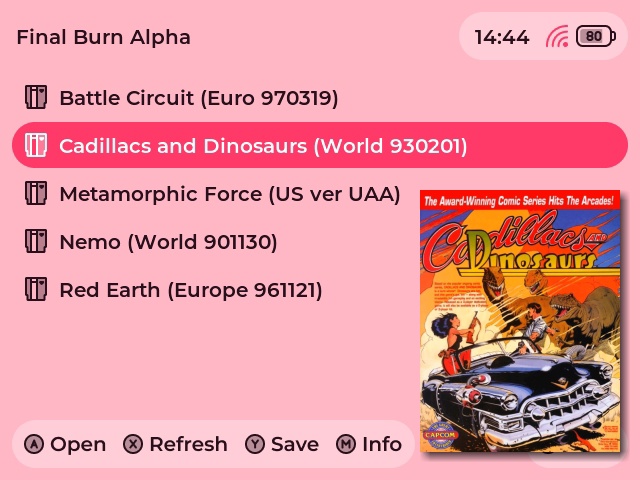
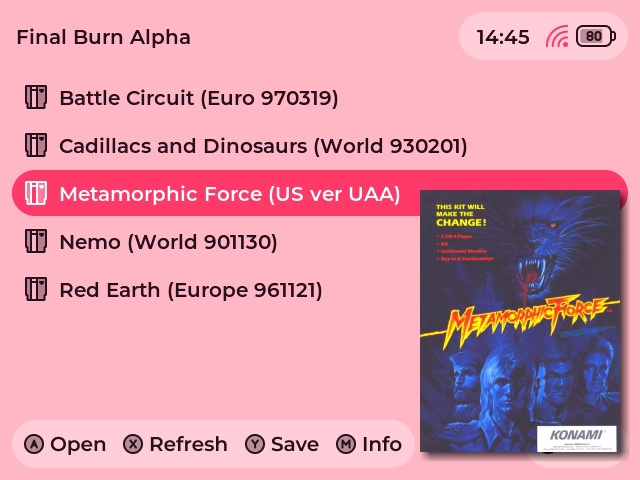
Yeah… The issue is that the header’s “background” is hardcoded into the theme, I can’t adapt its size according to what’s inside
I went the muOS Advance route and assumed everyone will use 24h as a time format
Yeah… The issue is that the header’s “background” is hardcoded into the theme, I can’t adapt its size according to what’s inside
I went the muOS Advance route and assumed everyone will use 24h as a time format
If you don’t like the new layout (which is perfectly understandable btw), bear in mind that a theme using the old layout is available and actively maintained by the lovely @bulkh (thanks for all btw). Here are some links :
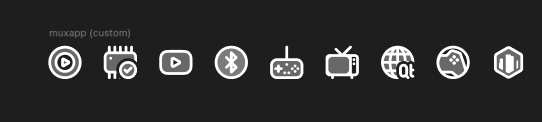
For now, 9 “cutom” apps (aka. apps that are not installed by default on muOS) have custom icons (in order):
I’ll try to add more custom icons in the future, especially for apps listed under Applications > Release. If you are an app developper, and wish to have a custom icon, please message/ping me !
Here’s a small list of apps that will have a custom icon in the future
The Cloud variant looks so great on my white 40XXV 
I’m in love with the Blossom theme, but the launch screen (with the muOS logo) is still in Moon colors.
You can thank @nothisislyra for this color sheme, she is the one who made it
When it comes to the bootlogo, unfortunately that’s a known limitation muOS’s theme engine, this will normally be fixed in the next patch
aaaaaa cool! glad you like it!! i was geeking out just over my colours being included, it totally rules that other people like it and are using it 
So beautifulll!
I love it!!!
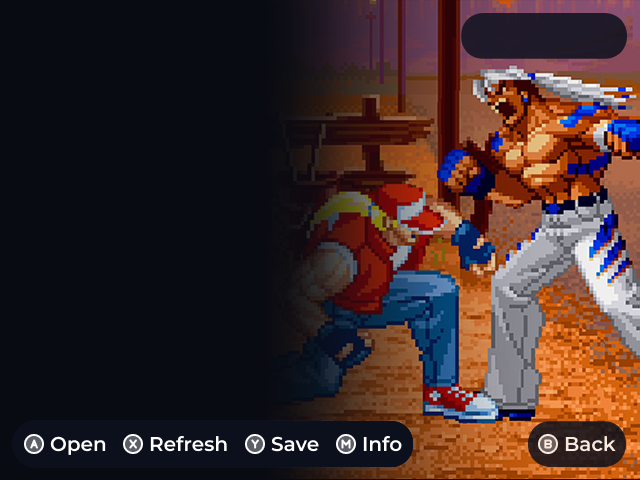
Really like the new overlay footer design. With a few modifications, I was finally able to create some full-screen box art!
Hey !
Sorry I didn’t have the time to respond to your post 
All you need is to go in MUOS/info/catalogue/Folder/grid/ and then rename the “missing” images by the name of the folders you want to give that icon to
Sharing the mask template I use for full-screen box art in the Aurora theme, ensuring visible headers and footers. Custom Full-Screen Box Art for Aurora Theme - PSX, GBA, GBC, Arcade
Thanks to @md9000 !
Hehe. Im found the way to do.So i deleted comment.
Thanks for theme so cute. 
Little update : icons for all the custom apps I linked here have been created and put on GitHub, alongside a much needed README update.
If you want an app to appear themed, please ping me here with a link to the thread 
Would love a 720x720 version one day. Currently trialling the OneTwo 720 version and it’s great; but I love what you’re doing here. The Nebulae layout looks great too. Good work 
It’s the next step, stay tuned !
Update : the new version of Aurora is now available on the theme repository !
please make 720 x 720 version
Hi! Any news about 720x480 rg34xx screen support?
Just discovered this theme having just got a RG35XX H. Really love the theme! Do have a request though if there is a version that could be made to have icons of the systems in the game selection instead of text?