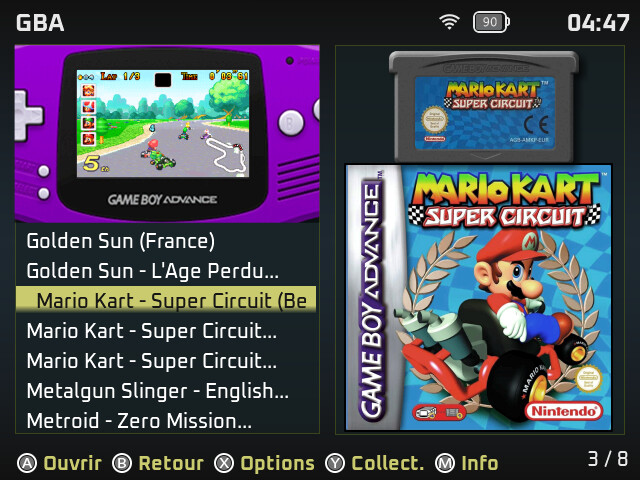
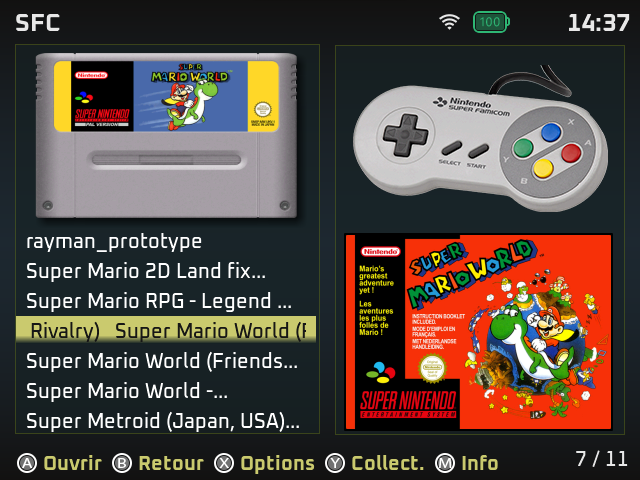
Great the template 
2 Likes
I create a new Github page for all custom xml file to use with the last Scrappy on your theme…
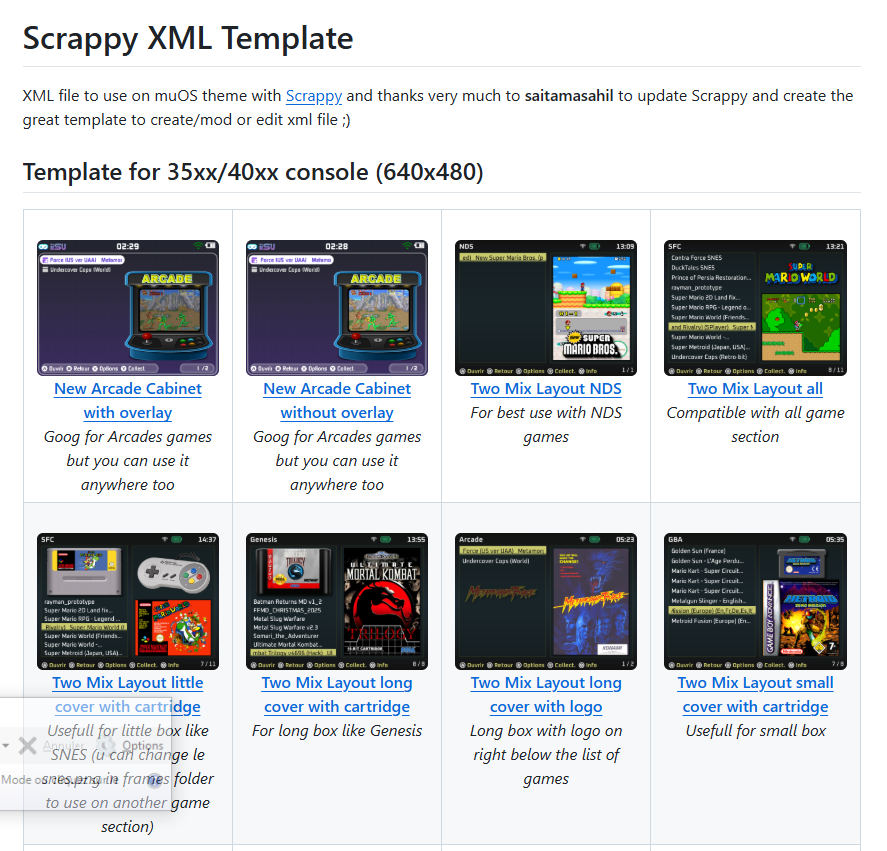
Will added more template for any console format if i have time… feel free to use it, edit and add on your work…
3 Likes
I have added support for higher resolution device so now the ui doesn’t look too small or weird with higher resolution screens like 1920x1080 (anbernic vita pro, muOS support is coming for this device soon).
Please test this scrappy release with your different devices mainly TSP and other non 680x480 devices.
Edit - Link updated to latest beta
1 Like
I have installed scrappy on a fresh muos installation and been unable to scrape and it shows the error “ScreenScraper APIv2 returned invalid / empty Json. Their servers are probably down.”
I get this error since 2 days, and can access screenscraper via browser on my other devices. Is there an issue or something wrong with my installation?
Is your wifi working properly with the device? Check portmaster and try downloading any port. If it’s working then wifi is fine.
Also make sure u haven’t consumed api limit of screenscraper with your account.
If it still doesn’t work then try version 8 beta from here - Gofile - Cloud Storage Made Simple
Due to many changes in the backend, You will have to clean install version 8 and will have to remove version 7.x or below.
(Ignore this step if you haven’t run scrappy before, just go to the step where there is instructions for removing scrappy) - Before removing it, you can back up your cache(Downloaded files from screenscraper):
- Open Scrappy
- Go to Advanced Tools
- Select “Backup Cache to SD1/Archive” or “Backup Cache to SD2/Archive”
- Your cache will be saved and shown in the Archive Manager
Now remove the old version:
- Go to the muOS/application folder
- Find the “scrappy” folder and delete it
After that:
- Install V8
- Once installation is complete, go to the Archive Manager and restore your previously backed up cache
1 Like
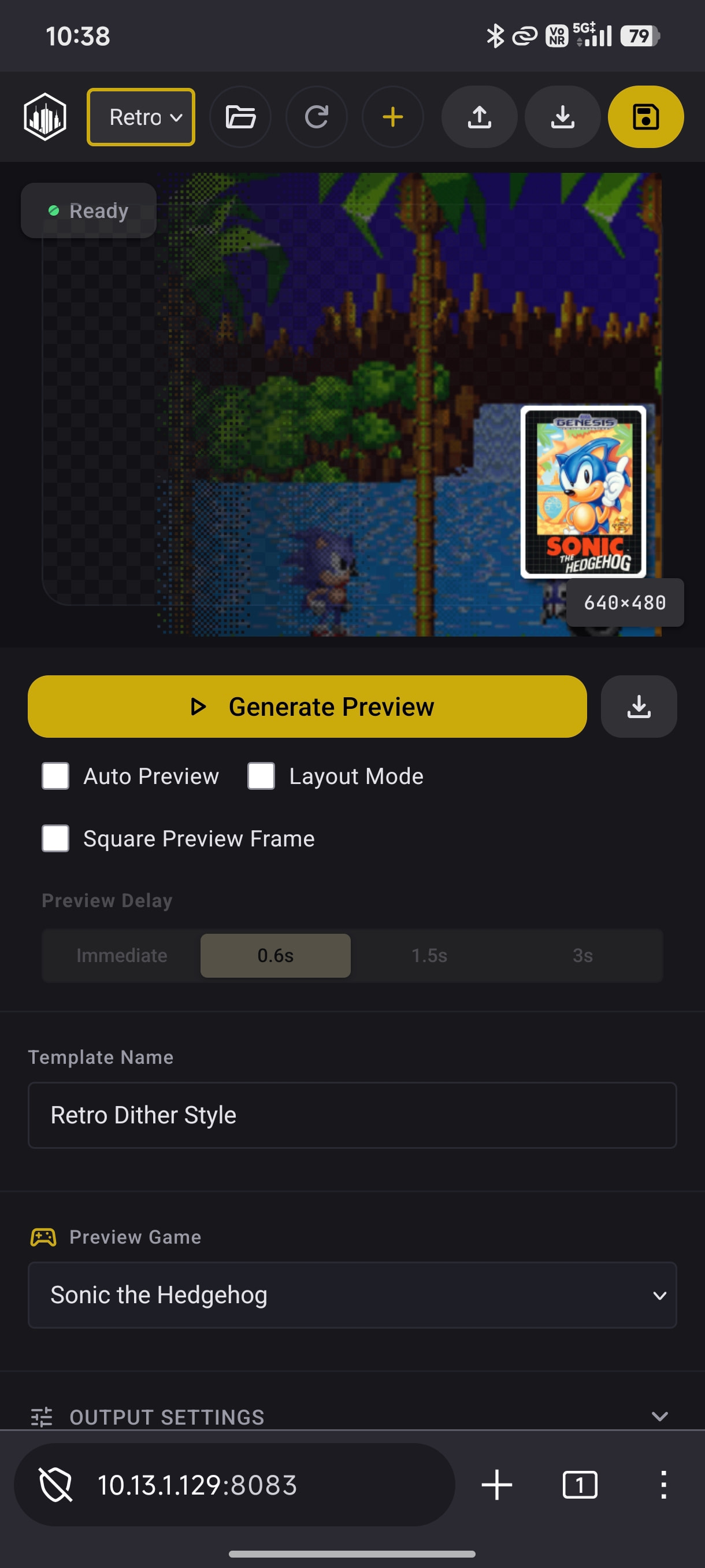
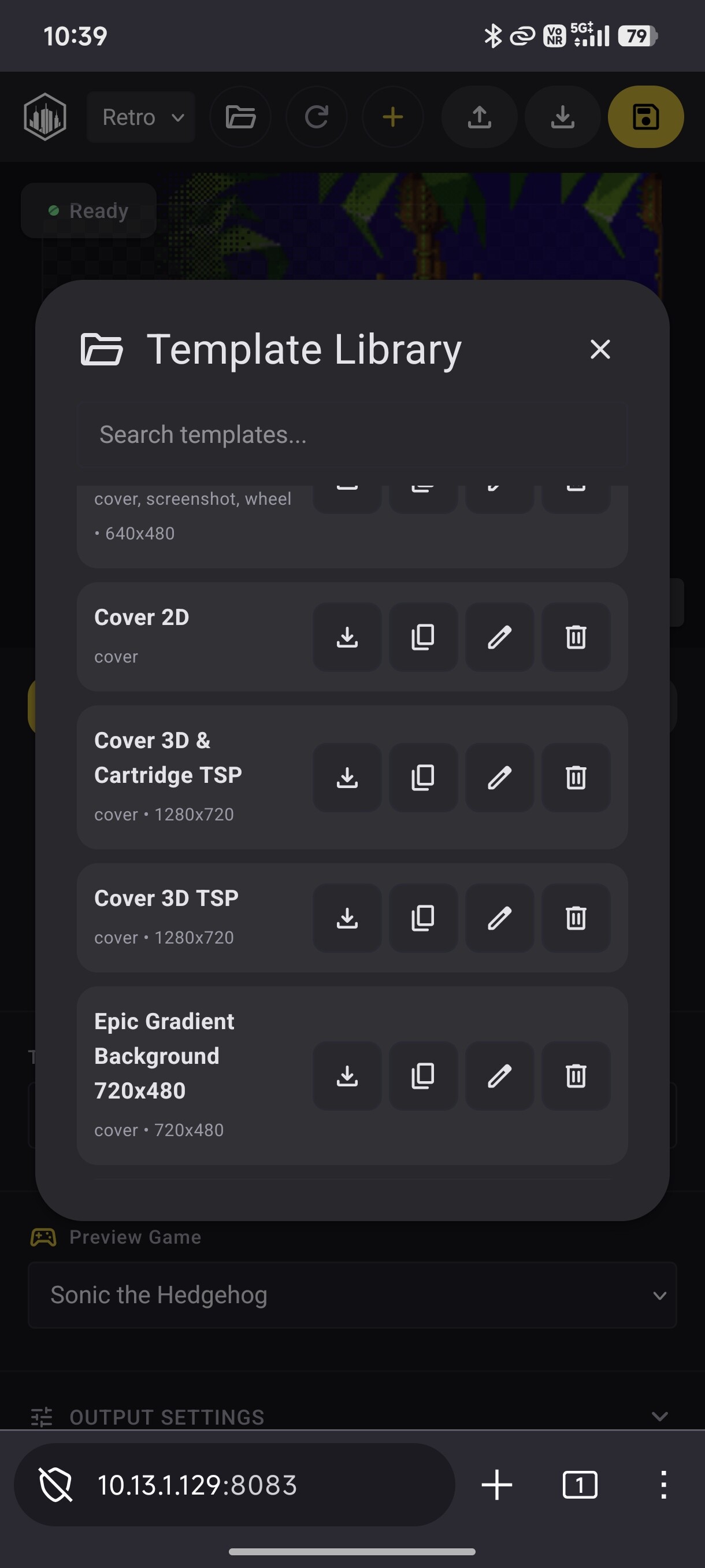
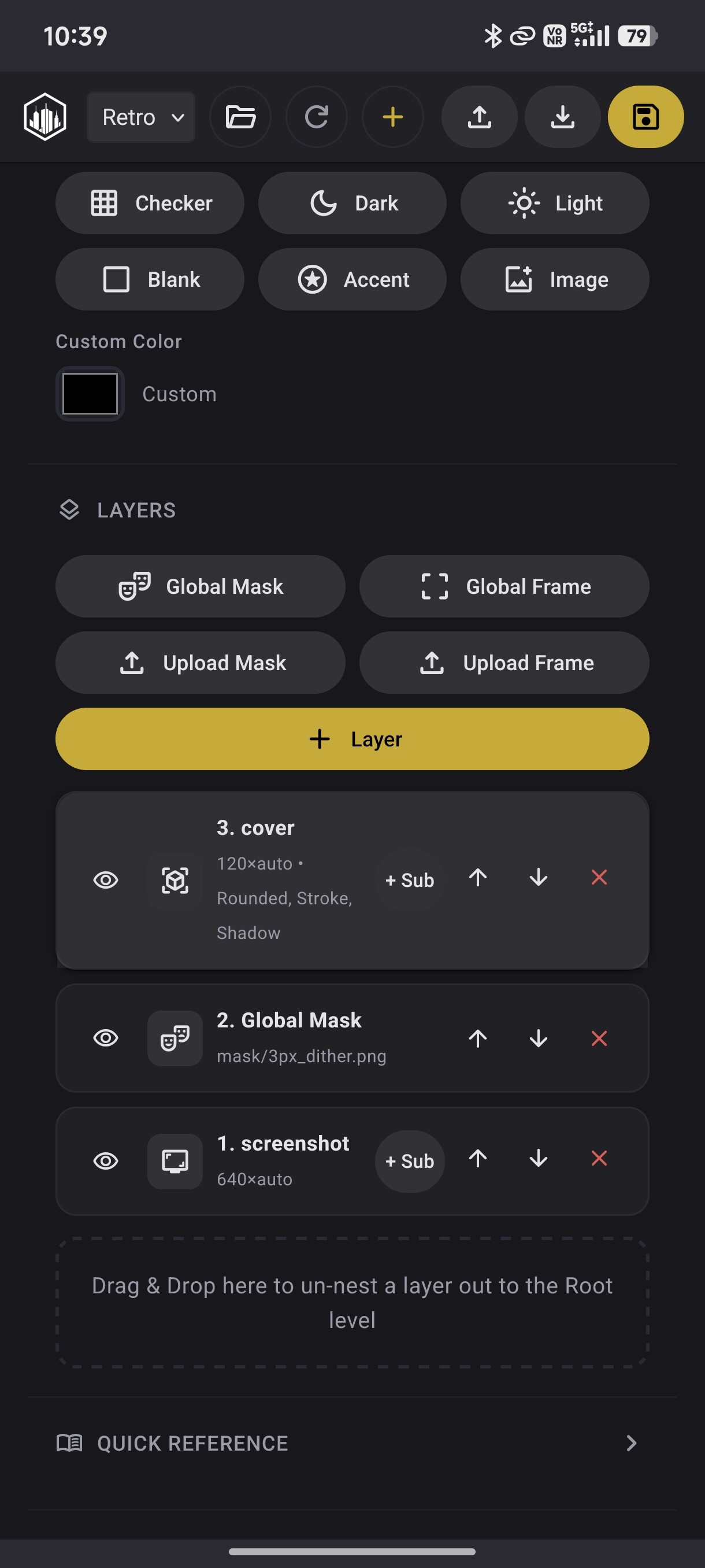
Hi Sahill, I wan’t to start off thanking you for providing a much needed solution. I am struggling with something that might be a problem on my end. Currently I`m scraping using the three mix template. I have already scraped GB and GBC with success, but GBA wont scrape and load splash screens. Any idea on what might be going on?
Hey, have you selected core for gba rom directory in muOS content explorer? Can u show me where ur gba folder exists in folder structure.
I just tested Version 8 and created this account specifically to leave a comment here — wow. I’m genuinely impressed.
This is such a wonderfully polished piece of software. I’ve tried other scraping tool, but nothing else even comes close to the level of quality, care, and smooth experience this provides.
I scraped over 2000+ ROMs, made some of my own templates using template maker, and the whole process was honestly enjoyable. It completely transformed my experience with muOS and made my library look beautiful in a way I didn’t think was possible.
Because of this software alone, I’m now staying on muOS. Huge respect and thanks to the developer for creating something this good. You can really feel the passion and effort behind it.
3 Likes
I’m glad u enjoy scrappy. Let me know if you have any feedback
1 Like
Im trying to use have artwork with the grid mode, but scraping doesn’t work, do i need to activate a config or something?
You need to use v8 for that…
Make backup of cache from advanced tools & remove previous version 7 of scrappy then install this version and restore the cache.
1 Like
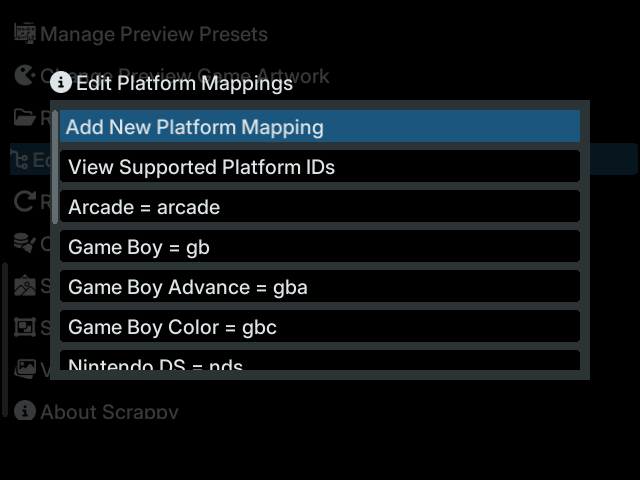
I have to say, v8 is very nice! Keep up the good work!
2 Likes
I believe found a bug in V8. When trying to do a refined search, i cant move the keyboard. Everything else works like changing types, backspace, even typing “A” (The key its stuck on). The keyboard seems to work fine in everything else.
1 Like
Hey, Thanks for reporting this bug. I have fixed it. Download fixed build - Gofile - Cloud Storage Made Simple
Check scrappy usage instruction full video by Dylan from Beyond The Emulator - https://youtu.be/D8bz_zLVOr8?si=iT6VOX1Y348gJIrK
2 Likes
Wow someone has already made a video on it, good work to them hopefully with this more people will enjoy the app and add more customisations 

1 Like
Hello, Sahil. I want to start using Scrappy to pull get my artwork, but I have run into a problem. In this post, you have put up version 8 and then a bug fix for version 8. However, they’re on Gofile and not GitHub. When I try to use the Gofile links, I’m told the file no longer exists. Do you or does anyone else have the latest copy of this fork? Otherwise, I’m inclined to try the original version of Scrappy first before trying 7.0.1.
Hey sahil the gofile link for v8 is down